Outputting log information to the console, Network requirements, Configuration procedure – H3C Technologies H3C SecPath F1000-E User Manual
Page 247
24
NOTE:
Be aware of the following issues while editing file /etc/syslog.conf:
•
Comments must be on a separate line and begin with the # sign.
•
No redundant spaces are allowed after the file name.
•
The logging facility name and the information level specified in the /etc/syslog.conf file must be
identical to those configured on the device using the info-center loghost and info-center source
commands; otherwise the log information may not be output properly to the log host.
Step 4: After log file info.log is created and file /etc/syslog.conf is modified, you need to issue the
following commands to display the process ID of syslogd, kill the syslogd process, and restart
syslogd using the -r option to make the modified configuration take effect.
# ps -ae | grep syslogd
147
# kill -9 147
# syslogd -r &
NOTE:
Ensure that the syslogd process is started with the -r option on a Linux log host.
After the above configurations, the system will be able to record log information into the log file.
Outputting Log Information to the Console
Network requirements
•
Log information with a severity equal to or higher than informational will be output to the console;
•
The source modules are ARP and IP.
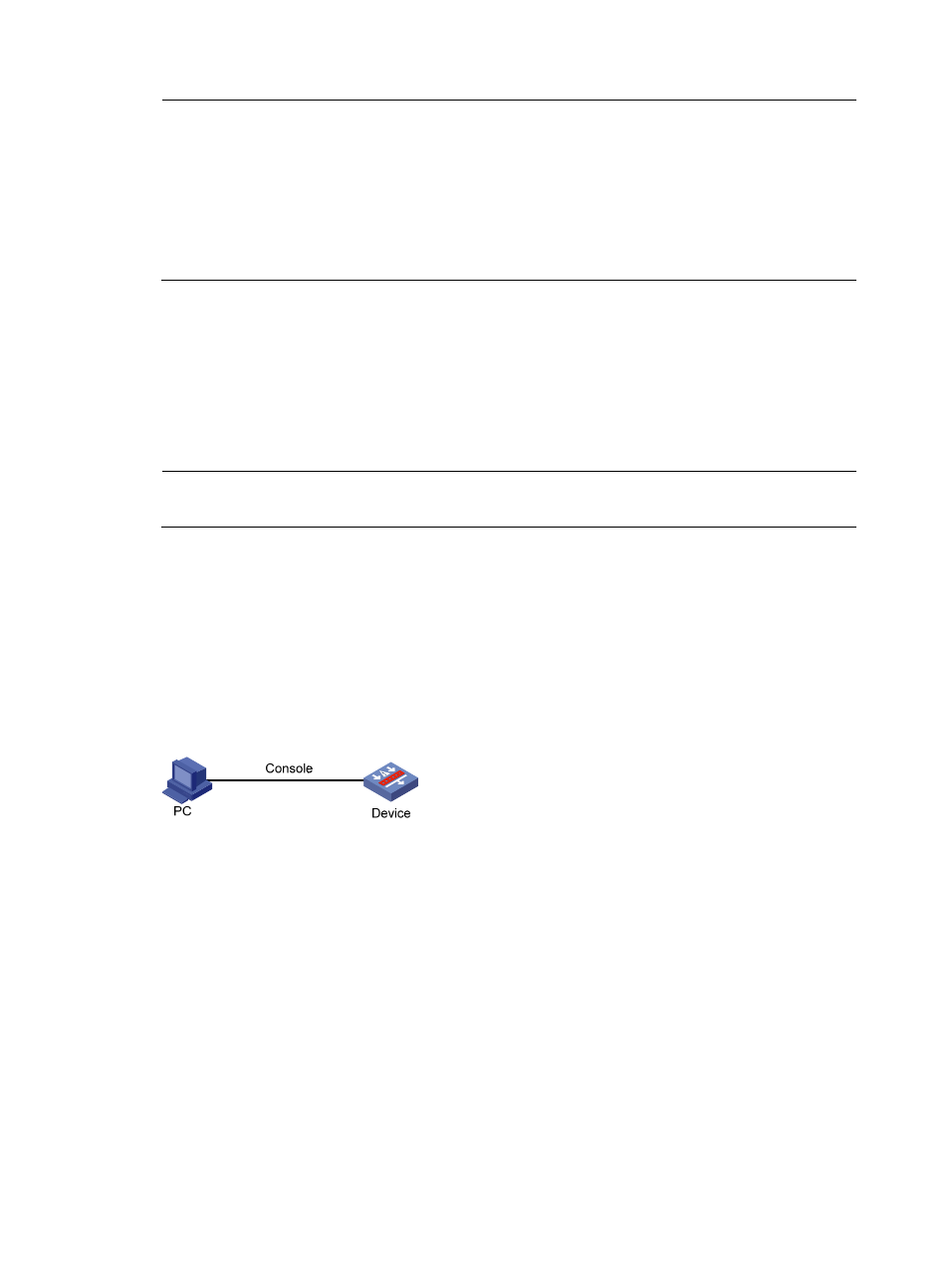
Figure 4 Network diagram for sending log information to the console
Configuration procedure
# Enable information center.
<Sysname> system-view
[Sysname] info-center enable
# Use channel console to output log information to the console (optional, console by default).
[Sysname] info-center console channel console
# Disable the output of log, trap, and debugging information of all modules on channel console.
[Sysname] info-center source default channel console debug state off log state off trap
state off