Hotfix configuration examples, Hotfix configuration example, Network requirements – H3C Technologies H3C SecPath F1000-E User Manual
Page 326: Configuration procedure
9
Hotfix Configuration Examples
Hotfix Configuration Example
Network requirements
•
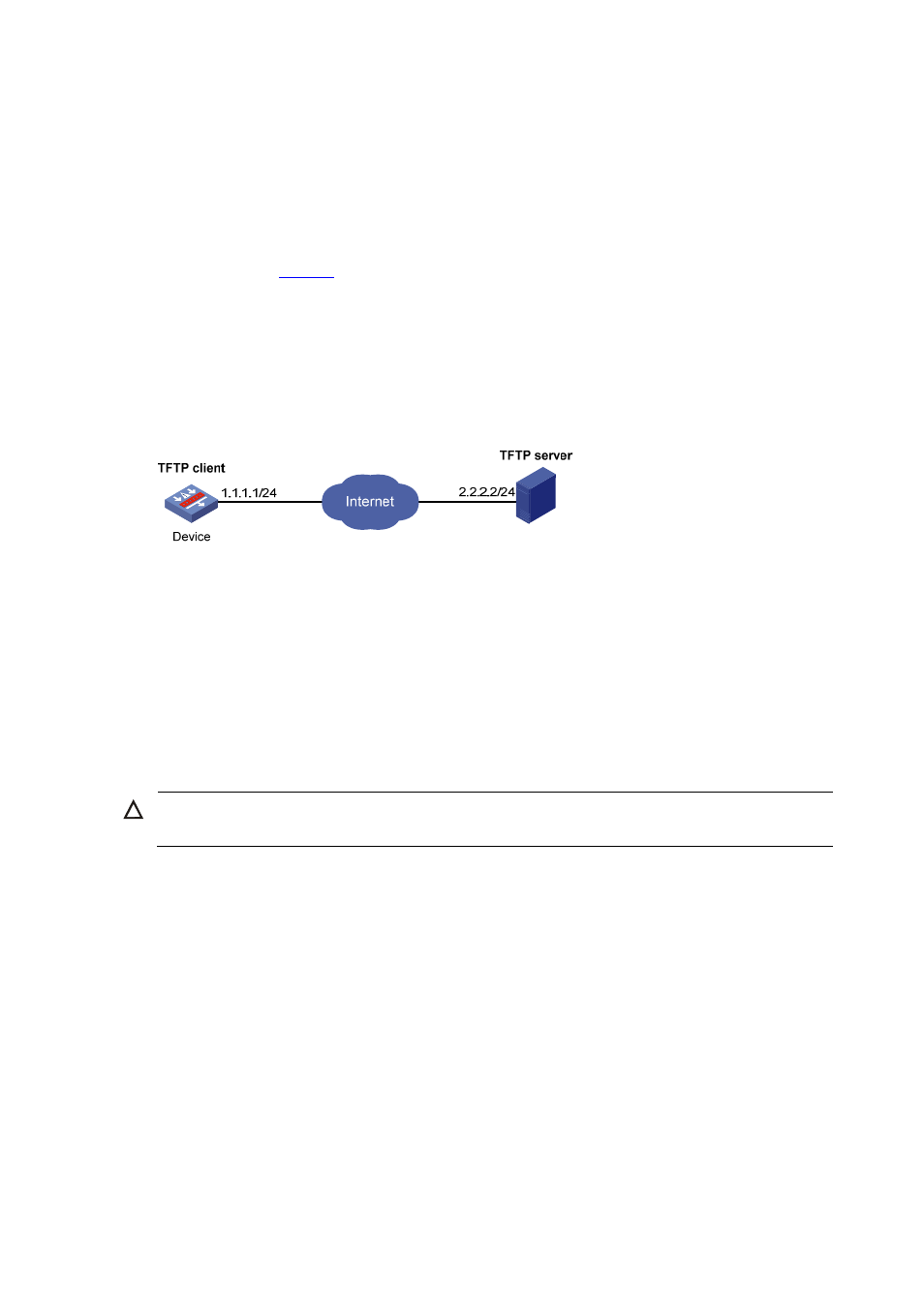
As shown in
, the software running on Device is of some problem, and thus hotfixing is
needed.
•
The patch file patch_xxx.bin is saved on the TFTP server.
•
The IP address of Device is 1.1.1.1/24, and IP address of TFTP Server is 2.2.2.2/24. Device and the
TFTP server can reach each other.
Figure 6 Network diagram of hotfix configuration
Configuration procedure
Step1
Configure TFTP Server. Note that the configuration varies depending on server type and the
configuration procedure is omitted.
•
Enable the TFTP server function.
•
Save the patch file patch_xxx.bin to the directory of the TFTP server.
Step2
Configure Device
CAUTION:
Make sure the free space of the CF card on the device is big enough to store the patch file.
# Before upgrading the software, use the save command to save the current system configuration. The
configuration procedure is omitted.
# Load the patch file patch_xxx.bin from the TFTP server to the root directory of the device storage
medium.
<Device> tftp 2.2.2.2 get patch_xxx.bin
# Install the patch.
<Device> system-view
[Device] patch install cfa0:
Patches will be installed. Continue? [Y/N]:y
Do you want to continue running patches after reboot? [Y/N]:y
Installing patches........
Installation completed, and patches will continue to run after reboot.