Checklist before installation – H3C Technologies H3C SecPath L1000-A Load Balancer User Manual
Page 15
7
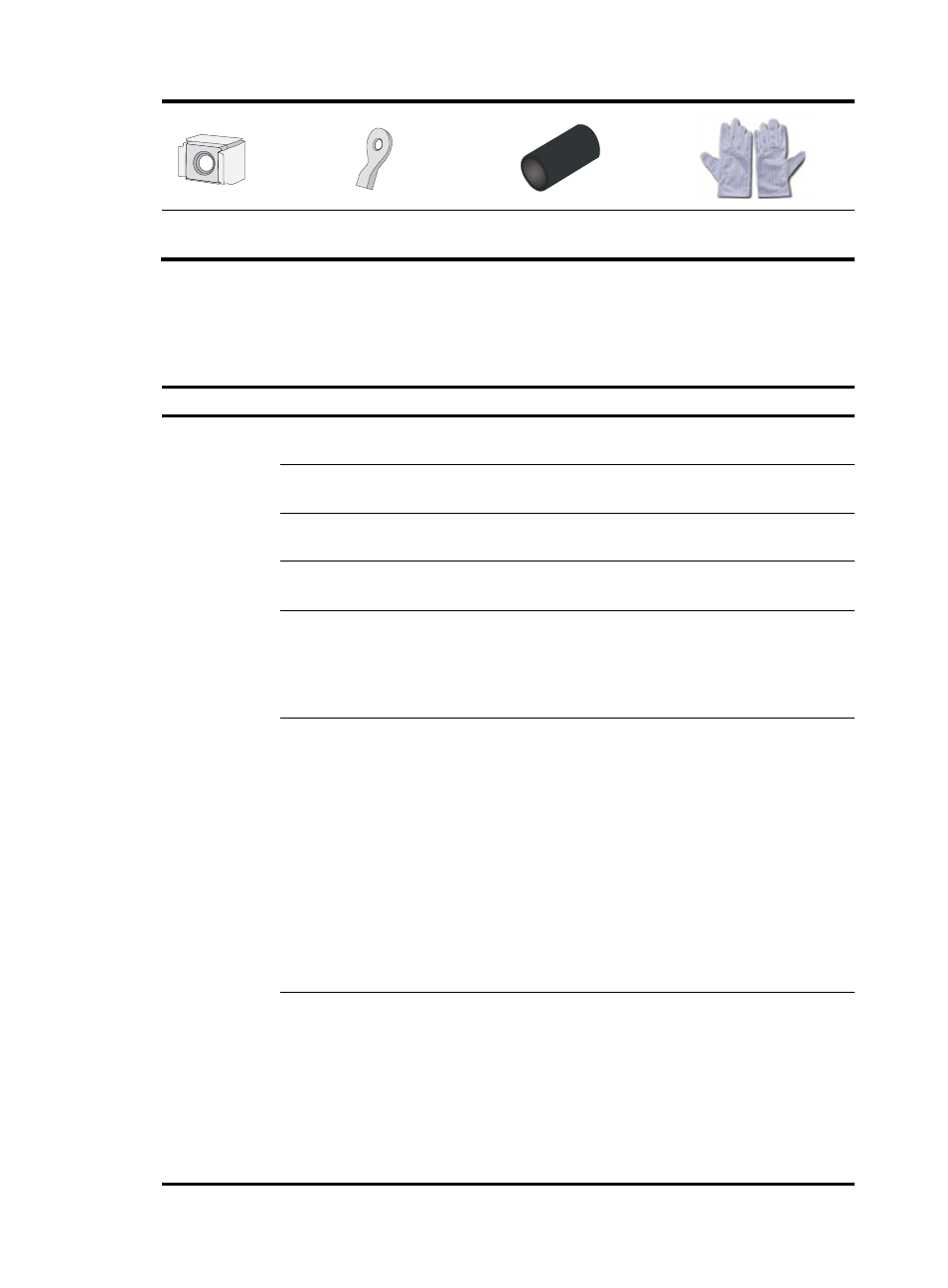
Cage nuts (user-supplied)
Ring terminal
(user-supplied)
Insulation sheath
(user-supplied)
ESD gloves
(user-supplied)
Checklist before installation
Table 4 Checklist before installation
Item Requirements
Result
Installation site
Weight support
The floor can support the total weight of the chassis
and all other components.
Operating ambient
temperature
0°C to 45°C (32°F to 113°F)
Operating ambient
relative humidity
5% to 95% (noncondensing)
Cleanness
•
Dust concentration ≤ 3 × 10
4
particles/m
3
•
No dust on desk within three days
Ventilation
•
There is a minimum clearance of 10 cm (3.94 in)
around the inlet and exhaust vents for heat
dissipation of the L1000-A chassis.
•
A ventilation system is available at the installation
site.
ESD prevention
•
The equipment and rack are well grounded.
•
The equipment room is dust-proof. An anti-static
floor is installed and correctly grounded.
•
The humidity and temperature are at a compliant
range.
•
Wear an ESD wrist strap and uniform when
touching a circuit board.
•
Place the removed power modules and interface
modules on an antistatic workbench, with the
face upward, or put it into an antistatic bag.
•
Touch only the edges, instead of electronic
components when observing or moving a
removed interface module.
EMI prevention
•
Take effective measures to protect the power
system from the power grid system.
•
Separate the protection ground of the L1000-A
from the grounding device or lightning protection
grounding device as far as possible.
•
Keep the L1000-A far away from radio stations,
radar and high-frequency devices working in
high current.
•
Use electromagnetic shielding when necessary.