2 viewfinder setup menu, 3 button assign menu, Viewfinder setup menu – Grass Valley LDK 5307 User Manual
Page 26: Button assign menu
26
LDK 5307 7-inch LCD HD color viewfinder User’s Guide (v3.1)
Chapter 3 - Operation
3.3.2 Viewfinder setup menu
Many viewfinder functions can be set in the viewfinder setup menu.
•
Press the menu button to open the menus.
•
Press vf setup to open the viewfinder setup menu. At the right side of the
screen a list of functions is shown.
•
Turn the rotary control at the right to loop through the list of functions. An
arrow indicates the selected function.
•
Press the menu button again to leave the setup menu.
Tip
Hold the menu button and press a user button to quickly configure the function that
is assigned to that button.
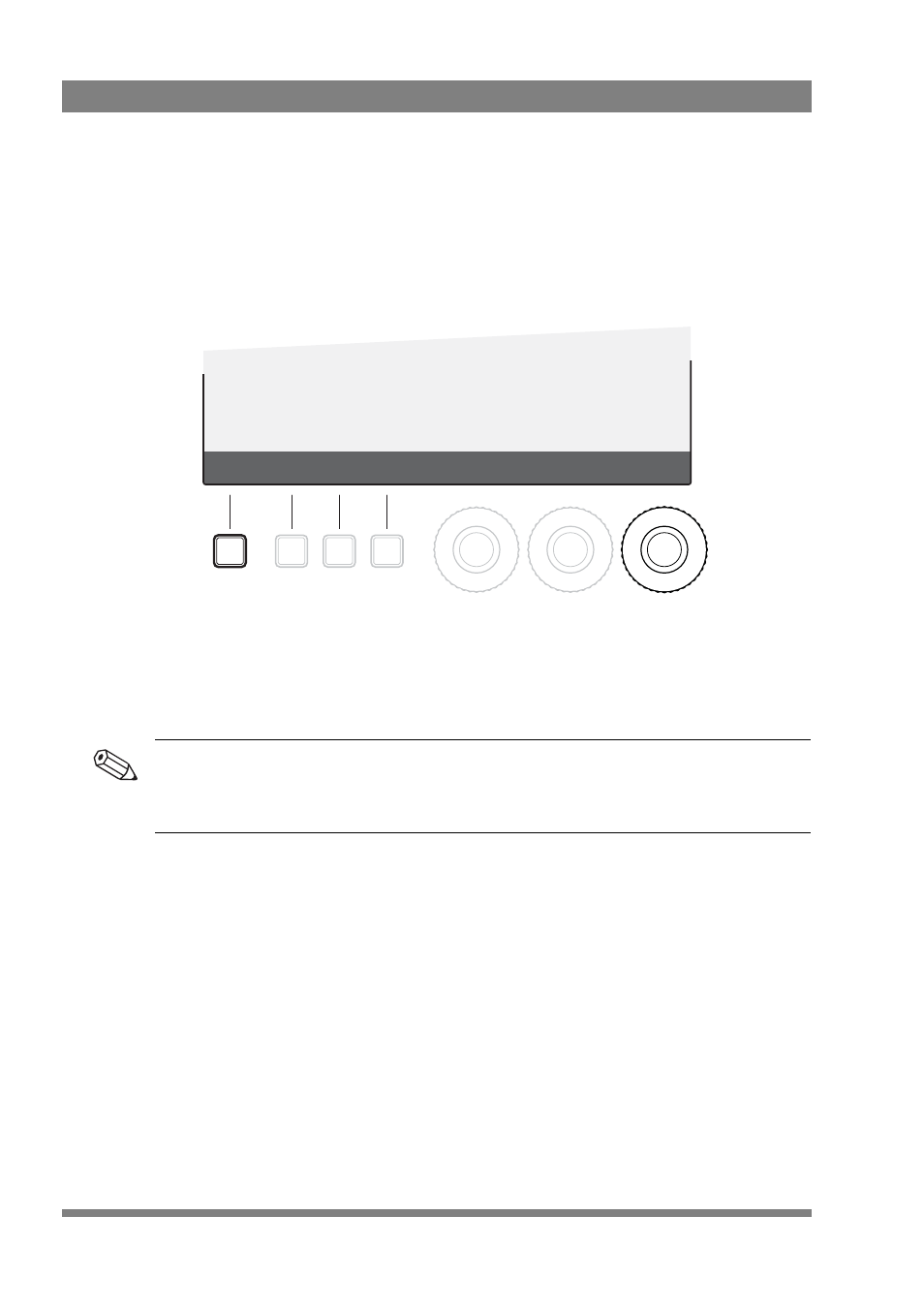
3.3.3 Button assign menu
•
Press the menu button to open the menus.
•
Press button assign to open the button assign menu.
•
Press a user button to change its switching mode: toggle between momentary
(<Mom>) and alternating (<Alt>).
Config1
Config2
Zoom
Color
Mono
Box
CONFIG
EXIT
<Off>
Text
<Whit>
PkCol
<Med>
IndLvl
NEXT
PREV