2 configuration 1 menu (config1), 3 configuration 2 menu (config2), Configuration 1 menu (config1) – Grass Valley LDK 5307 User Manual
Page 30: Configuration 2 menu (config2)
30
LDK 5307 7-inch LCD HD color viewfinder User’s Guide (v3.1)
Chapter 4 - Viewfinder setup
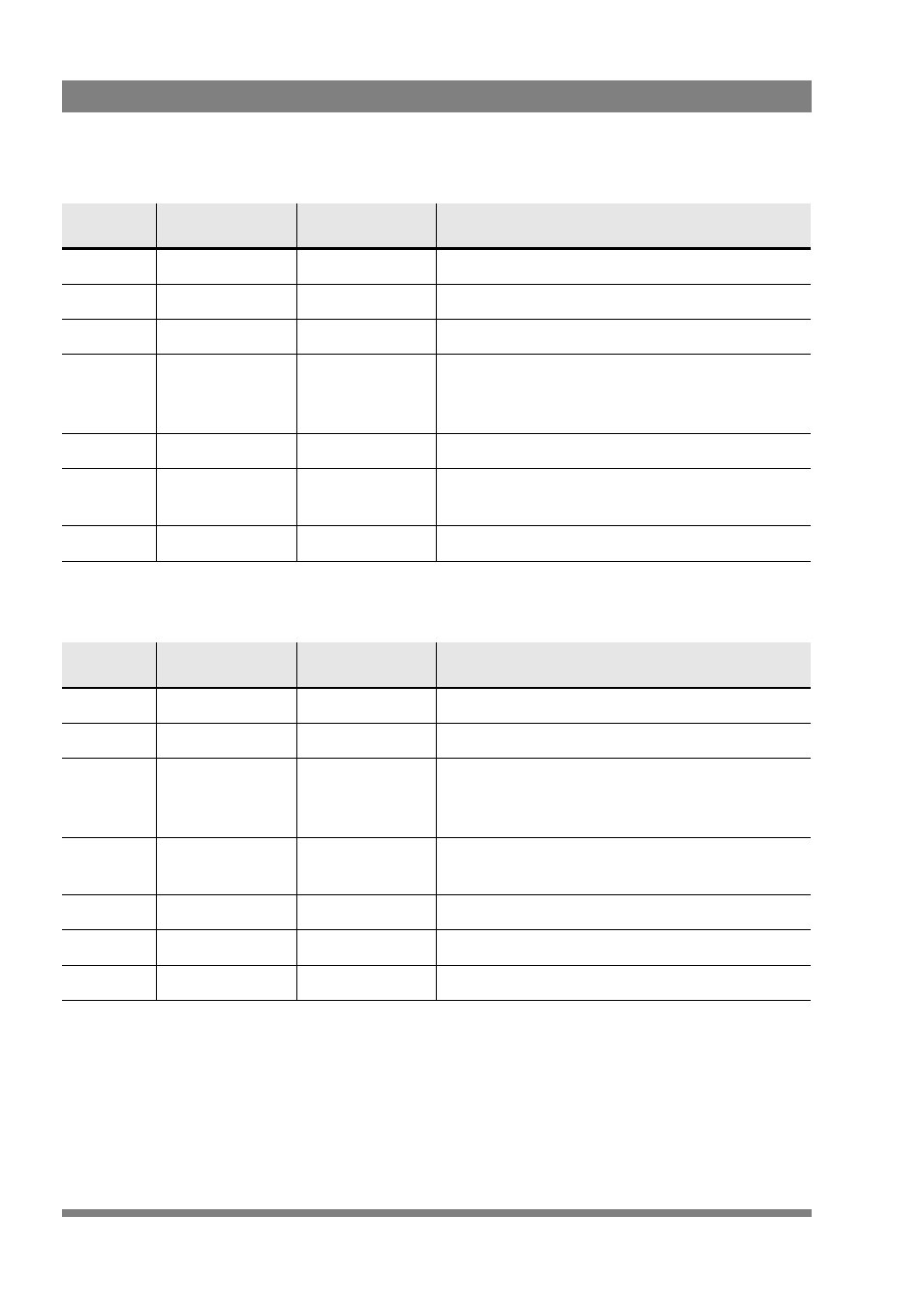
4.1.2 Configuration 1 menu (CONFIG1)
4.1.3 Configuration 2 menu (CONFIG2)
*) This is a camera system function.
Control
Item
Value(s)
Description
Menu
EXIT
CONFIG
Exits the configuration 1 menu.
Button1
—
—
—
Button2
—
—
—
Button3
FACTORY
RESET
Resets the viewfinder’s settings to their
factory defaults. The factory defaults are
shown in the value(s) column in bold.
Rotary1
—
—
—
Rotary 2
NoSignal
Black, Input,
Bars
Selects signal when no camera signal is
present.
Rotary 3
PREV
↑
NEXT
↓
Selects a menu from the list.
Control
Item
Value(s)
Description
Menu
EXIT
CONFIG
Exits the configuration 2 menu.
Button1
Text *)
On > Off
Turns viewfinder on-screen text on or off.
Button2
PkCol
Whit, Red, Grn,
Blue, Yell,
Mgnt, Cyan
Selects the color of the viewfinder peaking
signal.
Button3
INDADJ
—
Push to enter the indicator adjustment
submenu.
Rotary1
—
—
—
Rotary2
—
—
—
Rotary3
PREV
↑
NEXT
↓
Selects a menu from the list.