Edpm effects menus, Pm mode, Figure 180 – Grass Valley Kayenne v.3.0 User Manual
Page 270
Advertising
270
KAYENNE — User Manual
Section 3 — System Operation
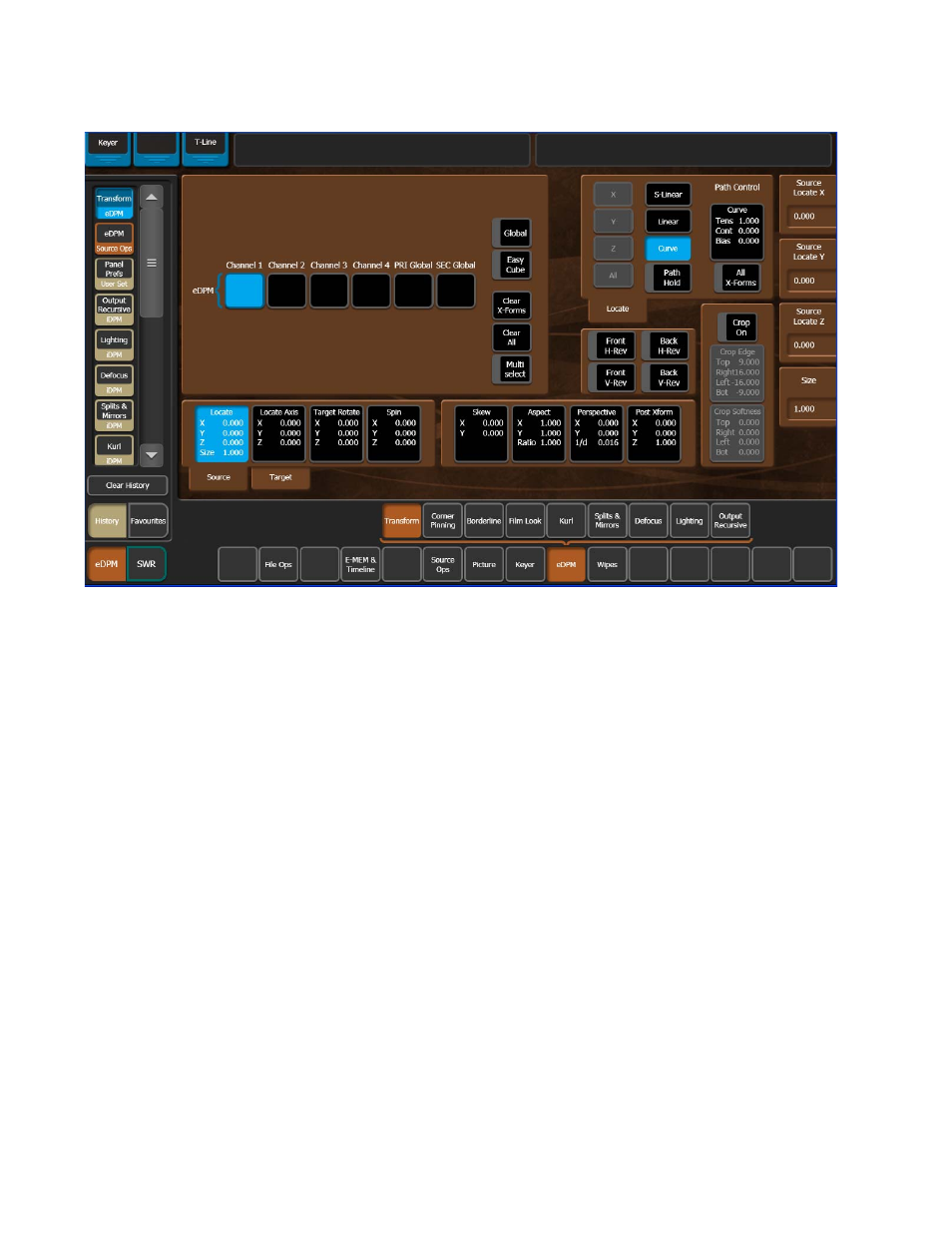
Figure 180. eDPM Mode & Menus
eDPM Effects Menus
The eDPM Transform menu is identical to the iDPM Transform menu
(Transform Menu
) in all ways except the ME/Keyer selection
matrix (upper left pane) is replaced with the four channels of the eDPM
(
), however the functionality is the same in regard to selecting
channels and Global Channels.
The remainder of the eDPM effects menus operate the same as in iDPM:
•
Borderline (Borderline Menu
),
•
Film Look (Film Look Menu
•
Kurl (Kurl Menu
),
•
Splits & Mirrors (Splits Mirrors Menu
),
•
Lighting (Lighting Menu
), and
•
Output Recursives (Output Recursive Menu
).
Advertising
This manual is related to the following products: