File operations – Grass Valley Kayenne v.3.0 User Manual
Page 414
414
KAYENNE — User Manual
Section 3 — System Operation
File Operations
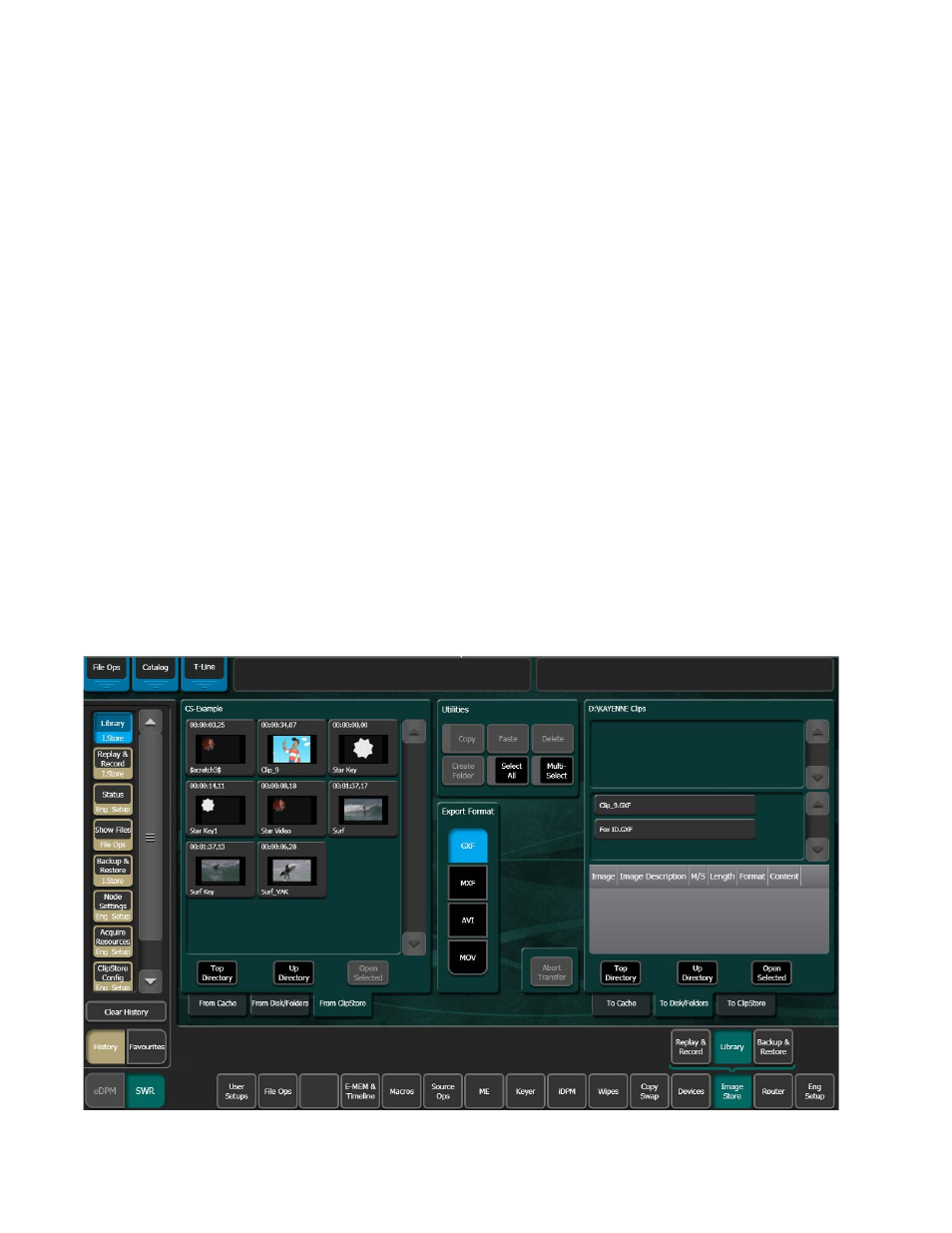
ClipStore file transfers are performed in the ClipStore Library menu. Touch
Image Store
,
Library
. Files can be imported or exported using the
Copy
/
Paste
(or
Cut
/
Paste
in the case of ClipStore to ClipStore folder transfers) buttons
in the To and From ClipStore and Disk/Folder menu tabs (
).
Note
File renaming is not supported in the ClipStore Library menus.
File transfers can be performed from/to the following locations from the
Kayenne Menu Panel:
•
ClipStore Server,
•
Image folder on the Kayenne Menu Panel,
•
USB Storage Devices (seen as Removable Disks) and
•
External USB Disk Drives (seen as Hard Disk Drives).
USB storage devices can be inserted into the USB ports on both the Clip-
Store server and on the Kayenne Menu Panel. Memory Sticks will be seen
as Removable Disks and will be displayed in the From Disk/Folders and
To Disk/Folders menu tabs. External USB Disk Drives will also be seen in
the From and To Disk/Folders menu tabs however first a shared folder is
needed on the device (see Creating a Shared Folder for External USB Disk
Drives
Figure 259. ClipStore Library Menu—File Transfer