Glow/appearance – Grass Valley 4300 Krystal Reference Manual v.3.1 User Manual
Page 126
7-18
Krystal 4300 Reference
Section 7 — Picture Menu
Glow/Appearance
Pressing the
DEFOCUS MODE
soft button to select
GLOW
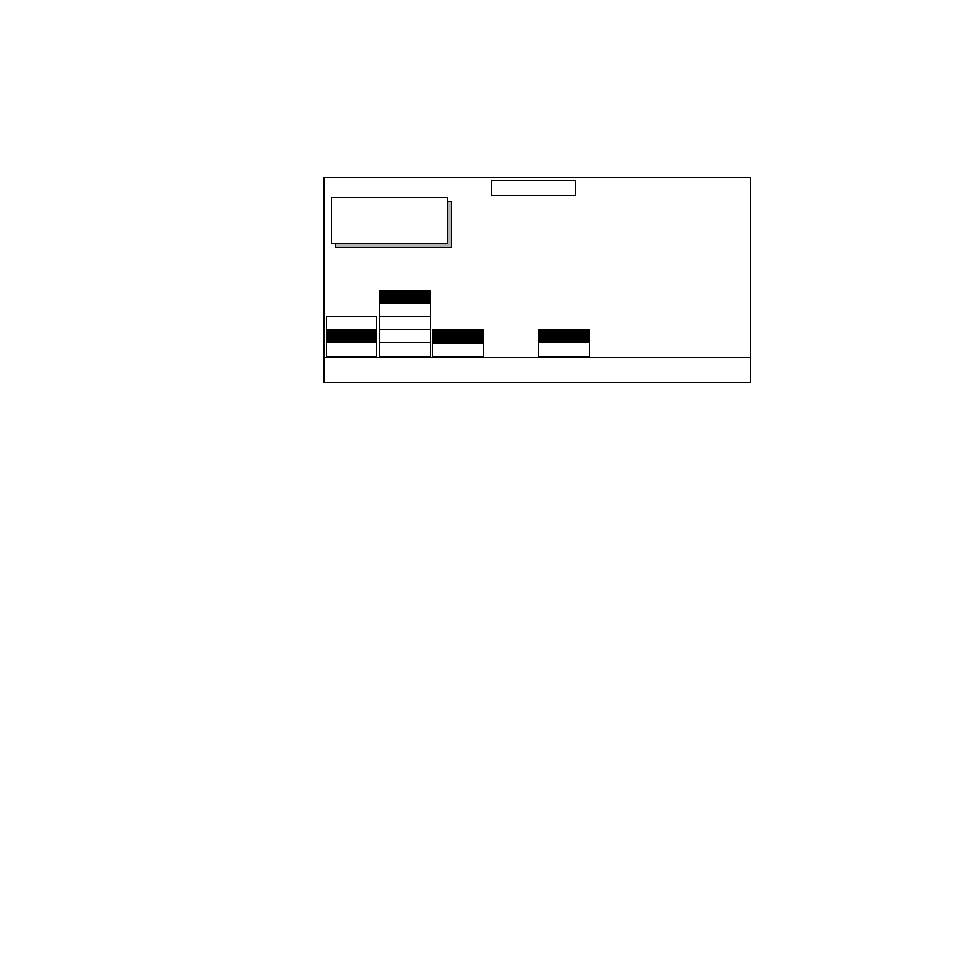
displays a screen
similar to the following.
GLOW TYPE
— selects from the following types of glows.
GLOW –
Displays a glow matte around the edges of a keyed or cropped
source image.
GLOW ONLY
–
Same as above but fills the original keyed or cropped image
with the glow matte. The source video is not displayed.
SELF GLOW
–
Displays the entire source image combined with the glow
around the key or cropped borders.
SELF & ONLY
–
Displays the entire source image combined with the glow
and fills the portion of the image within the key or cropped edges with
glow matte.
OUTLINE
–
Displays only the glow around the edges of the keyed or
cropped image. The source video is not displayed.
MODIFY
— selects between
APPEARNCE
and
MATTE
controls.
When
APPEARNCE
is selected (see previous figure), the following soft button
is available:
HORIZ/VERT
— allows adjustment of the glow edges simultaneously or sep-
arately in the horizontal and vertical directions.
BOTH
— the selected glow type is applied both horizontally and verti-
cally using a single labeled soft knobs.
SEP H/V
— the selected glow type is applied horizontally and vertically
using separate soft knobs.
OFF
GLOW
DEFOCUS
OUTLINE
SELF&ONLY
SELF GLOW
GLOW ONLY
GLOW
MATTE
APPEARNCE
SEP H/V
BOTH
DEFOCUS
MODE
GLOW
TYPE
MODIFY
HORIZ/
VERT
+ GLOW
50.0000
SOFTESS
25.0000
OPACITY
100.0000
Displayed:
Register:
Keyframe:
Cur.Time:
DEFOCUS/GLOW