Freeze/timing, Motion decay/appearance, Motion decay/timing – Grass Valley 4300 Krystal Reference Manual v.3.1 User Manual
Page 138
7-30
Krystal 4300 Reference
Section 7 — Picture Menu
Freeze/Timing
The
TIMING
selection applies to all of the recursive modes and is discussed
near the end of this section on
.
Motion Decay/Appearance
The
MTN DECAY
selection causes motion in the video image to leave a blurred
remnant behind as it moves. The
APPEARNCE
selection allows you to modify
the appearance of the motion decay.
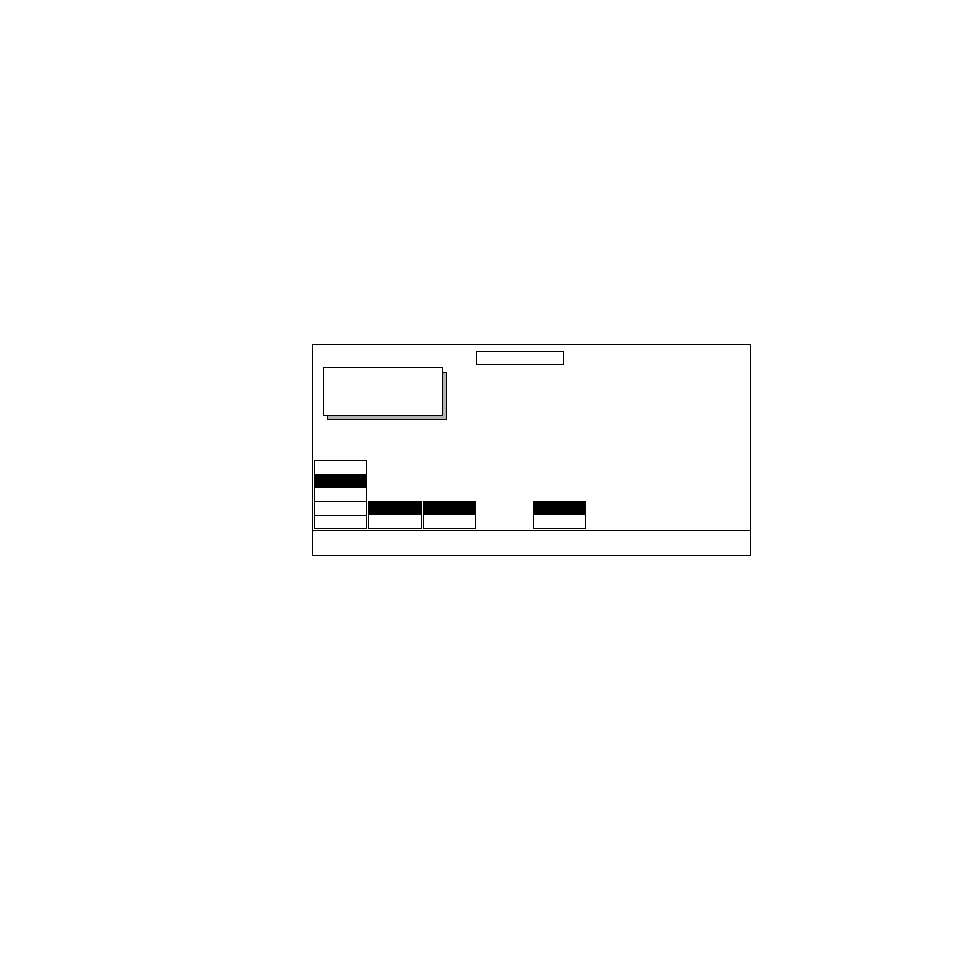
To access the Motion Decay/Appearance selections shown below, press the
RECURSIVE MODE
soft button to select
MTN DECAY
, and press the
MODIFY
soft
button to select
APPEARNCE
.
APPEARNCE
— allows you to adjust the appearance of the motion decay
using the selections and soft knobs described below:
DECAY
— sets the mix of old video to new video. The zero setting results
in no new video.
LOOP
—
ON
starts the recursive effect.
OFF
stops the recursive effect and
returns to live video.
KEYFRAME RESET
—
ON
resets the loop and starts the recursive effect over
again at each keyframe where Keyframe Reset is on.
OFF
does not reset the
loop at each keyframe.
Motion Decay/Timing
The
TIMING
selection applies to all of the recursive modes and is discussed
near the end of this section on
.
OUTPUT RECURSIVE
Displayed:
Register:
Keyframe:
Cur.Time:
RECURSIVE
MODE
MODIFY
LOOP
KEYFRAME
RESET
DECAY
20.0000
OFF
ON
OFF
ON
TIMING
APPEARNCE
OFF
TRAILS
MONTAGE
MTN DECAY
FREEZE