Chapter 3, Menu structure – Grass Valley DCR 4000 User Manual
Page 29
v4.0
DCR 4000 User’s Guide | Menu Structure
3-1
Chapter 3
Menu Structure
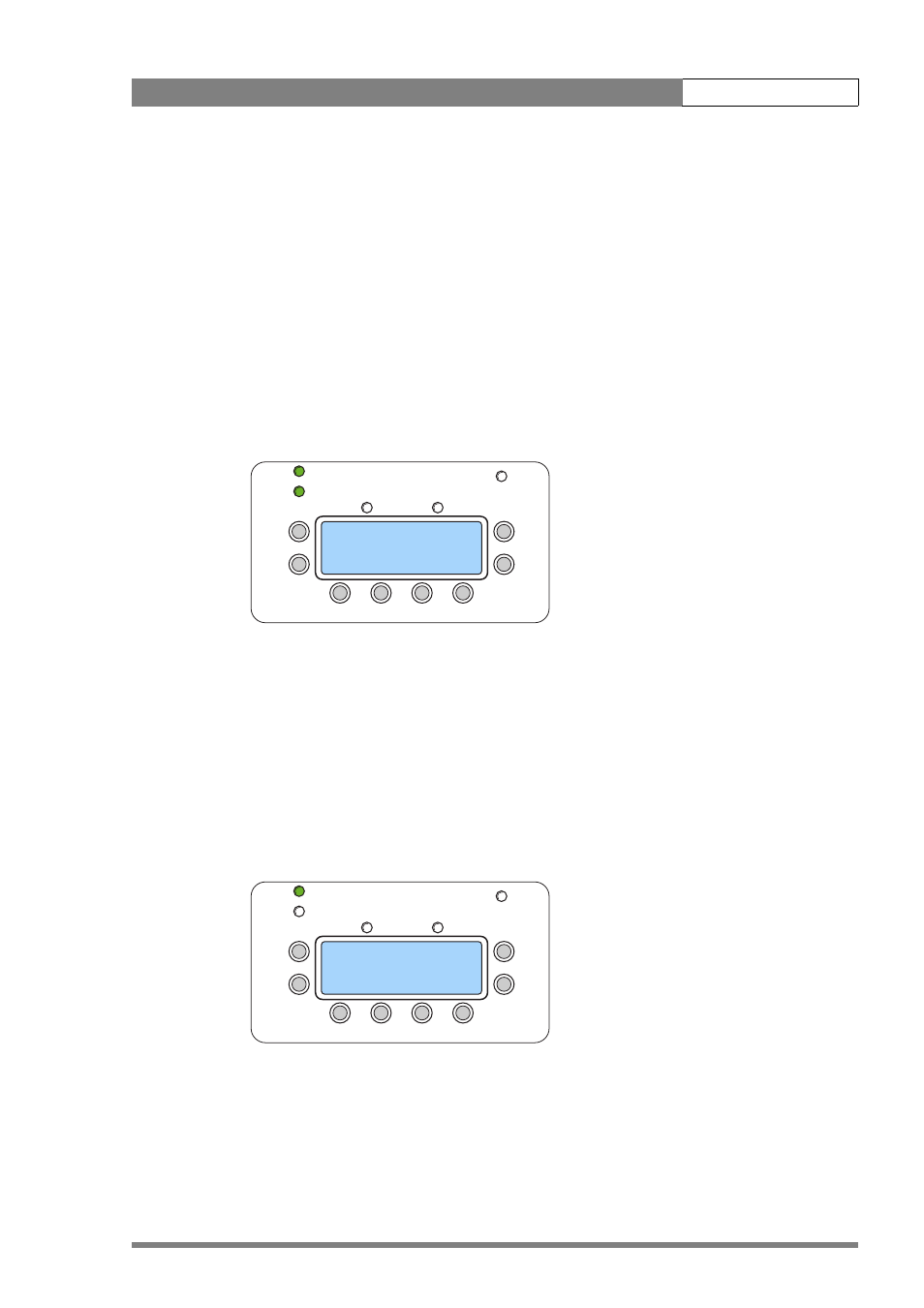
From the Idle screen, further menus are available
All menu navigation is carried out by means of the four buttons: [UP], [DOWN], [ESC] and [SEL]
(select). The cursor is a right pointing '>' at the left hand side of the screen. At the right of the
screen a down arrow or up arrow shows whether there are more options which can be
reached by means of the [UP] and [DOWN] buttons.
Pressing [SEL] opens the selected menu item and moves to the next level down in the
structure, while pressing [ESC] returns to the previous level.
In the Idle screen shown above, the cursor is pointing at the currently selected TAKE. Pressing
[DOWN] once moves the cursor to the Metadata selection, and pressing [DOWN] again
causes the screen to scroll to show the next line, as shown here
There are three lines available on the top menu level:
–
TAKE
–
METADATA
–
TOOLS AND SETTINGS
RECORD
RECORD
POWER
POWER
LIGHT
LIGHT
ESC
ESC
UP
UP
DOWN
DOWN
PLAY
PLAY
READY
READY
SEL
SEL
PLAY
PLAY
STOP
STOP
REC
REC
REMAINING TIME 02:12
IN:1080psf24 dL ...
> TAKE 009 03:28
NO METADATA ↓
RECORD
RECORD
POWER
POWER
LIGHT
LIGHT
ESC
ESC
UP
UP
DOWN
DOWN
PLAY
PLAY
READY
READY
SEL
SEL
PLAY
PLAY
STOP
STOP
REC
REC
REMAINING TIME 35%
TAKE 009 03:28 ↑
NO METADATA
> TOOLS AND SETTINGS