Moving the axes with distance-to-go – HEIDENHAIN ND 930 User Manual
Page 19
Advertising
19
ENT
5
X
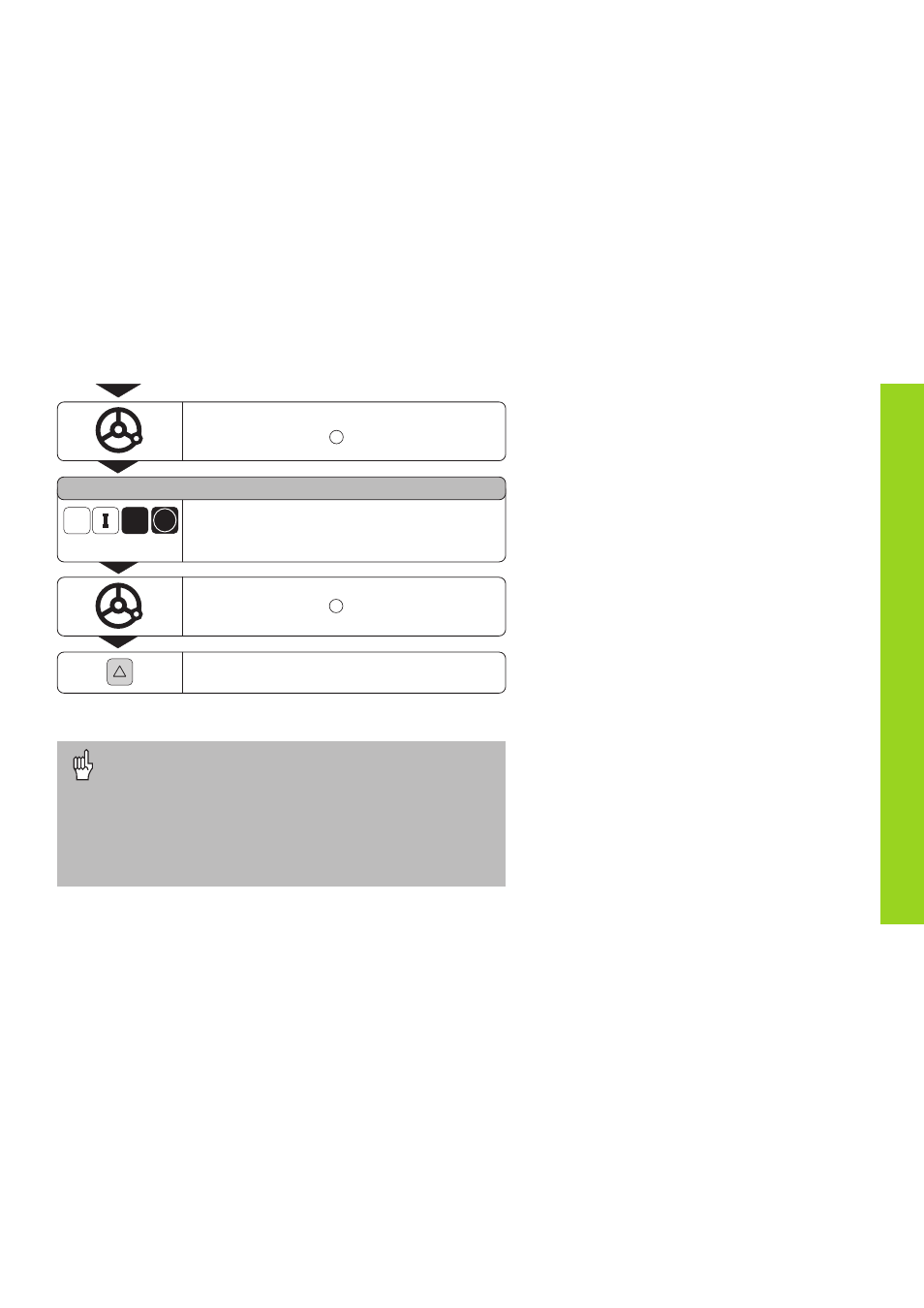
Move the Z axis until the display value is zero.
The tool is at position
2
.
NOML. VALUE X =
Select the axis (for example X), mark as
incremental dimension, enter the nominal
coordinate (such as 5 mm) (radius), and confirm.
Move the X axis until the display value is zero.
The tool is at position .
End the distance-to-go mode.
The
∆
symbol goes out.
Moving the Axes with Distance-To-Go
3
•
If an oversize is active (see “Turning with Oversizes”),
OVERSIZE ON will appear in the message field when you
select the distance-to-go mode (clear the message with the
CL key).
•
For the oversize to be correctly applied you must enter the
first nominal coordinate as an absolute dimension.
•
Oversizes are applied correctly only in the sum display.
Advertising
This manual is related to the following products: