Creating a new directory, Creating a new file, 4 w o rk ing with the file manag e r – HEIDENHAIN TNC 640 (34059x-01) ISO programming User Manual
Page 100
Advertising
100
Programming: Fundamentals, File Management
3.4 W
o
rk
ing with the File Manag
e
r
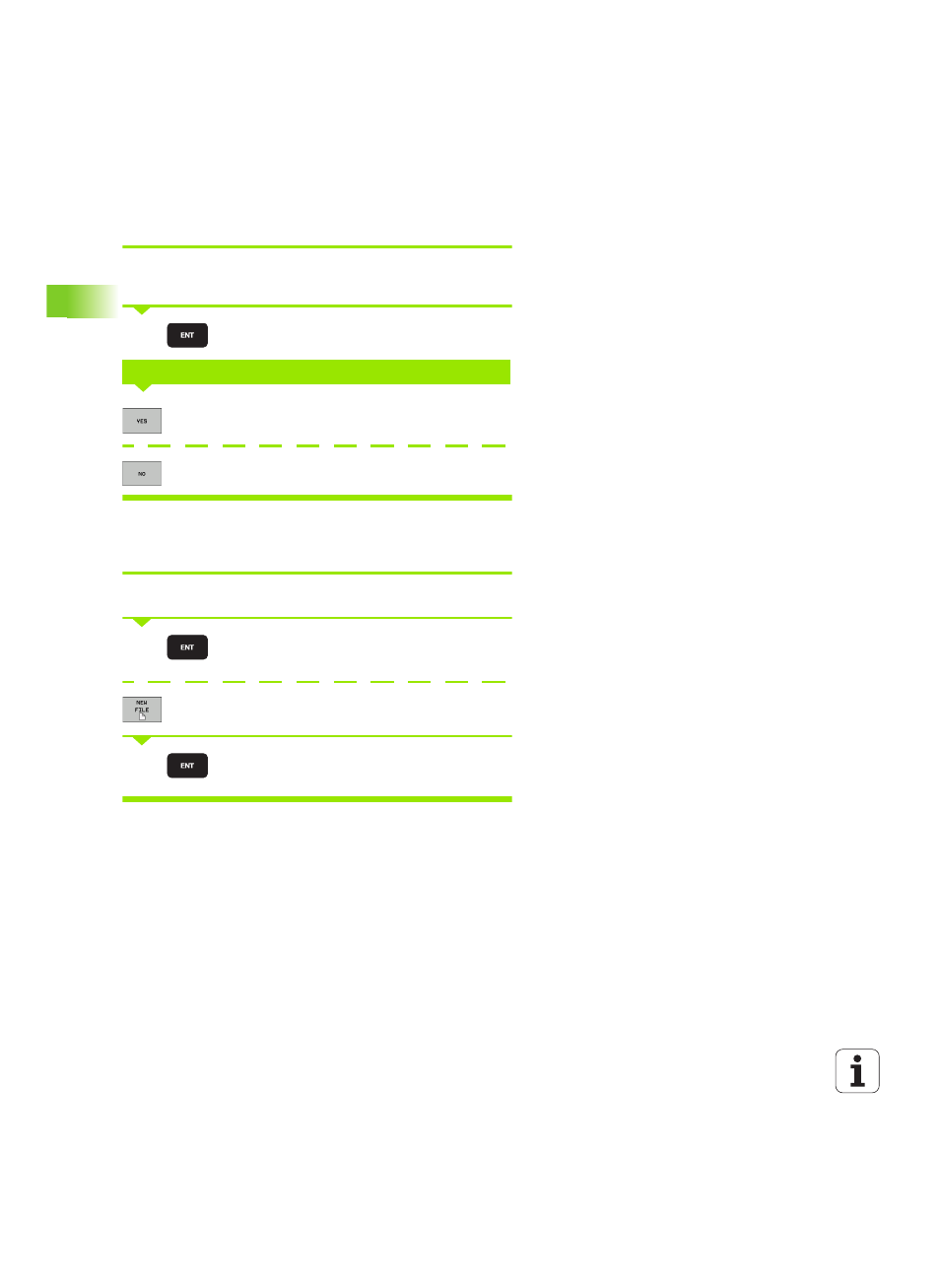
Creating a new directory
Move the highlight in the left window to the directory in which you
want to create a subdirectory
Enter the new file name, and confirm with ENT
Press the YES soft key to confirm, or
Abort with the NO soft key
Creating a new file
Select the directory in which you wish to create the new file
Enter the new file name with the file extension, and
confirm with ENT
Open the dialog box for creating a new file
Enter the new file name with the file extension, and
confirm with ENT
CREATE \NEW DIRECTORY?
NEW
NEW
NEW
Advertising