PLANET CS-1000 User Manual
Page 105
Multi-Homing Security Gateway User’s Manual
From Source: Specify the VPN source to LAN or DMZ site.
From Source Subnet / Mask: Specify the source’s LAN network subnet and Mask.
To Destination:
-
To Destination Subnet / Mask:
Specify the destination LAN network subnet and
Mask.
- Remote
Client:
Select Remote Client if there is only one user and dials up to Internet
with PPPoE or cable modem.
Tunnel:
-
Add VPN tunnel:
Select the VPN tunnel you want to add in Available Tunnel, and
click the Add>> button to add them to the Select Tunnel.
-
Remove VPN tunnel:
Select the VPN tunnel you want to remove in Select Tunnel,
and click the Remove>> button to remove them to the Available Tunnel.
Keep Alive IP: Specify Remote Gateway’s LAN IP address to keep alive the VPN tunnel
Show remote Network Neighborhood: Select to show the remote Network Neighborhood.
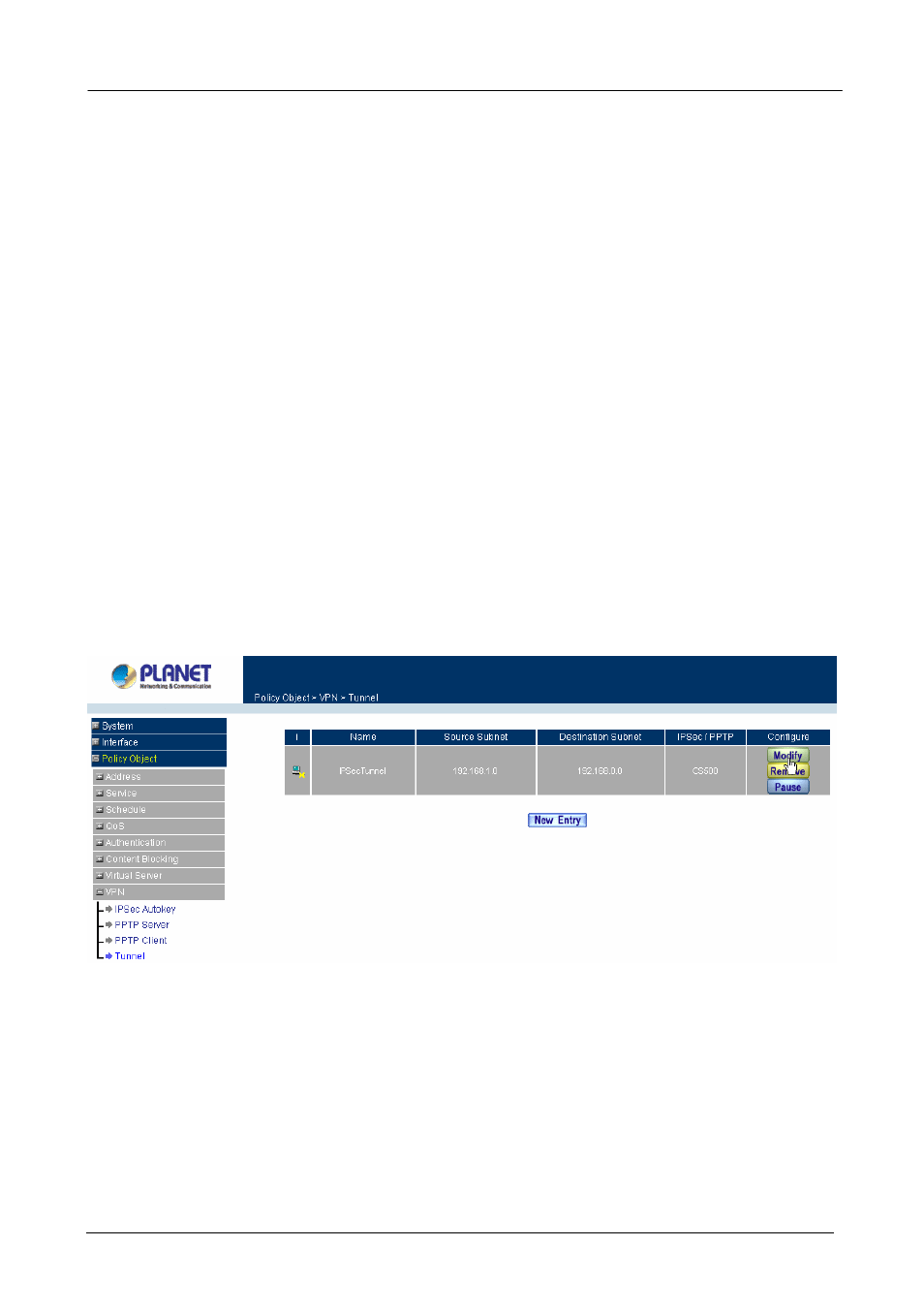
Modifying a Trunk
Step 1. Select
VPN
→Trunk.
Step 2. In
the
Trunk
window, find the Trunk that you want to modify and click Modify.
Step 3. Enter appropriate settings.
Removing Trunk
Step 1. Select
VPN
→Trunk.
Step 2. In
the
Trunk
window, find the Trunk that you want to remove and click Remove.
- 99 -