PLANET DSP-1000 User Manual
Page 105
Advertising
- 105 -
NOTE:
Depending on the firmware, only the bitmap or text messages
are supported. See the note in the configuration tool for a list
of supported firmware versions.
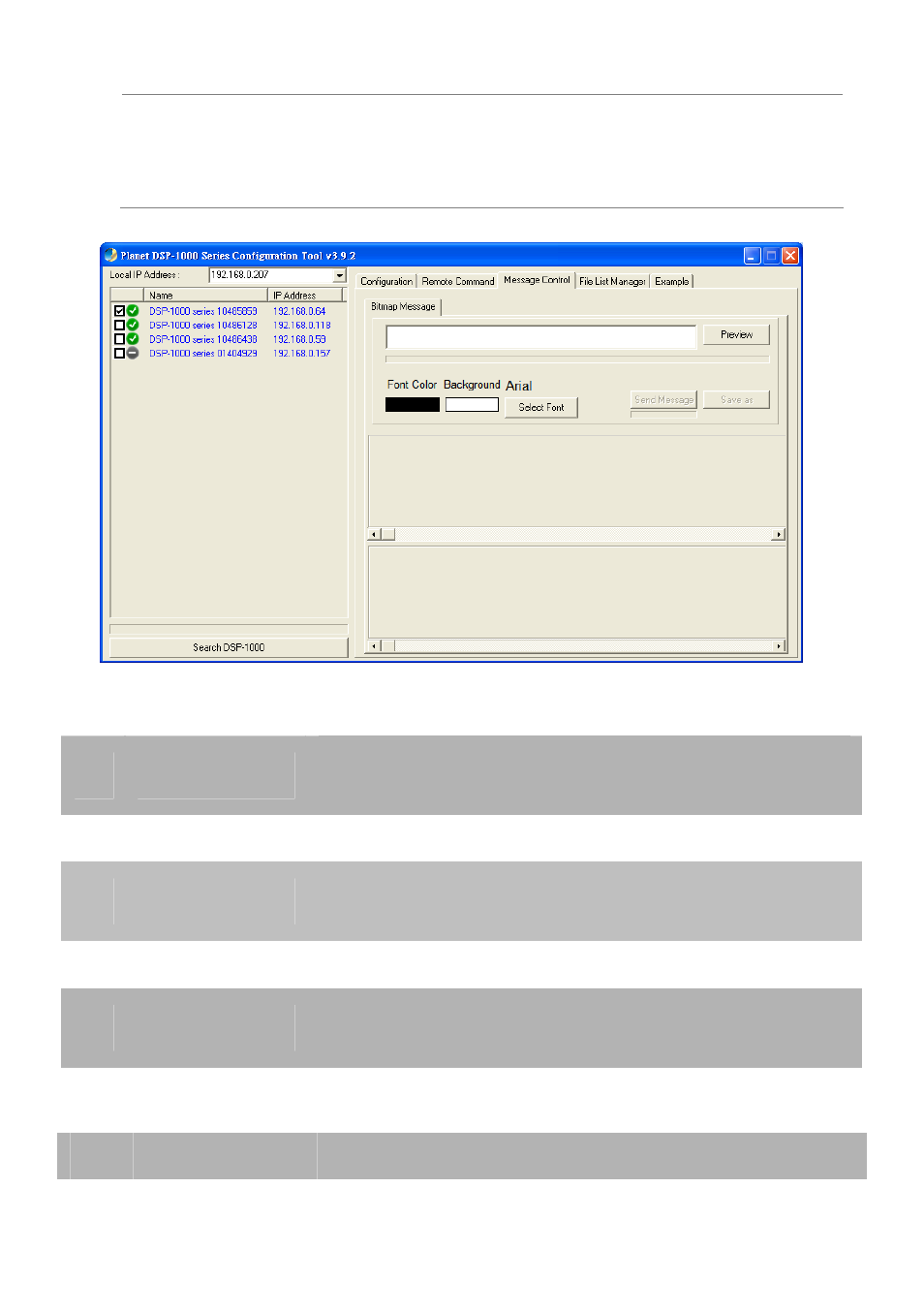
- Bitmap Message
1
Preview
Enter the text for the scrolling message and press
Preview to see how it looks.
2 Font
Color
Select the font colour for the scrolling message.
3
Background
Select the background colour for the scrolling
message.
4 Select
Font
Select the font type and size for the scrolling message.
5
Send Message
After pressing preview, press this button to upload the
message.
- Text Message
1
Put Message
Prompts for and uploads the scrolling text message.
Advertising