Please keep in mind global prefix/suffix, Default, Please keep in mind – Datalogic QuickScan Lite QW2100 User Manual
Page 78: Global prefix/suffix
Data Editing
68
QuickScan
TM
Lite QW2100
ENTER/EXIT PROGRAMMING MODE
Please Keep In Mind...
•
Modifying a message string is not a mandatory requirement. Data editing is sophisticated
feature allowing highly customizable output for advanced users. Factory default settings
for data editing is typically set to NONE.
•
A prefix or suffix may be applied (reference the
chapter for these settings)
across all symbologies (set via the Global features in this chapter).
•
You can add any character from the
(from 00-FF) on the inside back cover
of this manual as a prefix, suffix or Label ID.
•
Enter prefixes and suffixes in the order in which you want them to appear on the output.
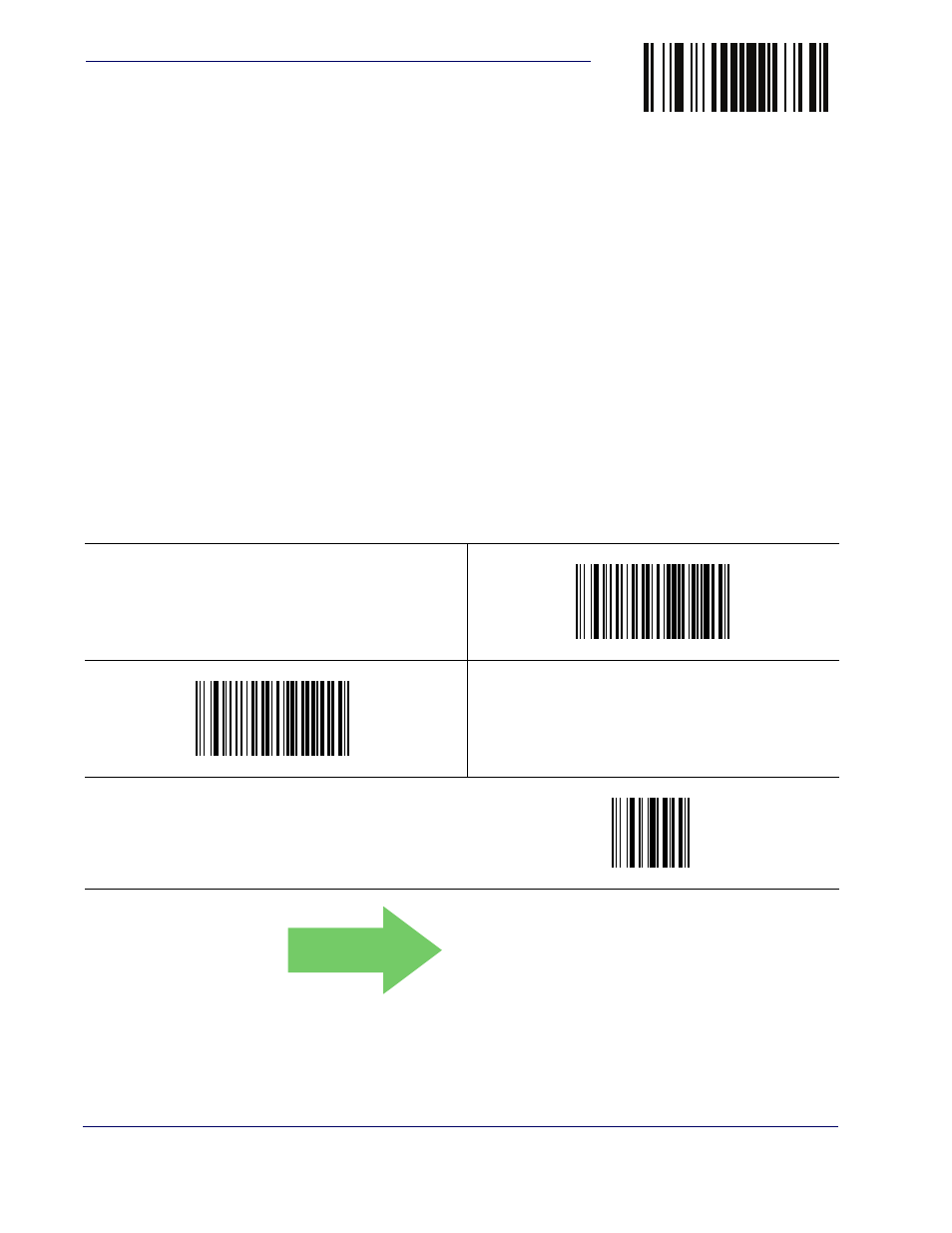
Global Prefix/Suffix
Up to 20 ASCII characters may be added as a prefix (in a position before the bar code data) and/
or as a suffix (in a position following the bar code data) as indicated in . See
for more detailed programming instructions.
$CLFPR
Set Global Prefix
$CLFSU
Set Global Suffix
Make a mistake? Scan the CANCEL bar code to abort and
not save the entry string. You can then start again at the
beginning.
~
CANCEL
DEFAULT
No Global Prefix
Global Suffix = 0x0D