Recording movies – Nikon Coolpix A300 User Manual
Page 24
14
Basic Shooting and Playback Operations
C
The Auto Off Function
• When no operations are performed for about one minute, the screen turns off, the camera
enters standby mode, and then the power-on lamp flashes. The camera turns off after
remaining in standby mode for about three minutes.
• To turn the screen back on while the camera is in standby mode, perform an operation
such as pressing the power switch or shutter-release button.
C
When Using a Tripod
• We recommend using a tripod to stabilize the camera in the following situations:
- When shooting in dim lighting with the flash mode (
A18) set to W (off )
- When the zoom is at a telephoto position
• When using a tripod to stabilize the camera during shooting, set Photo VR to Off in the
setup menu (
A19) to prevent potential errors caused by this function.
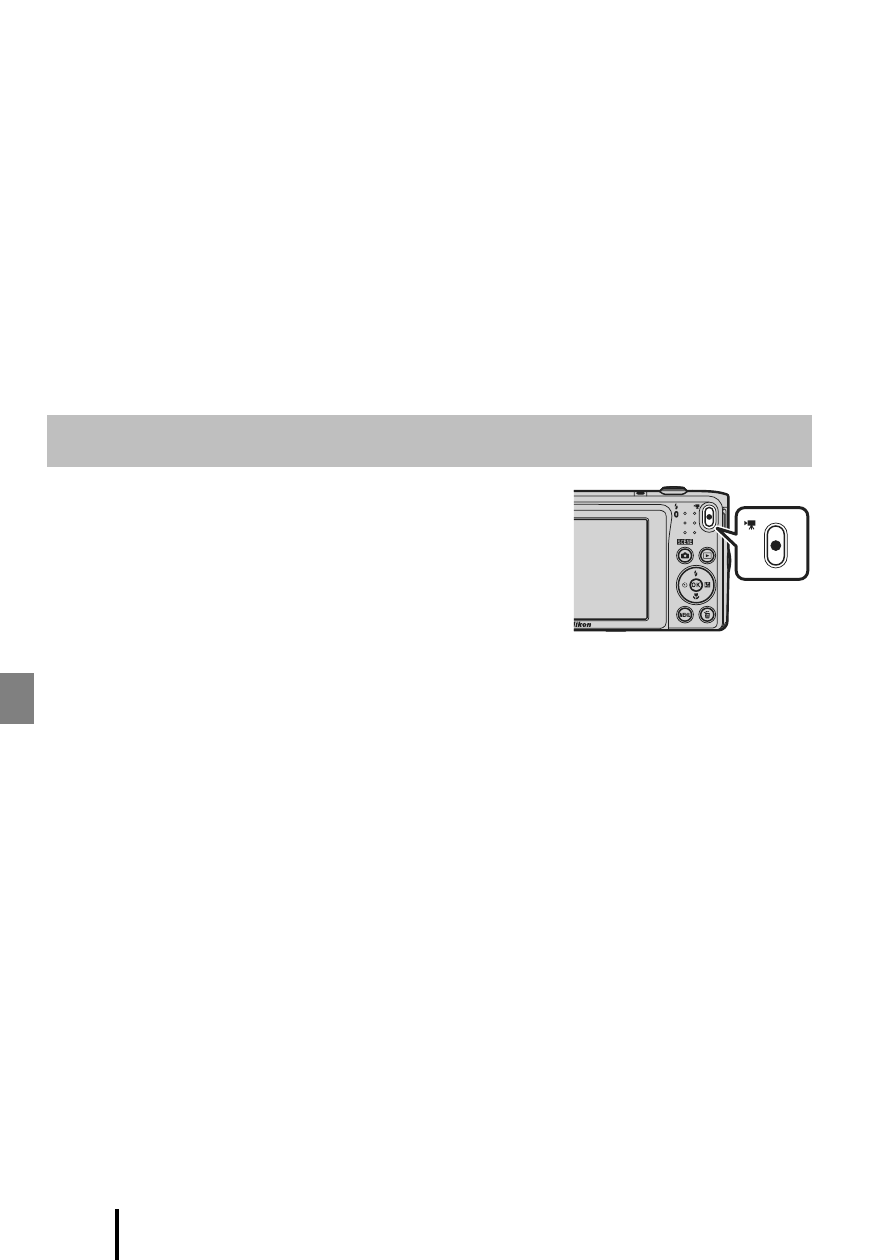
Display the shooting screen and press the
b (e movie-
record) button to start recording a movie. Press the
b (e) button again to end recording.
• To play back a movie, select a movie in full-frame
playback mode and press the
k button.
Recording Movies