Sharp MX-6070N User Manual
Page 15
15
Related topics
• Enable options and peripherals P.28
• Setup for sharing printers P.25
Troubleshooting
• Cannot install P.41
• Cannot detect this machine P.42
• How to check the IP address of this
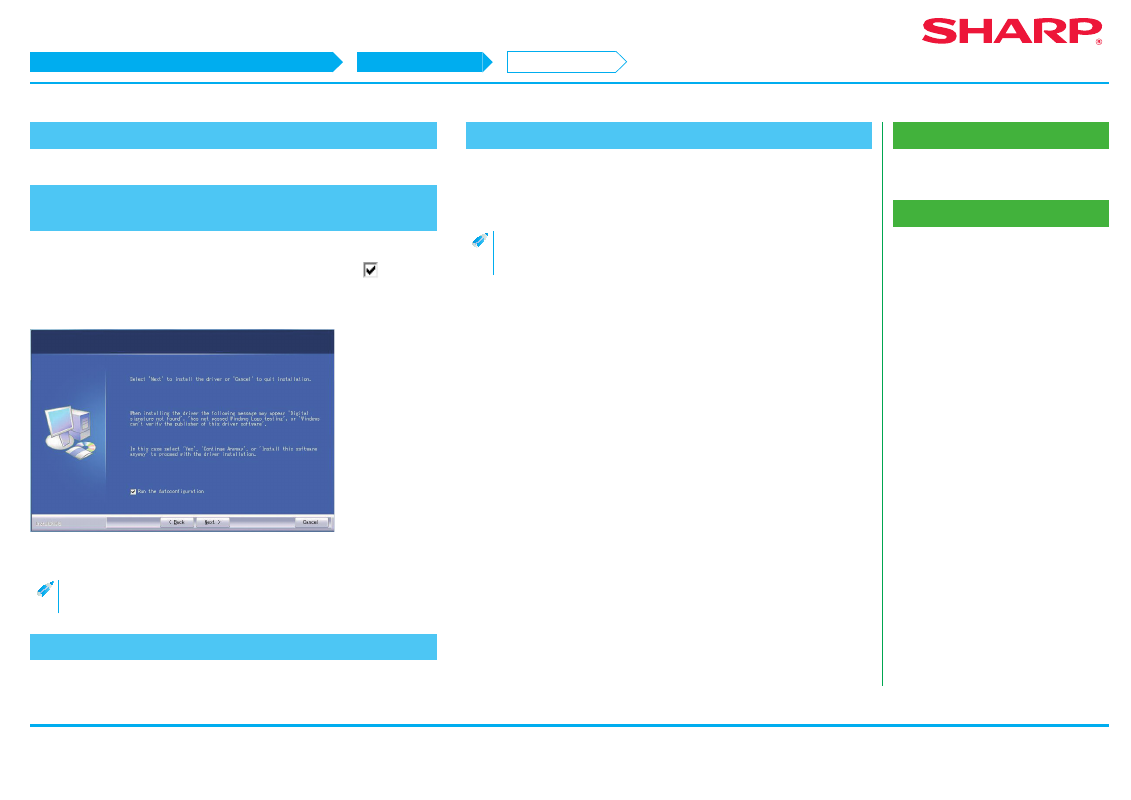
5. Confirm the content and click the [Next] button
6. Follow the instructions on the screen and proceed with
installation
Check the content of the displayed screen. Click the [Next] button to proceed
with installation. Set the [Run the Autoconfiguration] checkbox to
and install.
The options of this machine and the condition of the peripherals can be reflected
in the configuration.
The install complete screen is displayed.
• If a warning window regarding security is displayed, do not forget to
click [Install].
7. Click the [OK] button
8. Click the [Close] button
Now the install procedure is complete.
After the install procedure is complete, a message prompting restart may be
displayed. In this case, click the [Yes] button and restart the computer.
• After installation, enable the options and peripherals as needed.
• When the printer is used as a shared printer, install the printer driver
onto the other computers.
STEP 5-8/8
Windows/Display the software selection screen (common procedure)
Printer Driver installation
Standard installation