Sharp MX-6070N User Manual
Page 17
17
Related topics
• Standard installation P.14
• Custom installation P.18
• Installing others P.24
Troubleshooting
• Cannot install P.41
• Cannot detect this machine P.42
5. Confirm the content and click the [Next] button
A screen to check the printer driver is displayed.
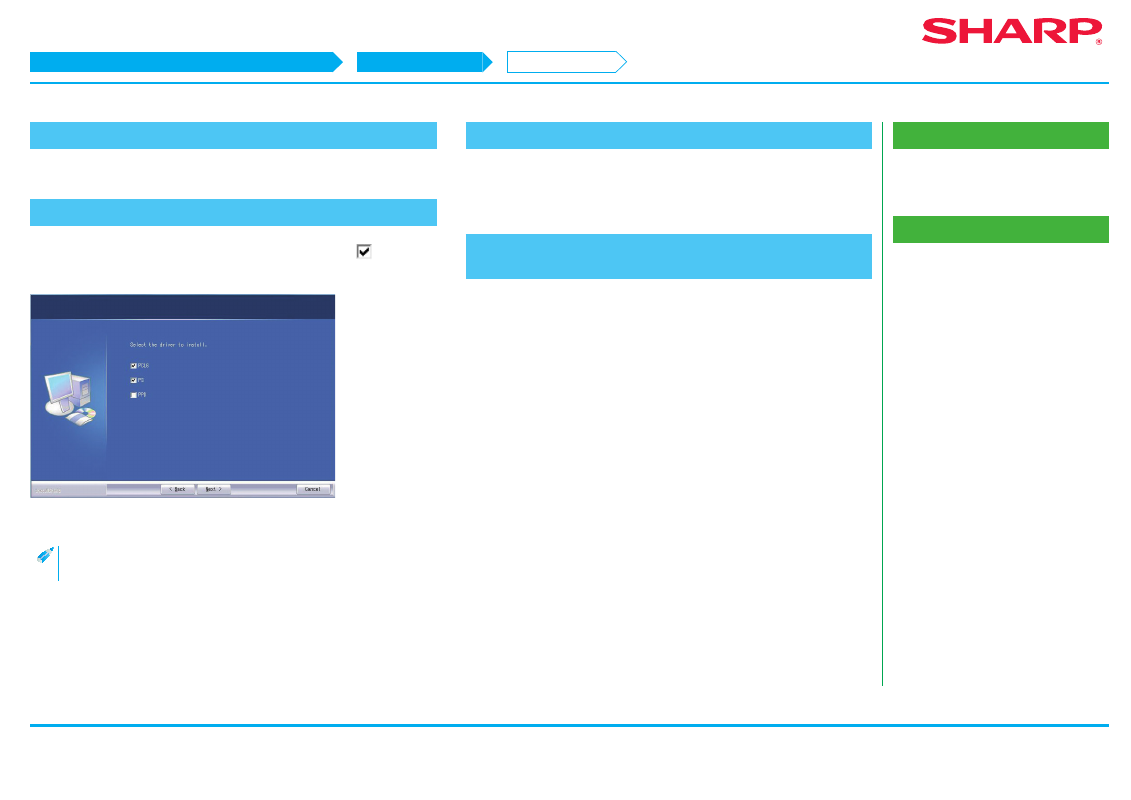
6. Select the printer driver
Click the checkbox of the printer driver to be installed and select
, then click
the [Next] button.
The screen to configure the printer as a normal printer is displayed.
• When installing the PC-Fax Driver, this screen is not displayed.
7. Select one or the other, and click the [Next] button
When installing multiple printer drivers, choose the printer driver to setup from
the [Default Printer:]. If you do not want either printer to be the normally used
printer, select [No].
8. Follow the instructions on the screen and proceed with
installation
Refer to "
" step 6 onwards.
STEP 5-8/8
Windows/Display the software selection screen (common procedure)
Printer Driver installation
Advanced installation