Recording movies – Epson DC-13 Document Camera User Manual
Page 31
You can save images and audio from the document camera to an SD card
as movies.
a
•
Movies are saved in AVI format (images: Motion JPEG 720p/30 fps,
audio: Linear PCM).
•
You can record individual files at the following sizes:
Capacity: up to 2 GB
Recording time: up to approximately 29 minutes
If the maximum capacity or recording time are exceeded while
recording, the movie up to that point is saved and the recording
ends.
•
You can check the amount of available free space on the SD card in
SD Card Info.
s
SD Card
-
SD Card Info.
•
Set
Sleep Mode
to
Off
to prevent the power turning off while
recording.
s
Function
-
Sleep Mode
a
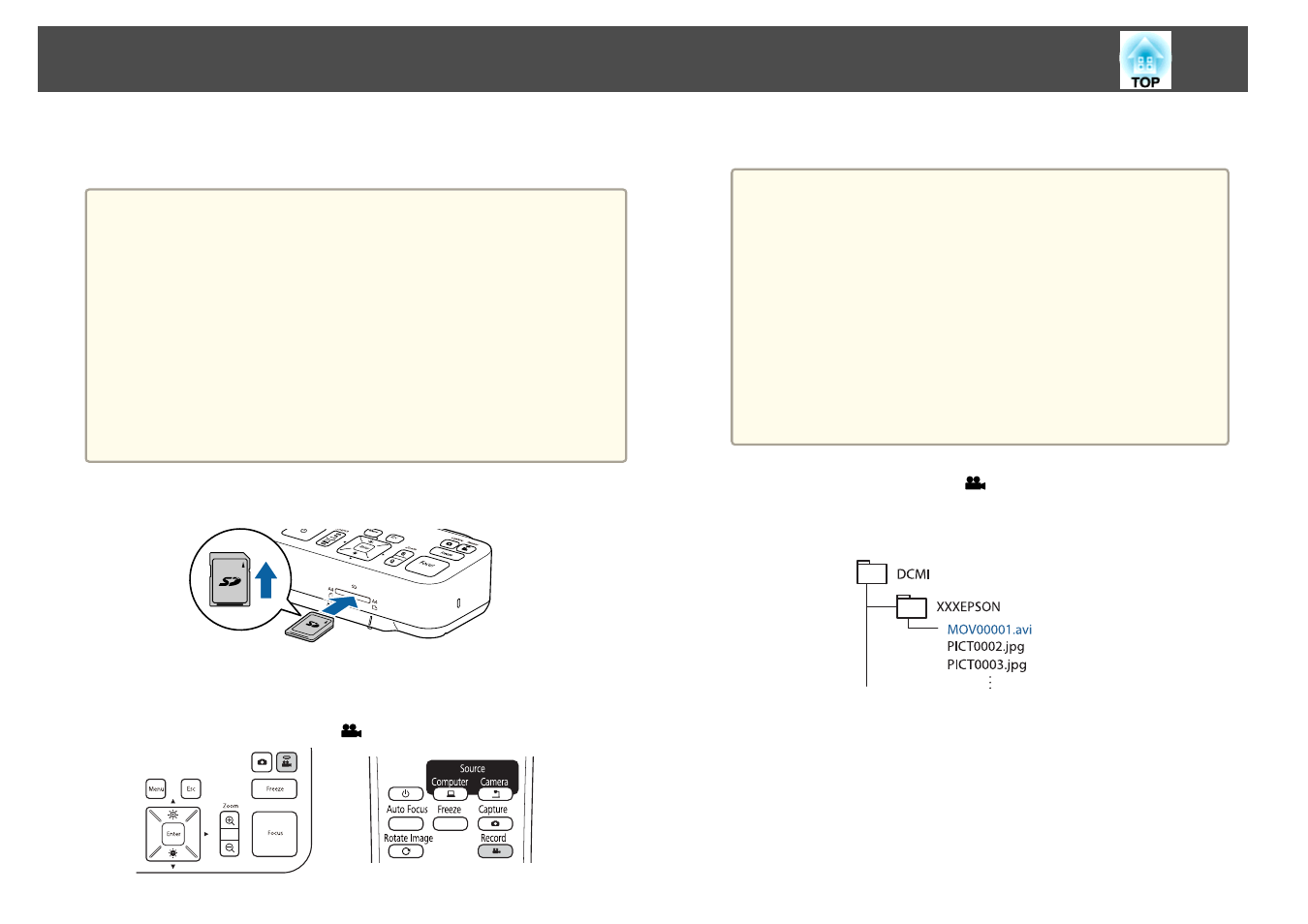
Insert an SD card into the SD card slot on the document camera.
b
Project the image you want to save.
c
Press the [Record] button [
] to start recording.
The recording indicator is lit blue while recording.
a
•
While recording, the elapsed time is displayed at the top right
of the screen. This is not displayed on the saved image.
•
If there is no space on the SD card, the message "No free
space on the SD Card." is displayed, and the movie is not
saved.
•
Do not remove the SD card while recording.
•
The following operations are available while recording.
Freeze, Zoom (Pan/Tilt), Auto Focus, Brightness adjustment,
Focus adjustment
Note that operation sounds are also recorded.
•
While recording, a blue screen is displayed on the computer
connected to the document camera using a USB cable.
d
To stop recording, press the [
] button again.
While saving recordings, the recording indicator flashes blue, and
when saving is complete the indicator turns off. Movies are saved to
the following folder on the SD card:
Recording Movies
31