Loading cut sheets in the paper cassette – Epson SureColor P5000 Commercial Edition 17" Wide-Format Inkjet Printer User Manual
Page 32
Advertising
32
Loading Cut Sheets in the Paper Cassette
Loading Cut Sheets in the Rear Manual Feeder
Loading Cut Sheets in the Front Manual Feeder
Adjusting the Platen Gap
Parent topic:
Loading Cut Sheets in the Paper Cassette
You can print on a variety of paper types and sizes up to 17 inches (43 cm) wide and 0.1 inch (0.27 mm)
thick from the paper cassette.
1.
Make sure the printer is turned on.
2.
On the control panel, press the
paper source button.
3.
Press the down arrow button to select
Cut Sheet
, and press the
OK
button.
4.
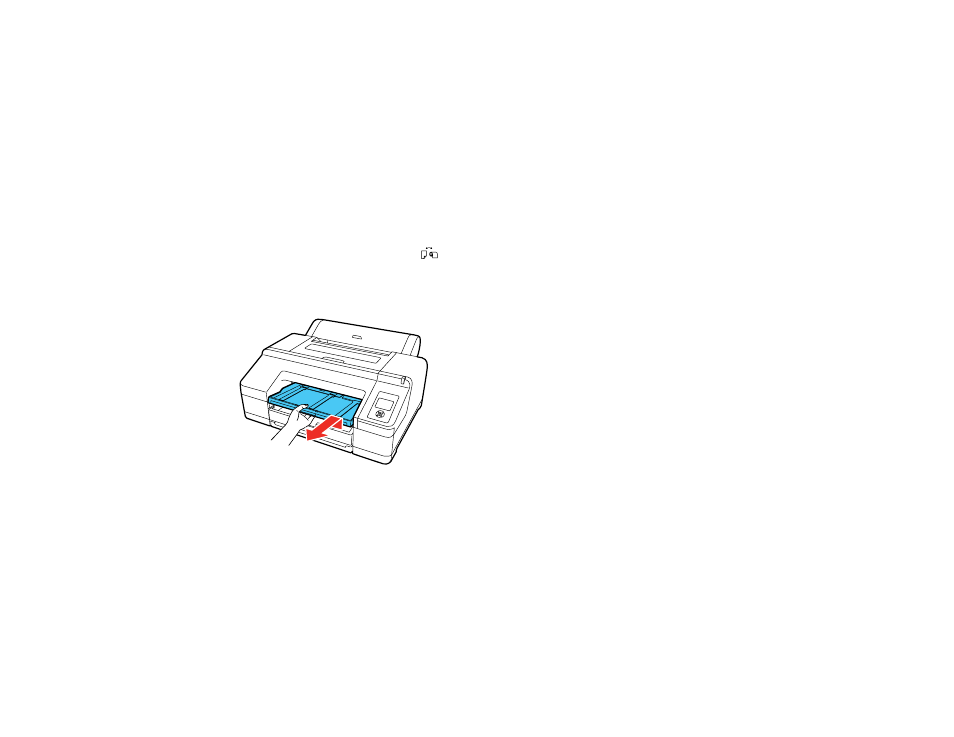
Lift the edge of the output tray to remove it.
Advertising