Connecting to a network, Connecting to power – Bose Professional ControlSpace ESP-880A Engineered Sound Processor User Manual
Page 21
English
•
21
Installation Guide
•
ControlSpace ESP-880A/880AD/1240A/1240AD
pro.Bose.com
Hardware Installation
8. Connecting to a Network
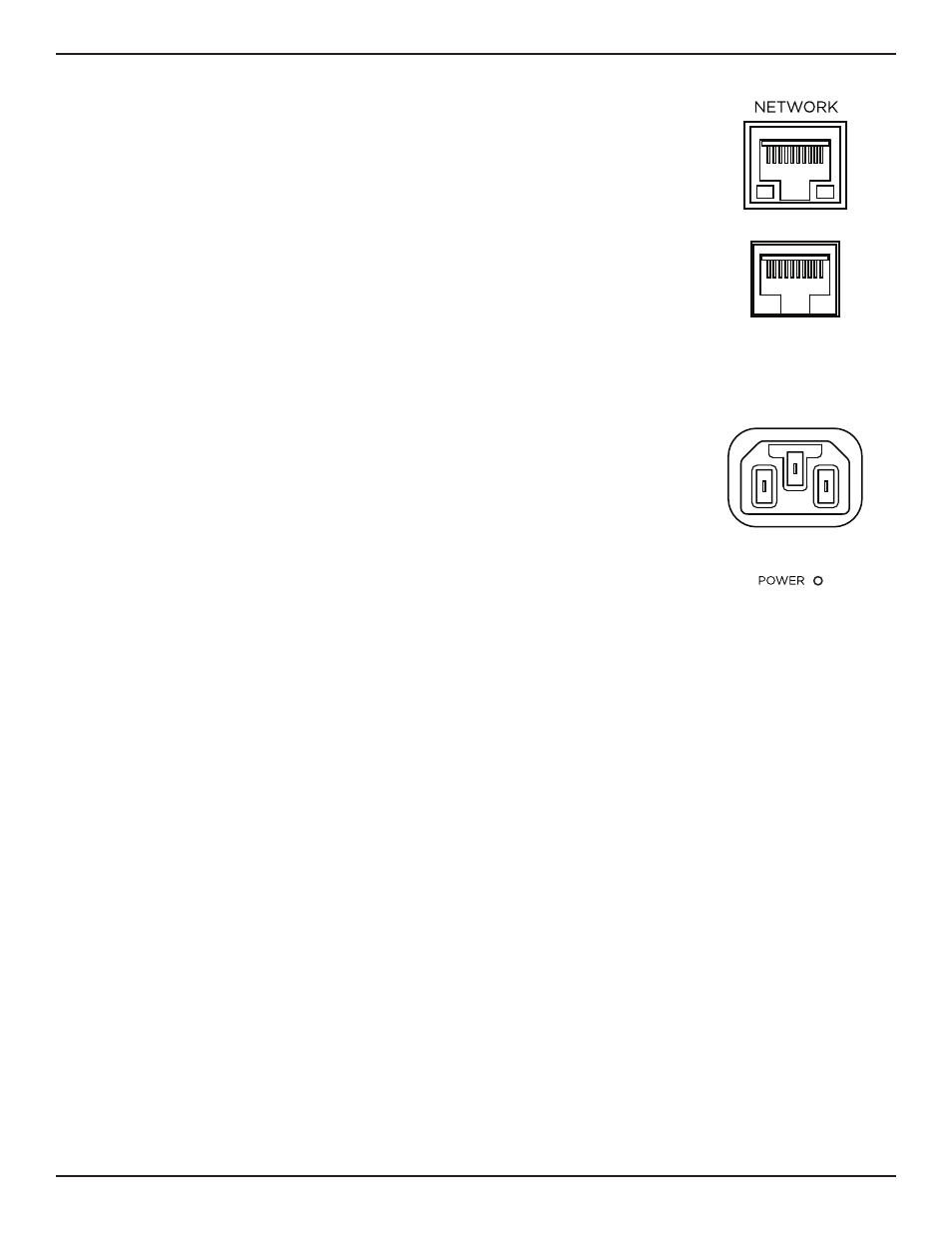
The ESP-880A and ESP-1240A include an RJ-45
Ethernet
port on the rear panel for
network connection.
The ESP-880AD and ESP-1240AD include an unlabeled RJ-45 port on the front
panel for network connection.
Use a foiled or unshielded twisted-pair (F/UTP) Cat 5e cable (not included) to
connect this port on each processor to your network or computer. Make this
connection directly to the processor or through a switched Ethernet network.
Note:
All fixed-I/O processors are set to
DHCP
which you can change using
ControlSpace Designer software.
For more information, see the ControlSpace Designer software help file at
or in the installed software.
9. Connecting to Power
The ESP-880A, ESP-880AD, ESP-1240A, and ESP-1240AD can operate with AC
mains line voltages from 85 volts to 264 volts at 50 Hz/60 Hz over a detachable
IEC power cord. Power consumption is 37 volt-amps at an ambient temperature of
104 °F (40 °C).
To power on the processor, use the included power cord to connect the processor's
power inlet
to a power outlet. After powering on, the boot time may be as long as
40 seconds. The processor is fully operable when the
Power
LED on the front panel
is lit solid green.
10. Configuring the Processor with ControlSpace Designer
While the ESP-880A, ESP-880AD, ESP-1240A, or ESP-1240AD is connected to a network with your computer,
use the
Update Firmware
function in ControlSpace Designer to scan and update the processor's firmware.
Once the processor is using the latest firmware, proceed with your system design in ControlSpace Designer.
For more information on using the ControlSpace Designer software, see its help file at
installed software itself. You can use ControlSpace Designer to configure, control, and monitor the ESP-880A,
ESP-880AD, ESP-1240A, and ESP-1240AD as well as entire systems built with Bose networked system
electronics.