Canon EOS-1D X Mark III DSLR Camera (Body Only) User Manual
Page 784
Resetting the Custom Quick Control Screen or Clearing
All Items
To restore the default Custom Quick Control screen layout, select [
Revert layout to default
]
To remove all items from the layout (so that the screen is blank except for the bottom row),
select [
Clear all items
].
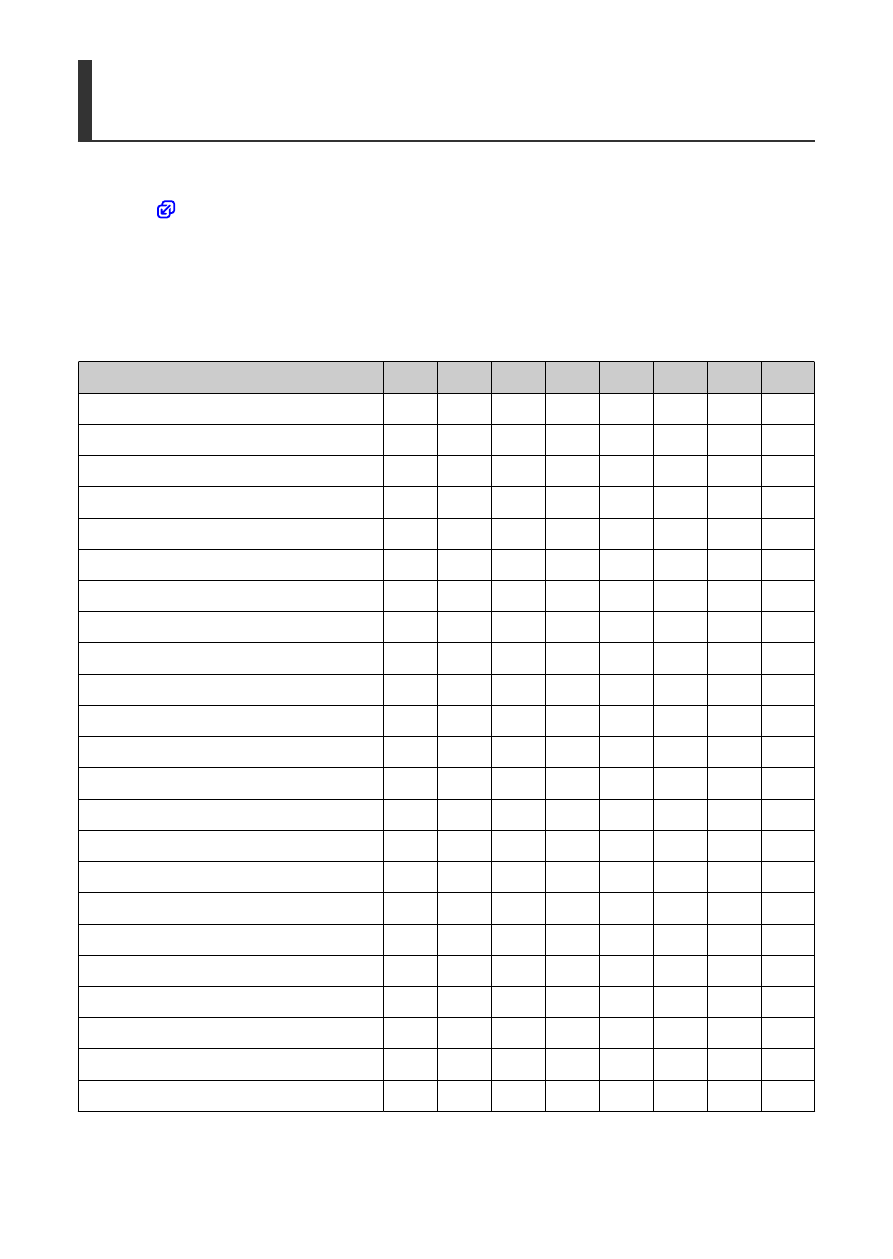
Available items and display sizes for the screen layout
(Vertical × horizontal cells)
Item and Size
1Ч1
1Ч2
1Ч3
1Ч5
2Ч2
2Ч3
3Ч1
4Ч1
Shooting mode
○
○
Shutter speed
○
○
Aperture
○
○
ISO speed
○
○
Exposure comp./AEB setting
○
○
○
Flash exposure compensation
○
○
○
Picture Style
○
○
White balance
○
○
WB Shift/Bkt.
○
○
Auto Lighting Optimizer
○
Custom Controls
○
AF operation
○
○
AF point selection
○
○
Metering mode
○
Drive mode
○
Rec function/card selection
○
○
○
Date/Time/Zone
○
○
○
○
External Speedlite control
○
Highlight tone priority
○
Viewfinder grid
○
Sensor cleaning
○
Exposure level
○
○
GPS settings
○
784