Brother HL-L3230CDW Wireless Compact Printer User Manual
Page 280
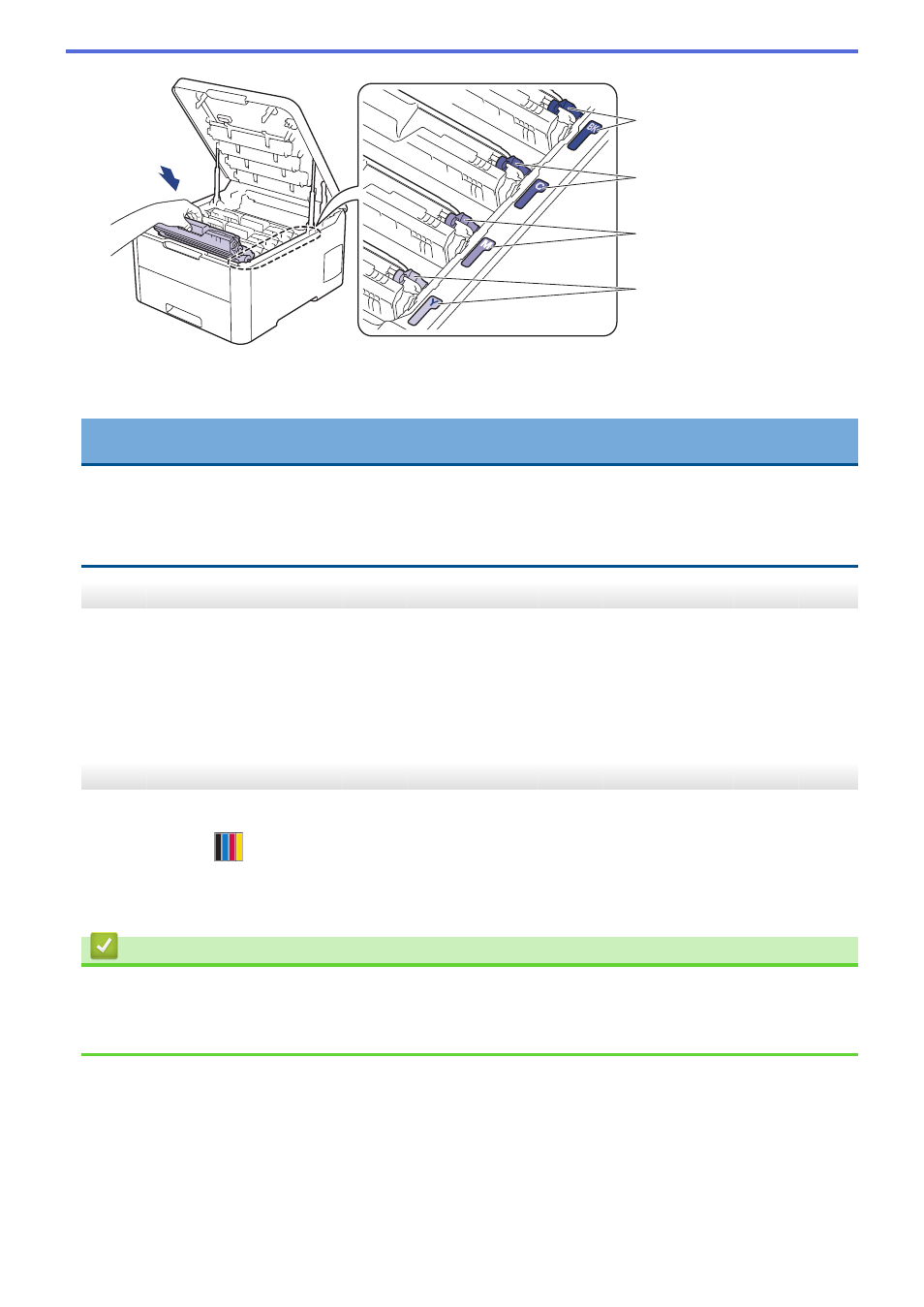
BK
C
M
Y
7. Close the machine's top cover.
8. Reset the belt unit counter by following the next section.
IMPORTANT
•
To avoid print quality issues or damage to the machine, DO NOT reset the belt unit counter unless you
are replacing the belt unit.
•
Using non-genuine Brother supplies may affect the print quality, hardware performance, and machine
reliability.
Reset the Belt Unit Counter (HL-L3210CW/HL-L3230CDN/HL-L3230CDW)
1. Make sure the machine is turned on.
2. Make sure the machine's cover is closed.
3. Press
OK
and
a
at the same time.
4. Press
a
or
b
to display the
[Belt]
option, and then press
OK
.
5. Select
[Reset]
to reset the belt counter.
Reset the Belt Unit Counter (HL-L3270CDW)
1. Make sure the machine is turned on.
2. Press and hold
for about five seconds.
3. Press
[Belt]
.
4. Press
[Yes]
.
Related Information
•
•
Error and Maintenance Messages
•
275