Locking the, Button, Lock) – OM SYSTEM OM-1 Mirrorless Camera User Manual
Page 223: P. 223, During live view zoom (lv close up mode)” (p. 223), Pa s m b
223
EN
Customizing the Camera
6
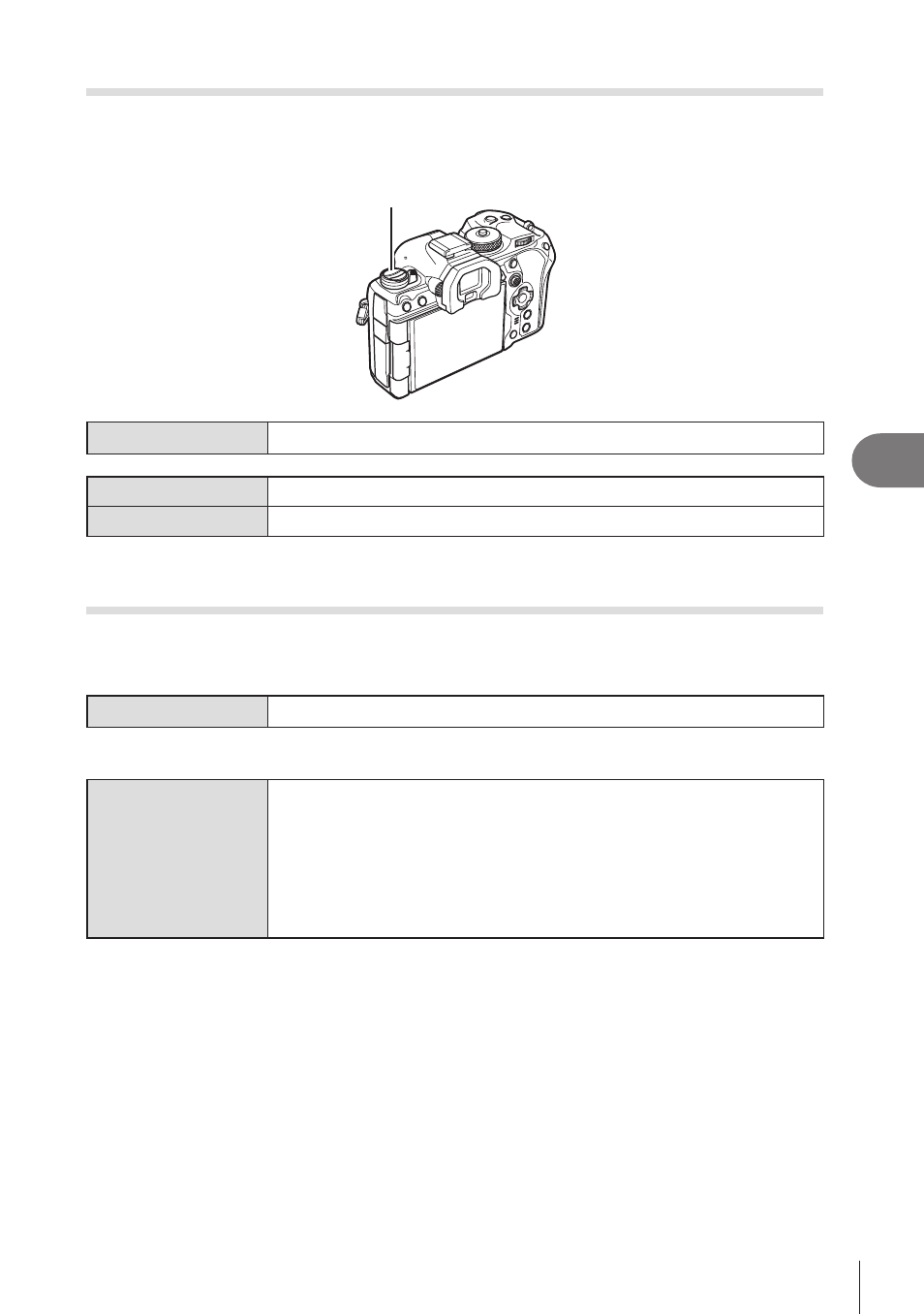
Locking the
v
Button (
v
Lock)
PA S M B
n
You can disable the
v
button.
v
button
Menu
MENU
n
G
n
1. Operations
n
v
Lock
Off
The
v
button can be used.
On
The
v
button cannot be used.
Choosing What Happens When the Shutter Button Is Pressed
During Live View Zoom
(LV Close Up Mode)
PA S M B
n
Choose display options for use with focus zoom.
Menu
MENU
n
G
n
2. Operations
n
LV Close Up Mode
• For information on live view zoom options, see the explanation on P. 80.
LV Close Up Mode
Choose what happens if the shutter button is pressed halfway during
focus zoom.
[mode1]
: Focus zoom ends. You can check the composition after
focusing using focus zoom.
[mode2]
: Focus zoom remains in effect while the camera focuses.
Compose the shot before focusing, then zoom in for
precise focus and take a picture without ever ending zoom.