Waves eMotion LV1 64-Channel Mixer with Axis One Custom Computer User Manual
Page 101
96
Waves eMotion LV1 User Guide |
Chapte
r
3
:
Channel
Window
Window
Assigning
a
Plugin
to
the
Dynamics,
EQ,
and
Filter
Controls
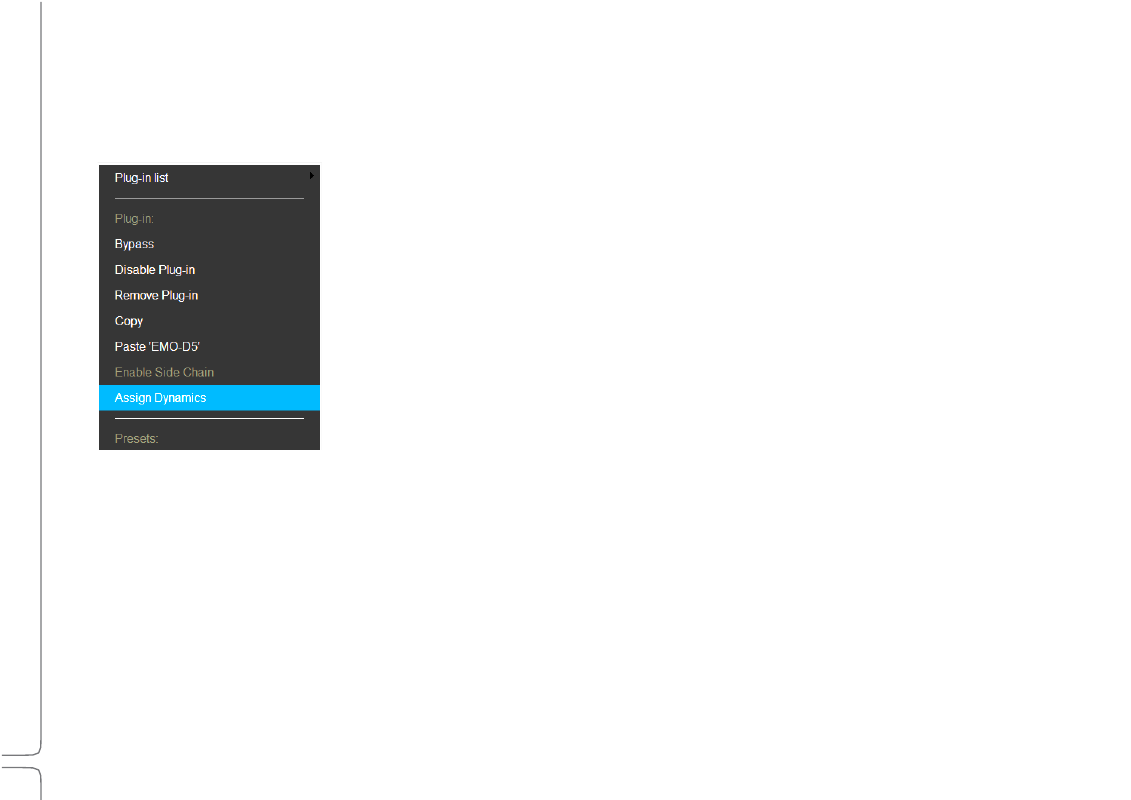
Plugin assignments are made in the Plugin menu. If a plugin is already assigned to a set of controls, then the menu item will read
“Unassign [category].” If a plugin is not assigned, select “Assign [category].”
One plugin of each category (filter, EQ, dynamics) can be assigned at the same time:
•
A plugin will be assigned automatically if no other plugin of its category is present in the rack.
•
Assigning a new plugin will unassign the existing plugin of that category.
•
Unassigning a plugin does not affect its processing status. It can always be
controlled from its Plugin Pane. Consult the Waves website for a current list
of assignable plugins.
Assigned plugins can be controlled in several ways:
•
Filters can be controlled in the Channel Input section.
•
EQ and dynamics processors can be controlled in the Channel Main Control section.
•
All Main section controls are available in the Mixer window (Channel layer mode).
Sections of filters, EQ, and dynamics processors can be switched on and off from Mixer window (DYN/EQ layer mode).
These assignments are also mapped to external control surfaces.