Connect with – Logitech M720 Triathlon Mouse User Manual
Page 4
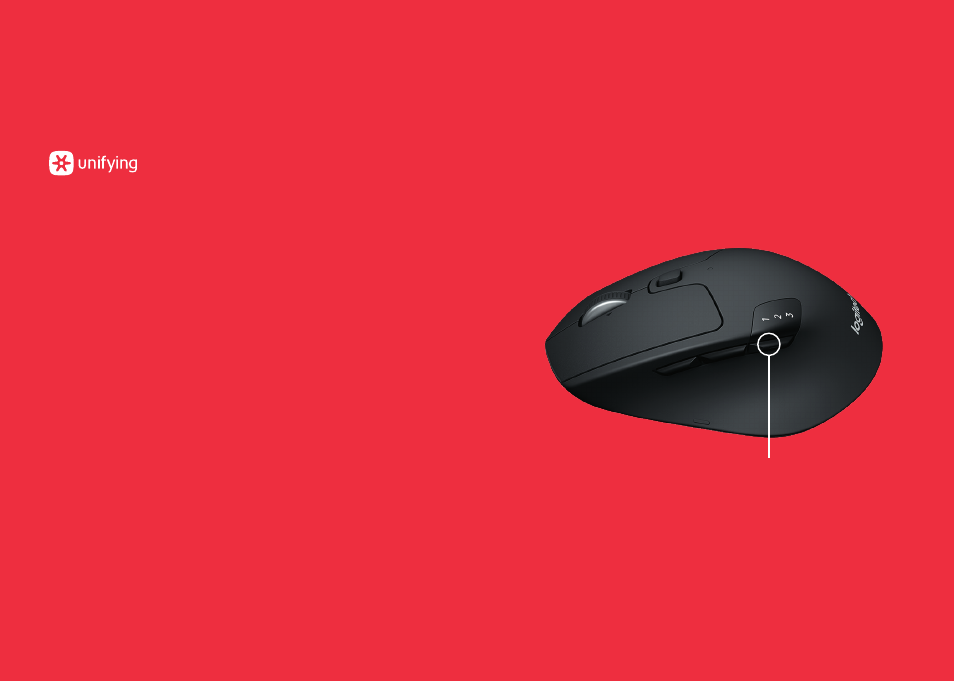
M720 Triathlon Mouse
CONNECT WITH
Requirements:
USB port
Unifying Software
Windows 7, 8, 10 or later
Mac OS X 10 10 or later
Chrome OS
How to connect with Unifying:
1.
Download Unifying Software:
http://support logitech com/software/unifying
2.
Make sure your M720 is turned on and a Unifying receiver
is plugged in
3.
Press and hold the toggle button below the display
for 3 seconds (the LED on selected channel will start
to blink fast)
4.
Open the Unifying software and follow the on-screen
instructions
Re-pair in Unifying!
Note!
You need Unifying Software to pair with a second
receiver or to pair the mouse to another channel on
the same receiver
All three Easy-Switch channels can be paired in either
Bluetooth Smart
or Unifying One Unifying receiver included
in the box
Toggle Button