Miops Splash Water Drop Kit User Manual
Page 5
Advertising
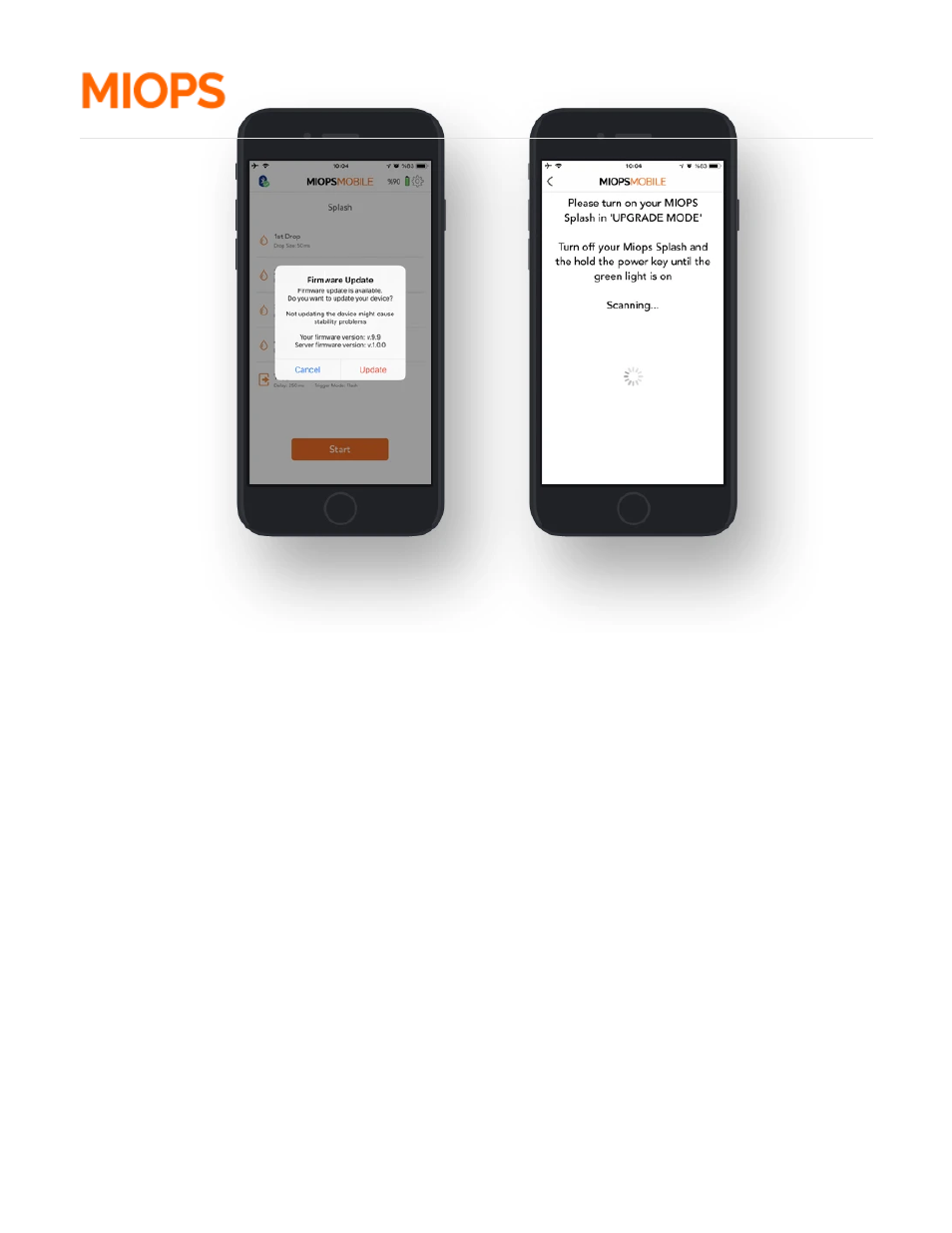
When you click the "Update" button:
If you have a 1st generation MIOPS Splash:
You will be asked to put your device to upgrade mode. In order to put your device to upgrade mode,
you should turn your device o , then turn it back on while holding down the valve button on the left
side of the device.
After clicking to the Ready button, the rmware upgrade process will start immediately.
If you have a 2nd generation MIOPS Splash:
The rmware upgrade process will start automatically.
Advertising