Lenco XEMIO-955 User Manual
Page 26
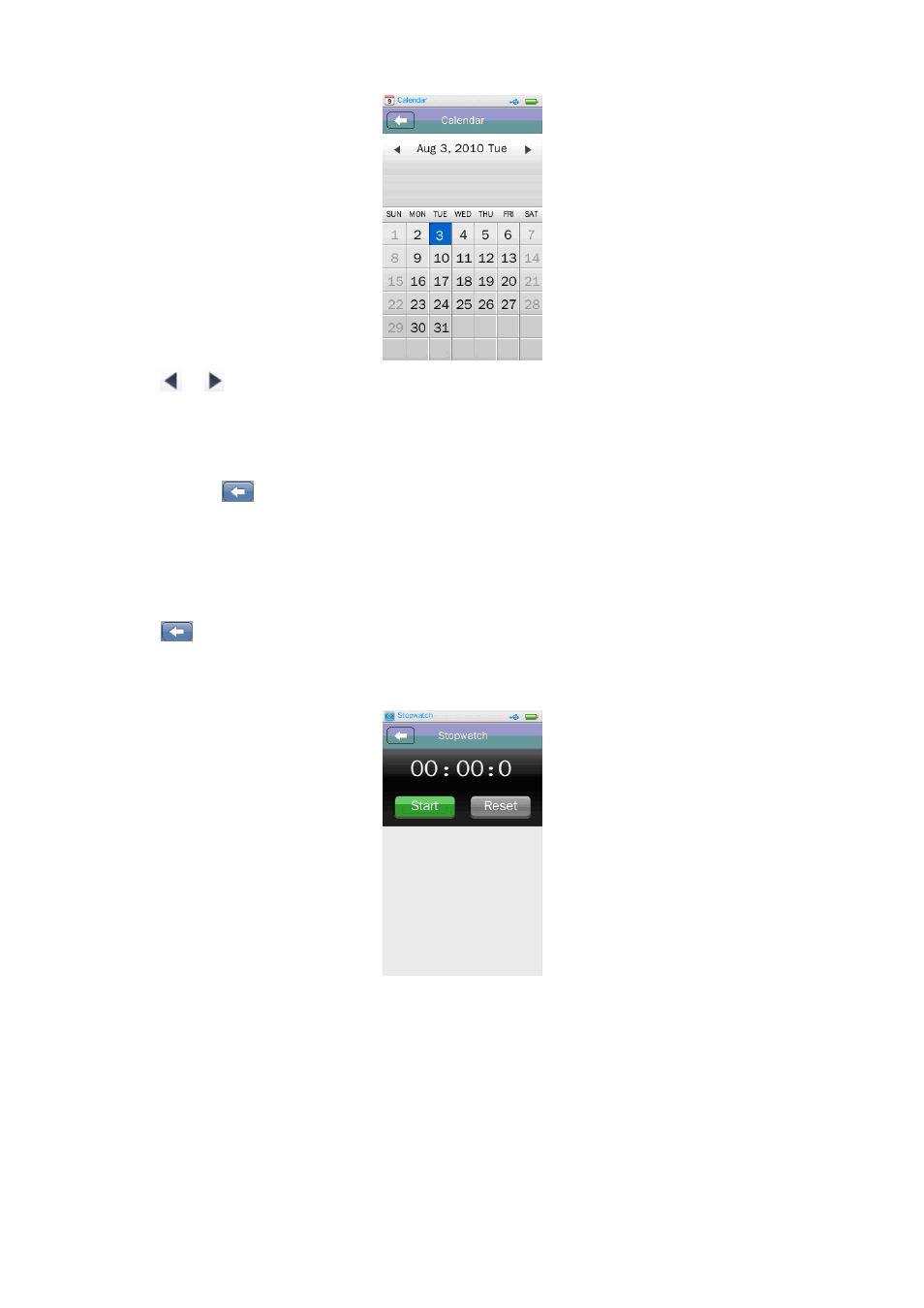
•
Tap
/
icon to switch to the previous or next Month in year as desired.
3.
Calculator
•
Tap “Calculator” icon to enter the calculator interface.
•
To exit, tap
icon to return to previous directory, or return to desktop menu from root
directory. Or, Press “MENU” button
4.
Stopwatch
•
Tap “Stopwatch” icon to enter the stopwatch interface.
•
Tap
icon to return to previous directory, or return to desktop menu from root directory.
Or, Press “EXIT” button
•
Tap “Start” icon to start timer, A “Stop” icon appear instead. And “Lap” icons appear instead
of “Reset” icon.
•
Tap “Lap” icon to record the lap time as you want it to. (Support up to 100 laps record)
•
Tap “Stop” icon to stop the timer as desired.
•
Tap “Reset” icon to clear the record and reset the timer.
5.
Flash Game