Altera Stratix IV GX FPGA User Manual
Page 42
6–18
Chapter 6: Board Test System
Using the Board Test System
Stratix IV GX FPGA Development Kit User Guide
March 2014 Altera Corporation
■
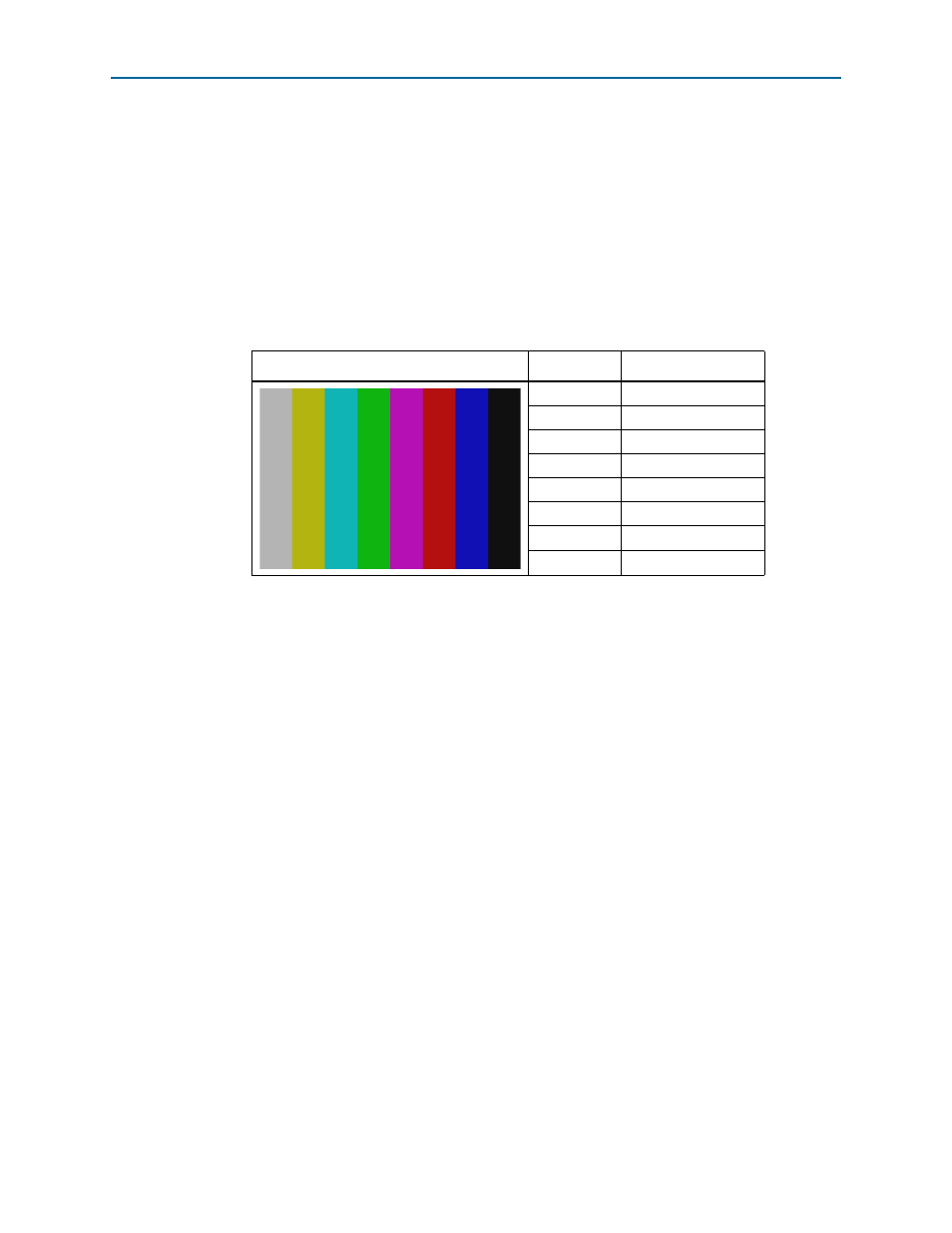
Color bar test pattern
—Specifies the test pattern to output to the monitor. The
following choices are available:
■
Color bar
■
Red
■
Green
■
Blue
shows the color bar test pattern and corresponding color names and
RGB values.
■
Resolution
—Specifies the resolution to output to the monitor. The following
choices are available:
■
1080p
—1920 × 1080 progressive
■
720p
—1280 × 720 progressive
■
Start
—Initiates the test.
■
Stop
—Terminates the test.
■
Get EDID
—Reads the extended display information data (EDID) from the
monitor and displays the results.
Table 6–2. HDMI Color Bar Test Pattern
Color Bars
Color
RGB Values
White/Grey
180,180,180
Yellow
180,180,16
Cyan
16,180,180
Green
16,180,16
Magenta
180,16,180
Red
180,16,16
Blue
16,16,180
Black
16,16,16