4 expansion card installation, Expansion card installation – Asustor AS7009RD User Manual
Page 15
Advertising
ASUSTOR NAS Quick Installation Guide
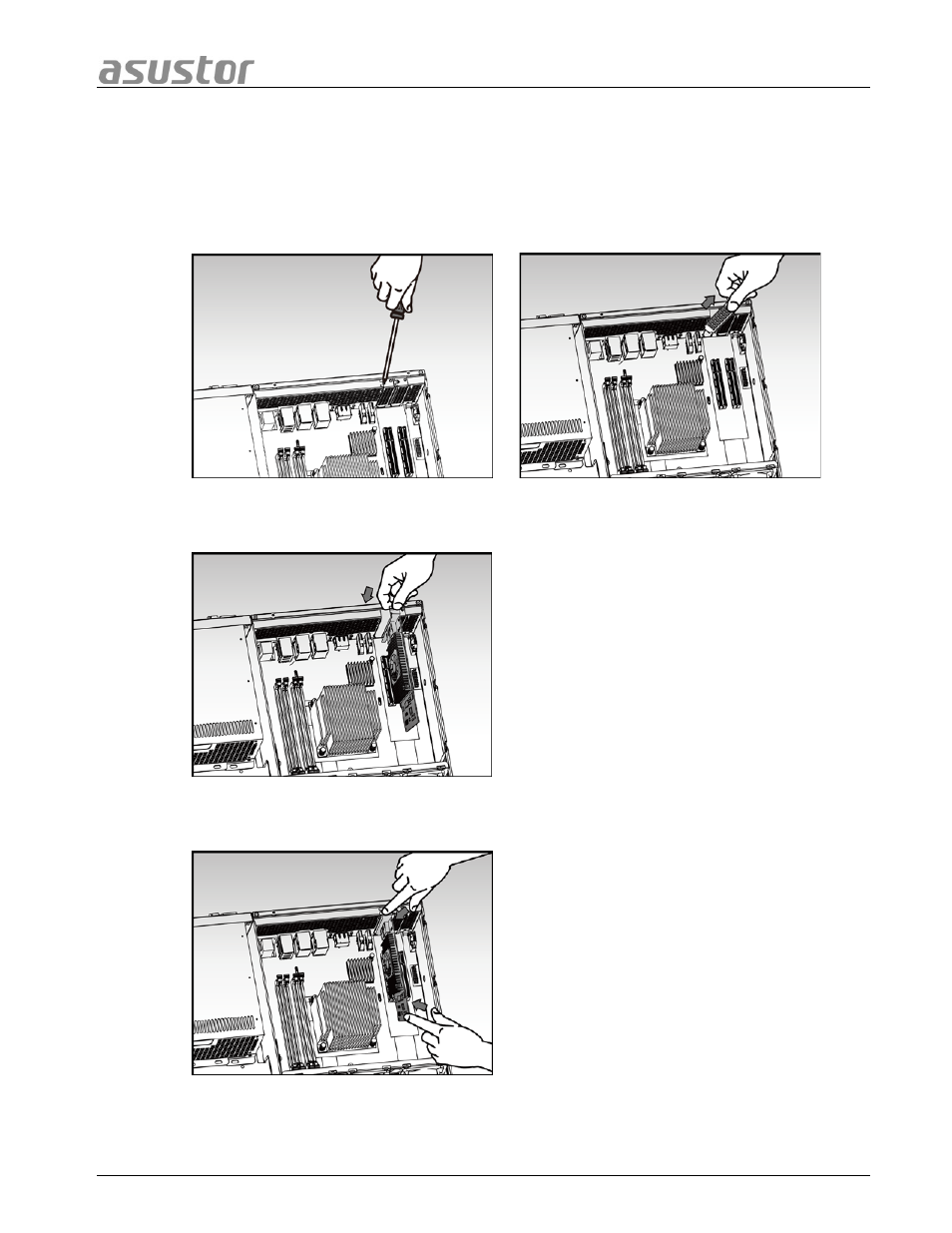
3.4 Expansion Card Installation
•
Remove the cover of the NAS as shown in section 3.3.3.
•
Unscrew the blanking plate retention screw and then remove the blanking plate for
the expansion slot that you wish to use.
•
Carefully insert your expansion card into the slot, making sure to line up the
connector on the bottom of the expansion card with the slot.
•
Using two fingers, carefully push the expansion card into place and then screw in the
retention screw.
•
Replace the cover of the NAS as shown in section 3.3.5.
Page 15 of 25
Advertising