Software installation guide, 1 cd installation, 1 windows users – Asustor AS7009RD User Manual
Page 18: Cd installation, Windows users
ASUSTOR NAS Quick Installation Guide
4.
S
S
o
o
f
f
t
t
w
w
a
a
r
r
e
e
I
I
n
n
s
s
t
t
a
a
l
l
l
l
a
a
t
t
i
i
o
o
n
n
G
G
u
u
i
i
d
d
e
e
There are 3 different installation methods that you can choose from. Please select the method
most suitable for you. If you do not have a CD drive, you can go to the download section of the
ASUSTOR website
to download the latest software.
4.1 CD Installation
4
4
.
.
1
1
.
.
1
1
W
W
i
i
n
n
d
d
o
o
w
w
s
s
U
U
s
s
e
e
r
r
s
s
•
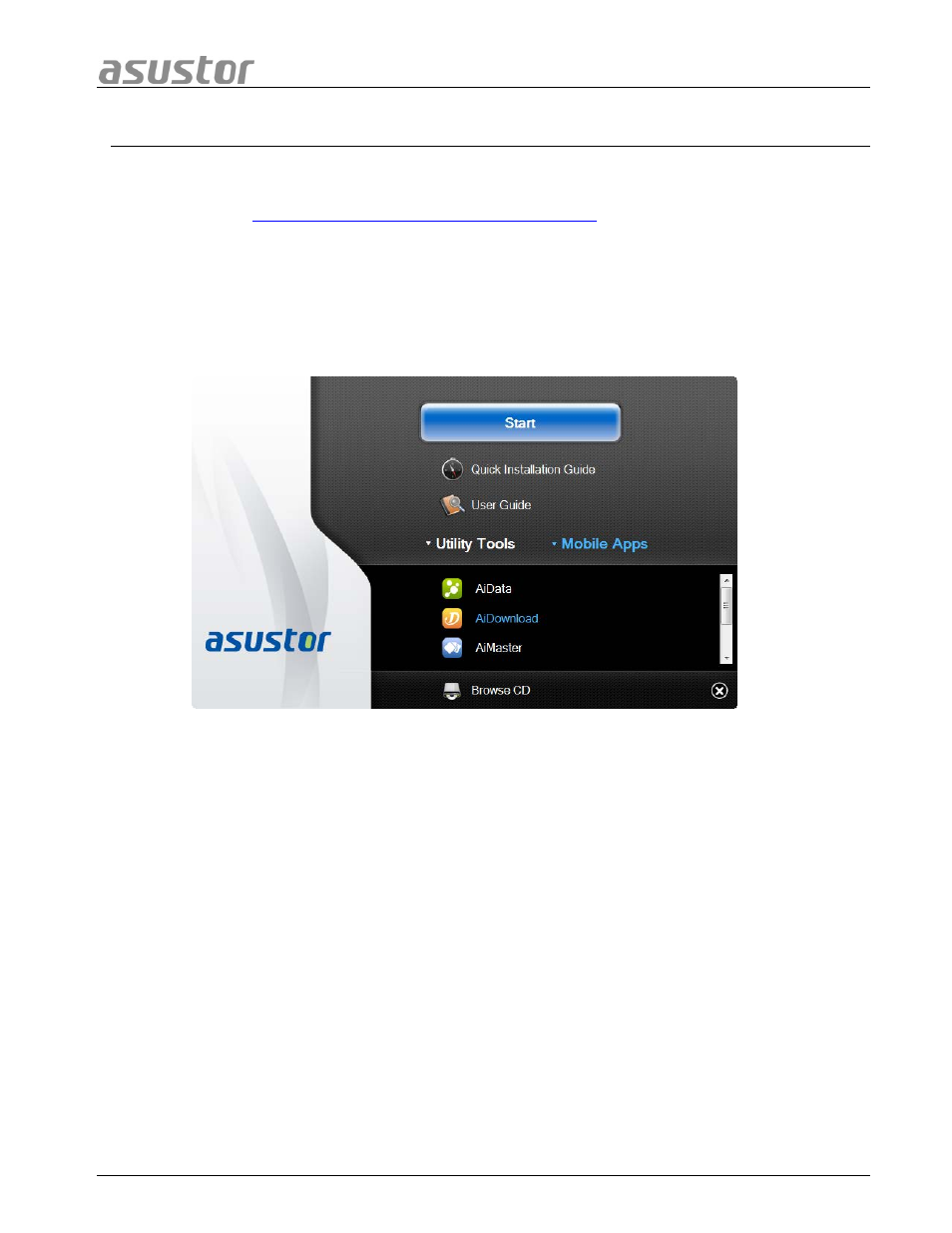
Insert the installation CD into your computer’s CD drive and then select “Start” from
the autorun CD-menu.
•
The installation wizard will install ASUSTOR Control Center onto your computer. After
ASUSTOR Control Center has been installed, it will automatically begin to scan your
network for ASUSTOR NAS devices.
•
Select your NAS from the list and follow the installation wizard’s instructions to
complete the configuration process.
Page 18 of 25