NEXCOM OPPC 1520T User Manual
Page 72
Advertising
Copyright © 2011 NEXCOM International Co., Ltd. All Rights Reserved.
57
Chapter 3: System Setup
OPPC 1520T/1720T User Manual
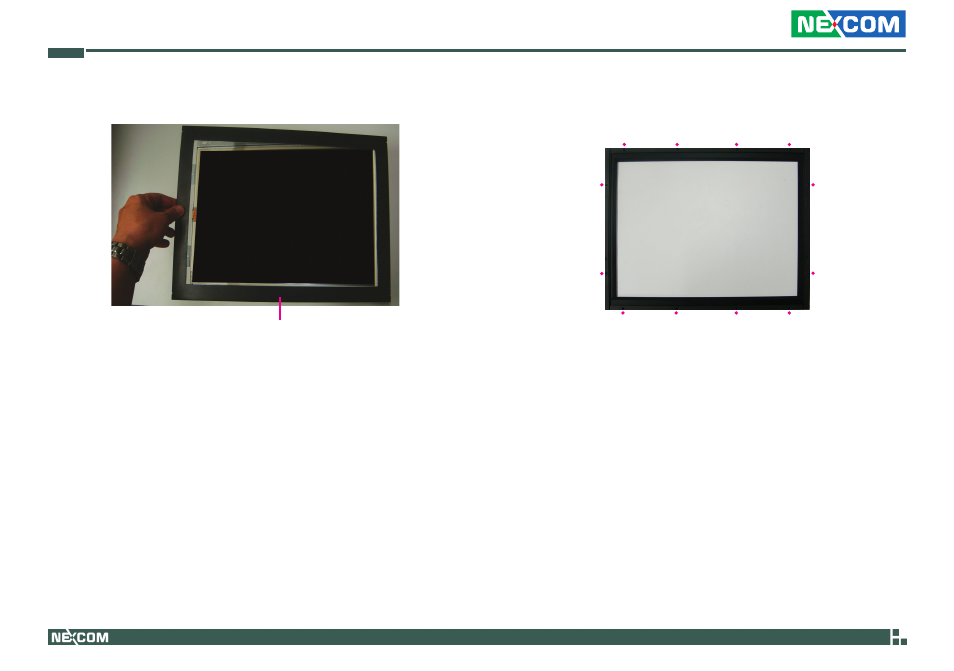
5. Attach the front bezel onto the Panel PC.
Front bezel
Rear view
6. Viewing from the rear side of the bezel, the red dots denote the loca-
tions of the mounting screws.
Advertising
This manual is related to the following products: