Graphic styles panel overview, Change how graphic styles are listed in the panel – Adobe Illustrator CS4 User Manual
Page 374
367
USING ADOBE ILLUSTRATOR CS4
Creating special effects
Graphic Styles panel overview
You use the Graphic Styles panel (Window
> Graphic Styles) to create, name, and
apply sets of appearance attributes.
The panel lists a default set of graphic styles when you create a document. Graphic styles that are saved with the active
document appear in the panel when that document is open and active.
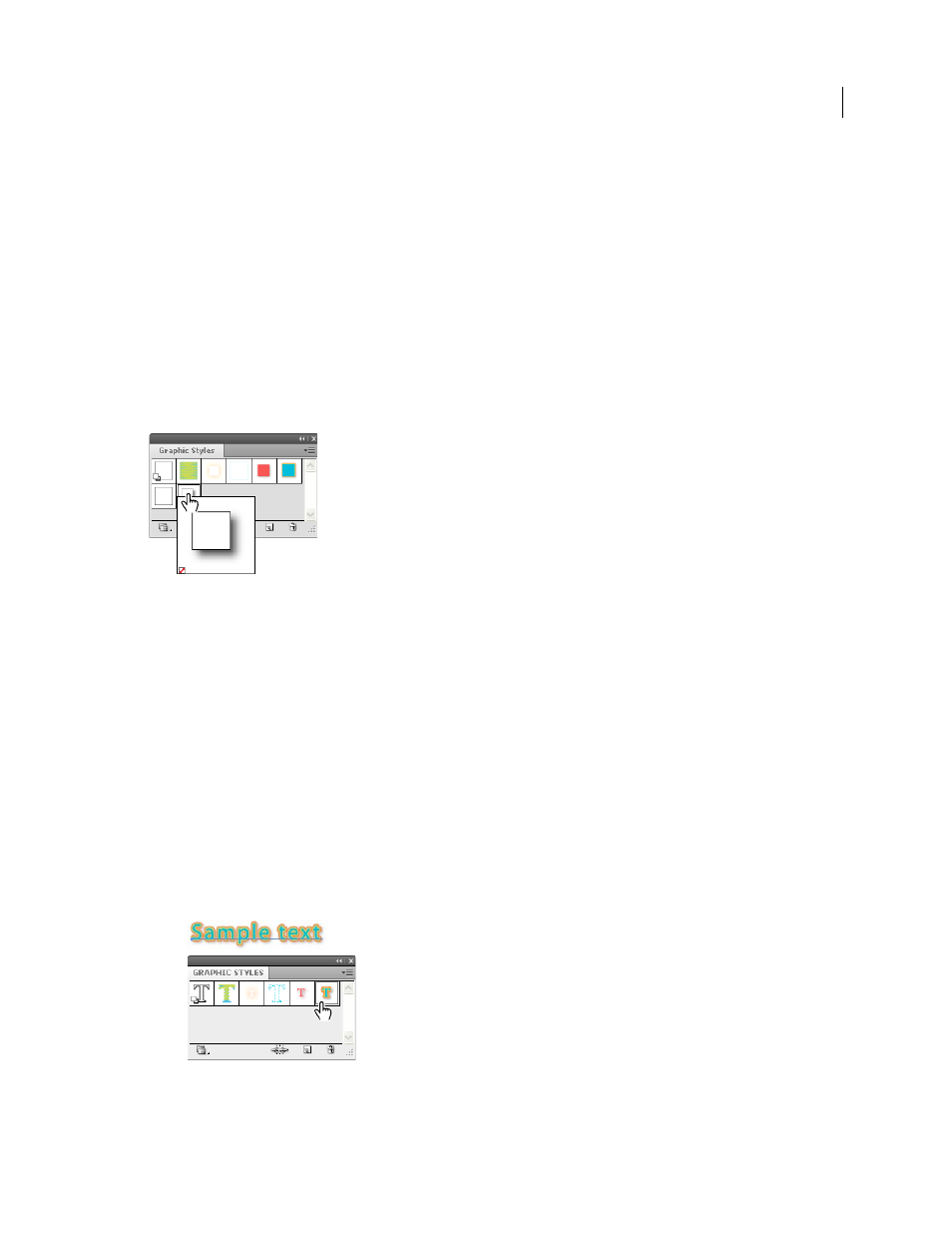
If a style doesn’t have a fill and stroke (for example, an effect-only style) the thumbnail appears in the shape of the
object with a black outline and white fill. In addition, a little red slash appears, indicating the absence of a fill or stroke.
If you’ve created a style for type, choose Use Text For Preview from the Graphics Styles panel menu to see a thumbnail
of the style applied to a letter rather than a square.
To see any style more clearly, or to preview the style on a selected object, right-click (Windows) or Ctrl-click (Mac OS)
the style’s thumbnail in the Graphic Styles panel and view the large pop-up thumbnail that appears.
For a video on using the Appearance panel and the Graphics Styles panel, see
Right-click style thumbnail to view large pop-up thumbnail. Selected style is an effect-only style.
Change how graphic styles are listed in the panel
❖
Do any of the following:
•
Select a view size option from the panel menu. Select Thumbnail View to display thumbnails. Select Small List
View to display a list of named styles with a small thumbnail. Select Large List View to display a list of named
styles along with a large thumbnail.
•
Select Use Square For Preview from the panel menu to view the style on a square or the shape of the object on
which it was created.
•
Drag the graphic style to a different position. When a black line appears in the desired position, release the
mouse button.
•
Select Sort By Name from the panel menu to list the graphic styles in alphabetic or numeric order (Unicode
order).
•
Select Use Text For Preview from the panel menu to view the style on the letter T. This view provides a more
accurate visual description for styles applied to text.
Graphic style for type using text for the preview