AMETEK SLM-1 User Manual
Page 40
GPIB/RS-232 Programming
Sorensen SLM-1 Chassis
Example:
BANK 1, to set waveform bank 1.
BANK 10, to set waveform bank 10.
Waveform
Bank
m=1
m=2
m=3
m=4
m=5
Sine Wave
0
√2 2.0 2.5 3.0 3.5
1
1.5 1.6 1.7 1.8 1.9
2
2.0 2.1 2.2 2.3 2.4
3
2.5 2.6 2.7 2.8 2.9
4
3.0 3.1 3.2 3.3 3.4
Square Wave
5
1.0 1.1 1.2 1.3 1.4
6
1.5 1.6 1.7 1.8 1.9
7
2.0 2.1 2.2 2.3 2.4
8
2.5 2.6 2.7 2.8 2.9
9
3.0 3.1 3.2 3.3 3.4
DC
10
√2dc 2dc 2.5dc
3.0dc
3.5dc
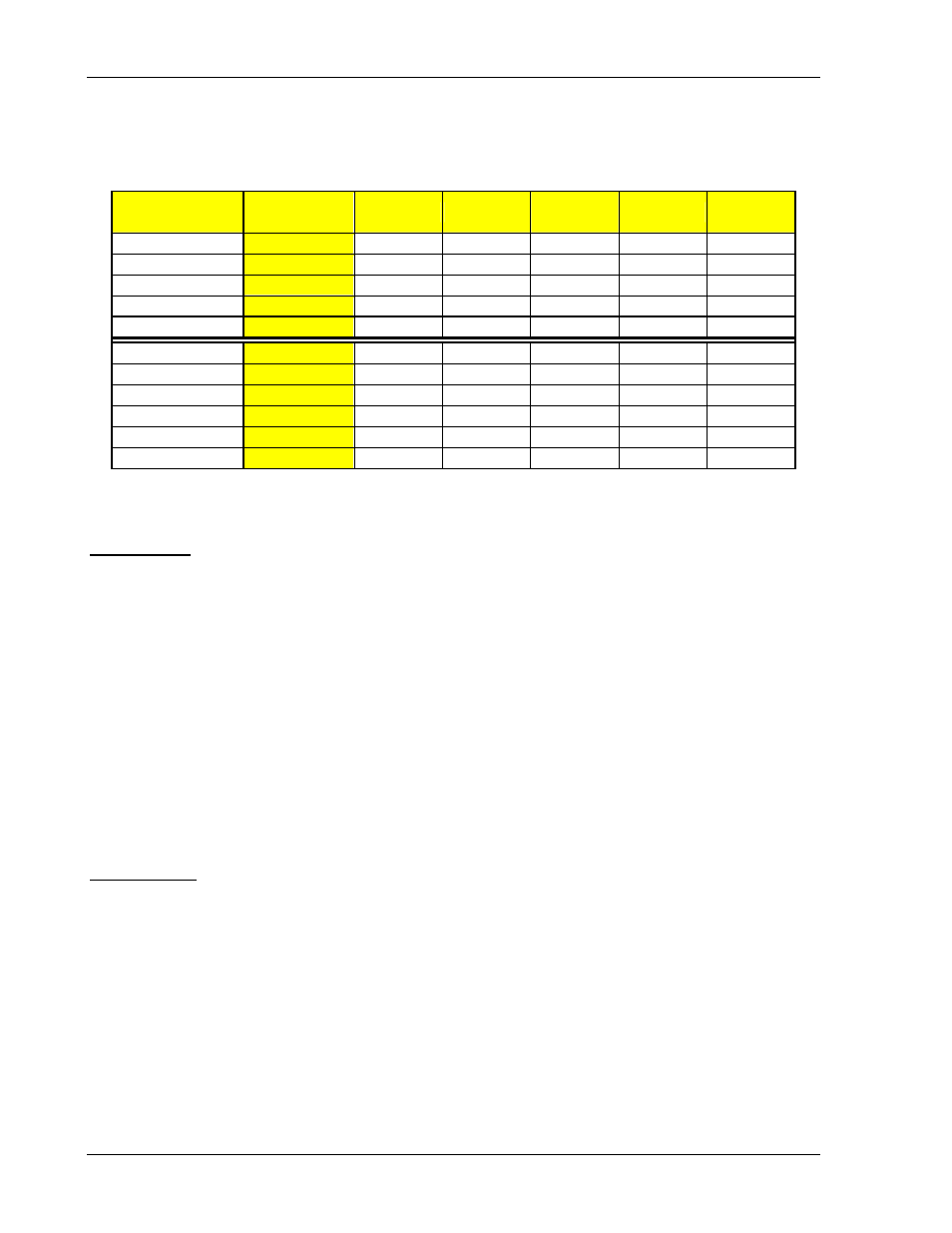
Table 4-8 Waveform Information
WAVEFORM
Purpose:
To set waveform for AC electronic load modules.
Command Syntax:
SLM AC Modules:
WAVE{SP}{m}{;|NL} m:1-5
Description:
This command is to set the current Crest Factor (C.F.) at CC MODE (Peak Value Factor).
This command works only at CC MODE. When BANK varies, these 5 sets of C.F. will at the
same time define different C.F. as shown in Table 4-8. For details, please refer to SLM AC
Operation Manual.
Example:
WAVE 2 ; To set 2nd set C.F.
WAVE 5 ; To set 5th set C.F.
FREQUENCY
Purpose:
Setting of Frequency Value for AC electronic load modules.
Command Syntax:
SLM AC Modules:
FREQ{SP}{NR2}{;|NL}
Description:
This command is for setting the frequency value of electronic load. To use this command,
attention must be paid to the following items:
•
The frequency value designated must include the decimals, otherwise, the command
will become null and void.
•
The minimum effective digit of the value is the fifth place after the decimal point.
4-14
M540070-01 Rev B