Hardware node – Faronics System Profiler Enterprise User Manual
Page 41
Advertising
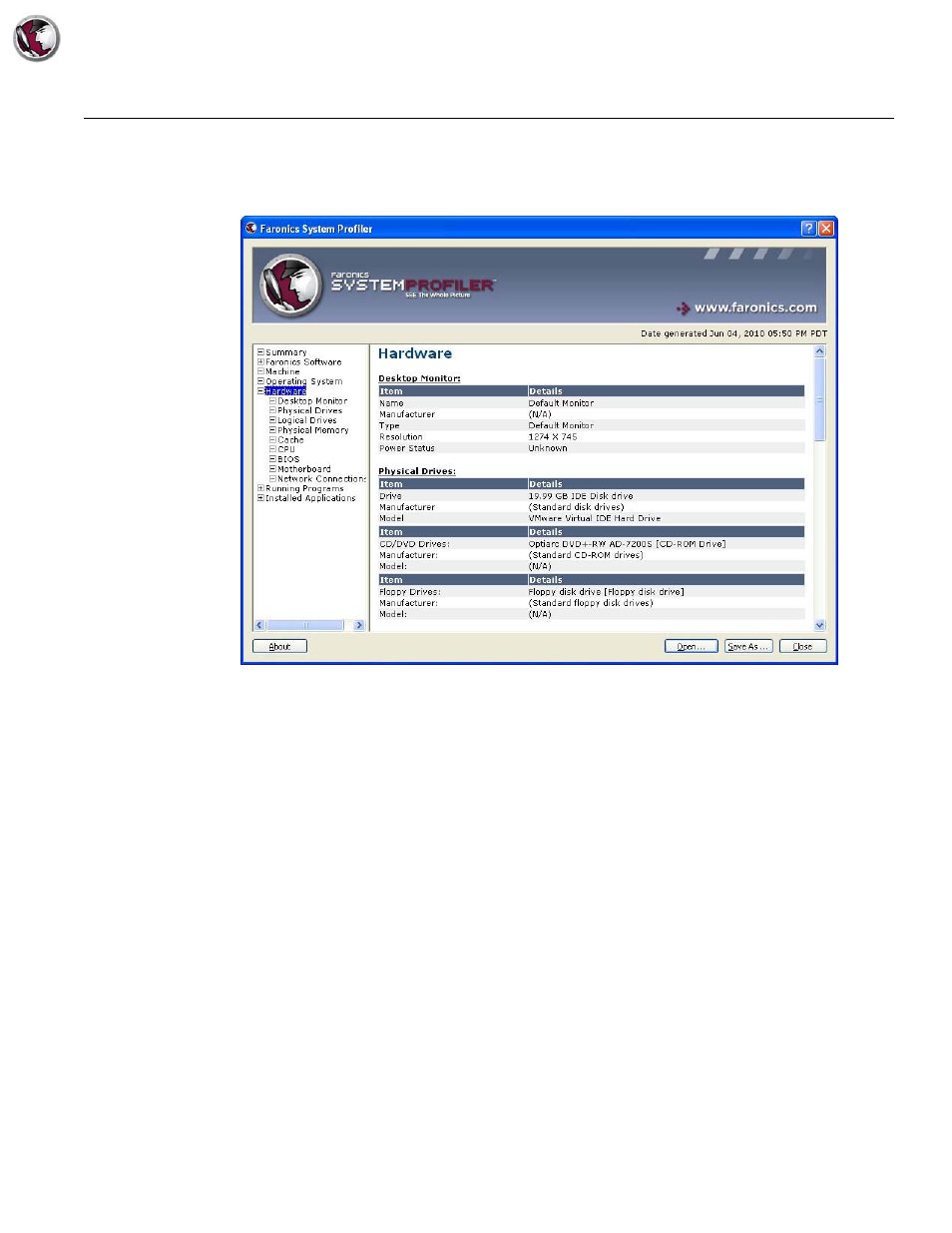
Hardware Node
|
41
Faronics System Profiler Enterprise User Guide
Hardware Node
The Hardware node displays the complete list of hardware installed on the system:
The Hardware node has the following sub-nodes that provide detailed information:
•
Desktop Monitor
•
Physical Drives
•
Logical Drives
•
Physical Memory
•
Cache
•
CPU
•
BIOS
•
Motherboard
•
Network Connections
Advertising