O desired sound does not come out – Marantz NR1606 User Manual
Page 235
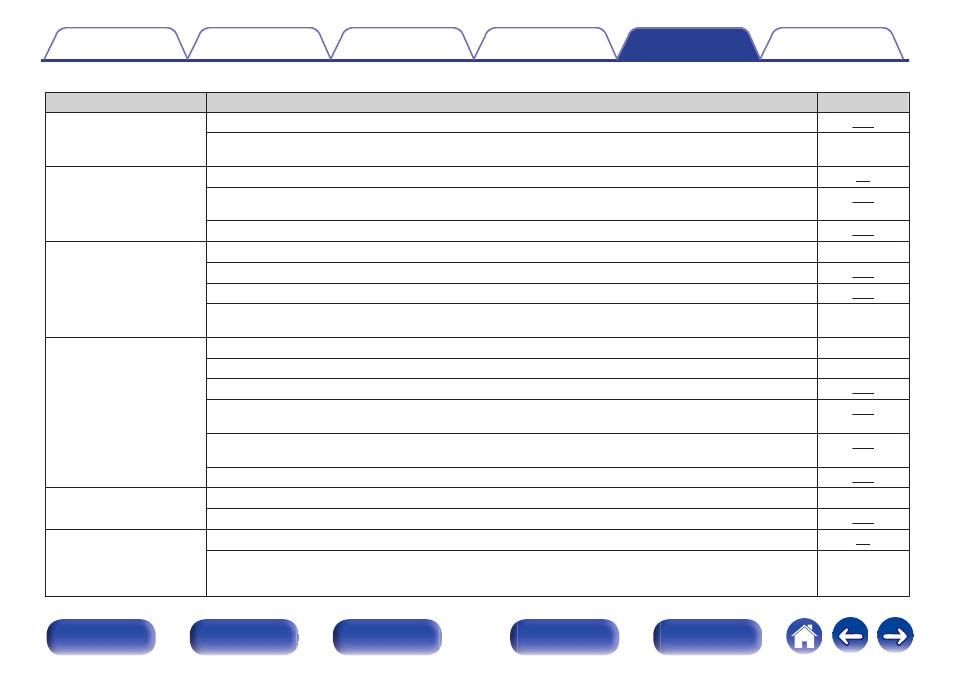
o Desired sound does not come out
Symptom
Cause / Solution
Page
The volume does not
increase.
0
The maximum volume is set too low. Set the maximum volume using “Limit” on the menu.
0
Appropriate volume correction processing is performed according to the input audio format and settings,
so the volume may not reach the upper limit.
-
No sound comes out with
the HDMI connection.
0
Check the connection of the HDMI connectors.
0
When outputting HDMI audio from the speakers, set “HDMI Audio Out” on the menu to “AVR”. To output
from the TV, set “TV”.
0
When using the HDMI control function, check that the audio output is set to the AV amplifier on the TV.
No sound comes out of a
specific speaker.
0
Check that speaker cables are properly connected.
-
0
Check that a selection other than “None” is set for the “Speaker Config.” setting in menu.
0
Check the “Assign Mode” setting in the menu.
0
When the sound mode is “Stereo” and “Virtual”, audio is only output from the front speakers and
subwoofer.
-
No sound is produced from
subwoofer.
0
Check the subwoofer connections.
-
0
Turn on the subwoofer’s power.
-
0
Set “Speaker Config.” – “Subwoofer” on the menu to “Yes”.
0
When “Speaker Config.” - “Front” in the menu is set to “Large”, depending on the input signal and the
sound mode, no sound may be output from the subwoofer.
0
When no subwoofer audio signal (LFE) is included in the input signals, no sound may be output from the
subwoofer.
0
You can make the subwoofer always output sound by setting the “Subwoofer Mode” to “LFE+Main”.
DTS sound is not output.
0
Check that the digital audio output setting on the connected device is set to “DTS”.
-
0
Set “Decode Mode” on the menu to “Auto” or “DTS”.
Dolby Atmos, Dolby
TrueHD, DTS-HD, Dolby
Digital Plus audio is not
output.
0
Make HDMI connections.
0
Check the digital audio output setting on the connected device. On some devices, “PCM” is set by default.
-
235