Quick start, Before installing the printer, Choosing an installation location – QuickLabel 50 Kiaro! User Manual
Page 17: Chapter: 1
Kiaro! 50 User Guide
1
1
Quick Start
Before Installing the Printer
Choosing an Installation Location
The installation environment must be as described in this section.
•
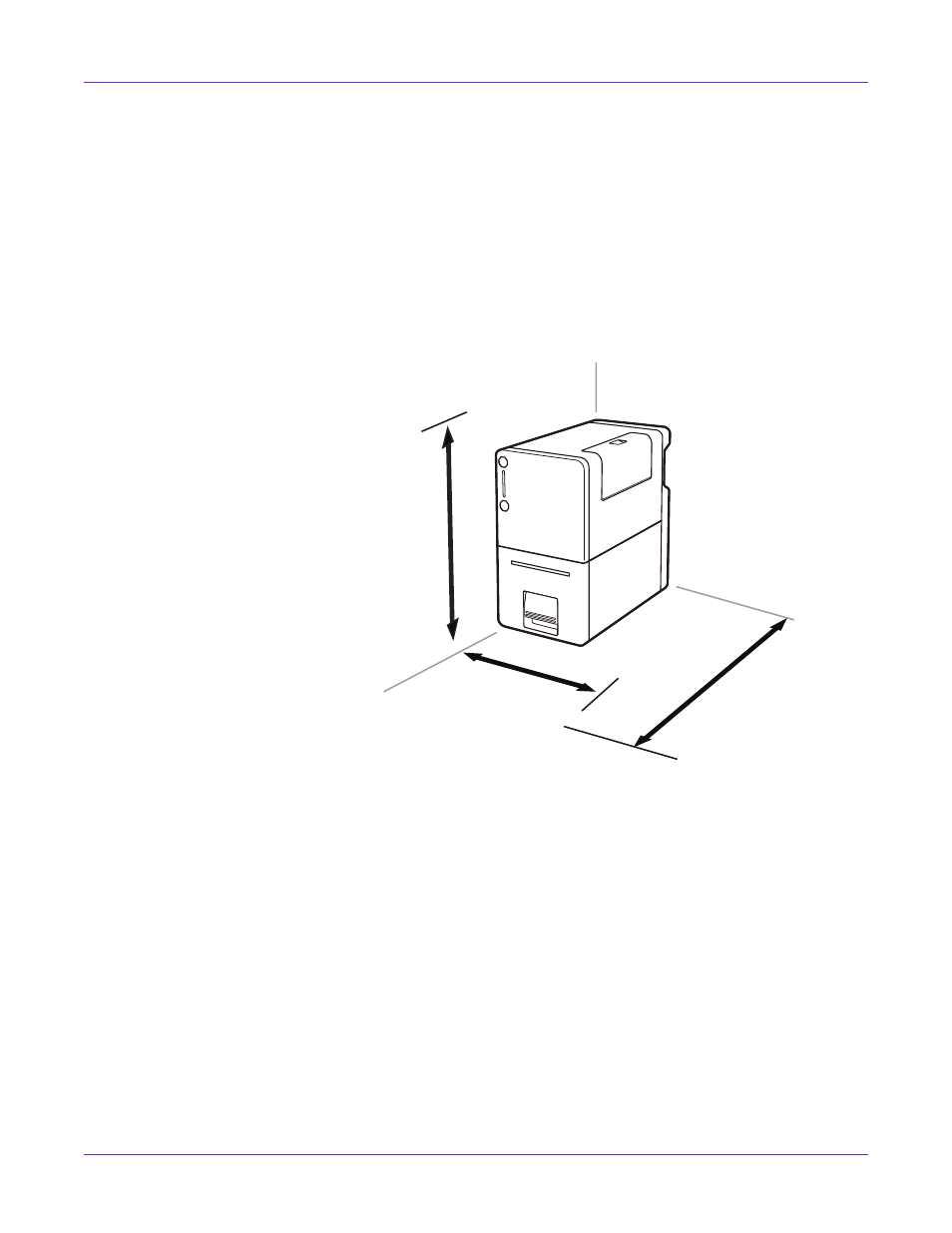
The required installation space is illustrated below.
•
Ensure the environment temperature is within the specifications listed in the
Specifications chapter.
•
Ensure the environment humidity is within the specifications listed in the
Specifications chapter.
•
Do not place the printer in an unstable location; e.g., on a wobbling or inclined
table, or a location subject to frequent vibrations. The printer could fall down or
fall over, resulting in personal injury.
•
Never place the printer where it will be exposed to rapid changes in temperature,
such as in direct sunlight, near an air conditioner, or in a car on a hot day. This
could cause a fire or damage to the printer.
225 mm
8.86 inches
22 inches
559 mm
280 mm
11 inches