Replacement procedures, Precautions, Installing and removing a filler panel – H3C Technologies H3C SecPath F5000-A5 Firewall User Manual
Page 61
51
Replacement procedures
Precautions
•
Always wear an ESD wrist strap or ESD gloves when servicing the firewall.
•
When removing FRUs (such as MPUs, interface modules, fan trays, power modules, and the CF
card):
{
Ensure good alignment with the slot and use uniform force to avoid damage to the FRUs.
{
Completely loosen each captive screw before removing FRUs to keep their panels in good
condition.
{
Hold a PCB by its edges. Do not touch any electronic components.
{
Put the removed FRUs on an antistatic workbench with the PCB side facing upward or place
them in antistatic bags.
Installing and removing a filler panel
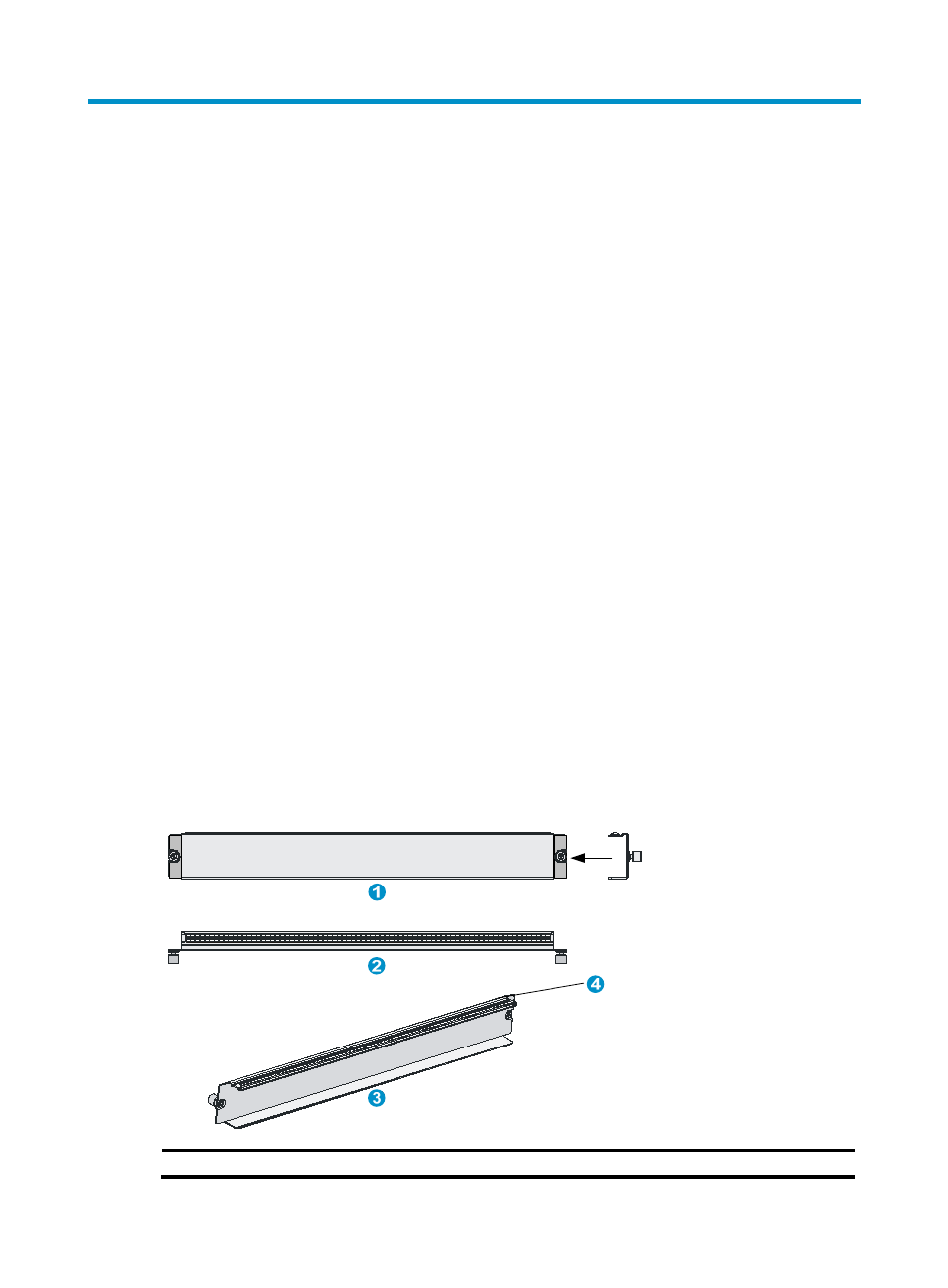
Installed in empty slots on the firewall, filler panels can prevent dust from entering the firewall chassis.
Two types of filler panels are available for an F5000-A5 firewall:
•
Filler panel for an MPU/interface module slot
•
Filler panel for a power module slot
Figure 44 Filler panel for an MPU/interface module slot
(1) Front view
(2) Side view
(3) Rear oblique view
(4) EMI gasket