Figure 112, Clip run control in single device mode – Grass Valley Kayenne K-Frame v.7.0 User Manual
Page 199
KAYENNE K-FRAME — User Manual
199
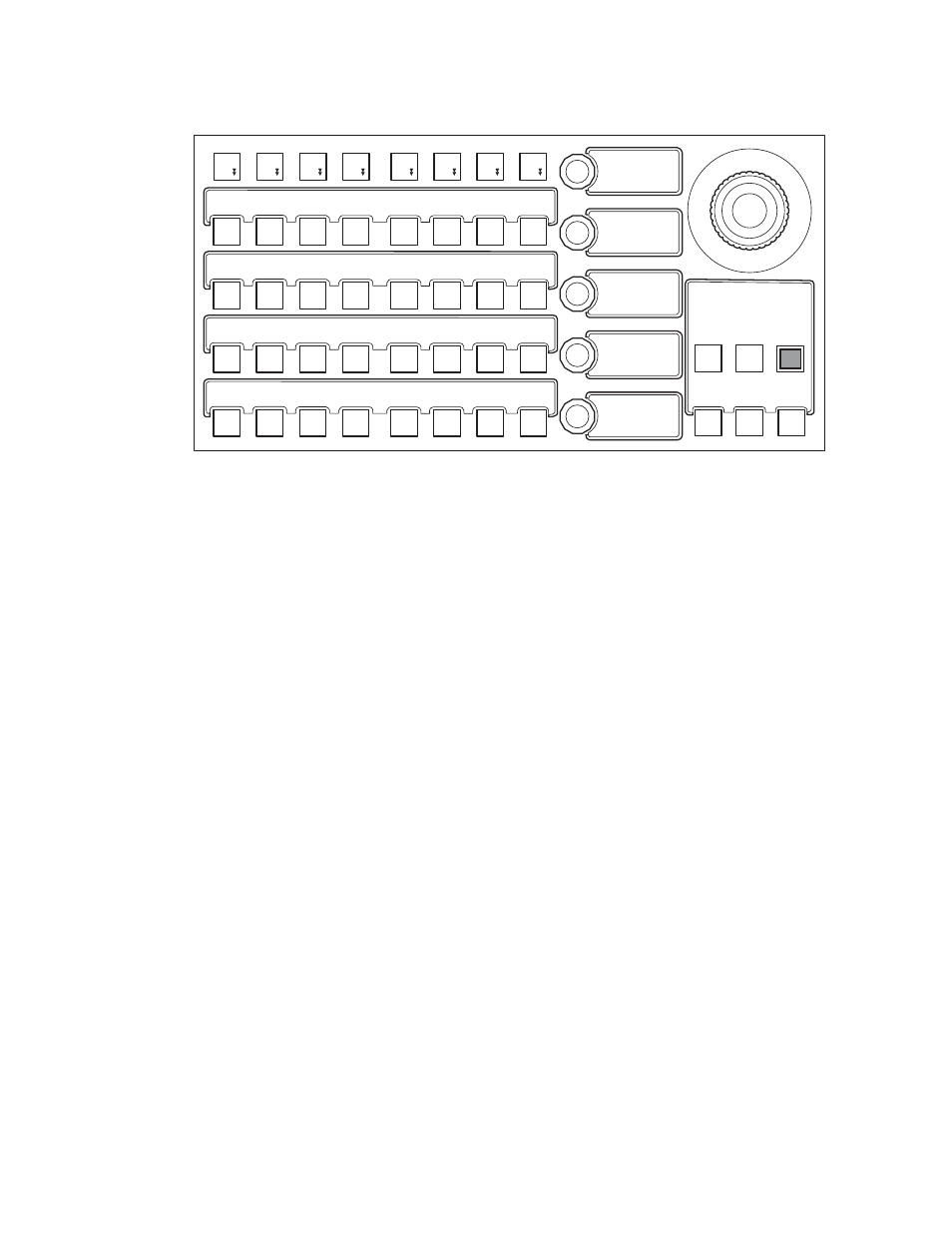
Figure 112. Multi-Function Module, Single Device Control, Clip Stack Editing
Clip Run Control in Single Device Mode
The joystick provides the following clip control:
•
Joystick left—Left jog,
•
Joystick right—Right jog,
•
Joystick up—Fast Forward,
•
Joystick down—Rewind, and
•
Button on top of the joystick—Mark In.
The motion control buttons in the main function area provide the fol-
lowing:
•
BEGN—Places the clip at the beginning,
•
END—Places the clip at the end,
•
REW—Rewinds the clip,
•
JOG+/JOG-—Jog forward, jog backward through the clip,
•
PLAY—Play the clip from current position,
•
STOP—Stop the clip,
•
FF—Fast Forward through the clip,
•
ADV—Off Air Advance, and
•
APLY—Auto Play
The
PREV
and
NEXT
buttons performing the following:
PREV—Moves up through the Event List in the Current Clip and loads the
selected clip,
Wipe
ipe
1
Key
Key
5
Key
Key
3
Key
Key
1
Wipe
ipe
2
Key
Key
6
Key
Key
4
Key
Key
2
01:0 0:20 :00
Clip+1
Crowd-2
Sprt-Fill
Adel Last
ADV DEL
MOD
INS
CUE
REW
APLY
BEGN
FF
END
JOG+
JOG-STOP
HOME
8623267_20
DEVICE
K2-3-3
Cur Clip
Sprt-Fill
Clip+2
- - -
Clip+3
- - -
GOTO
PLAY
PREV NEXT Sngl
MULT