Figure 120 – Grass Valley Kayenne K-Frame v.7.0 User Manual
Page 216
216
KAYENNE K-FRAME — User Manual
Section 6 — Device Control
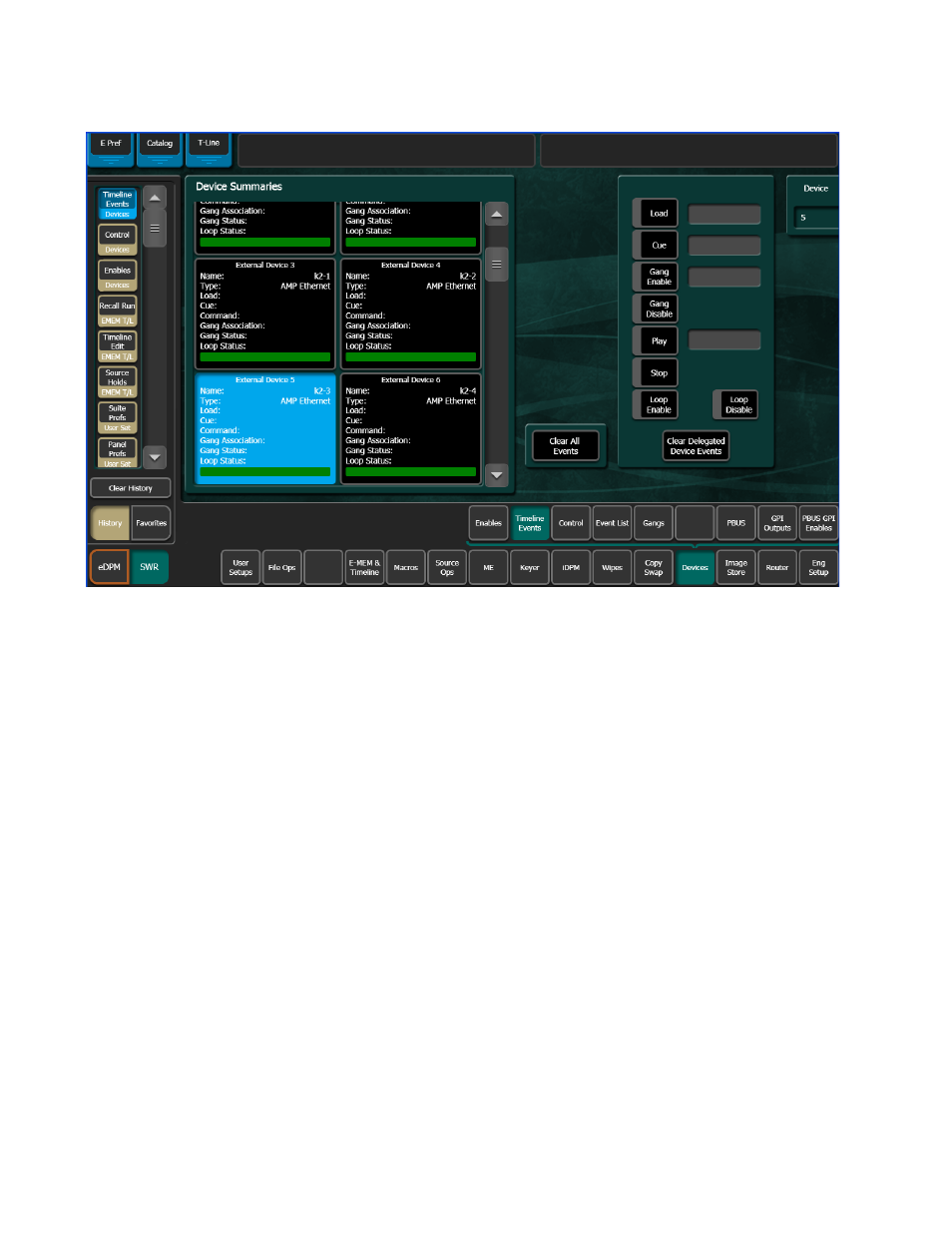
Figure 120. Timeline Events Menu, Device Delegated
3.
Touch the
Load
button on the right.
4.
Touch the
Cue
button to enter the timecode:
•
If you want to play the clip from its starting point, it will automati-
cally cue to this location when loaded.
•
If you do not want to play the clip from its starting point, either cue
the device to the desired location or enter the timecode value man-
ually.
Controlling an External Device Using Timeline Events and E-MEM
1.
Set up the Control Panel to the desired state, making sure the DDR
source is not selected on the PGM PST A bus.
2.
Learn this state to an E-MEM register as the first keyframe of the effect.
3.
Go to a point later in your effect giving sufficient time for the clip to
load and cue. For example, go to three seconds by pressing
GoTm
,
3
,
•
,
ENT
.
4.
Touch the
Clear Events
button in the Events pane to deselect the old
commands. This helps prevents accidental multiple load and cue
commands in the same effect.