7 operation, 1 control elements, Operation – SMA SI 3324 Installation User Manual
Page 57: Control elements, 7operation
SMA
Technologie AG
Operation
Installation Guide
SI3324/4248-14:SE2406
Page 57
7
Operation
7.1
Control Elements
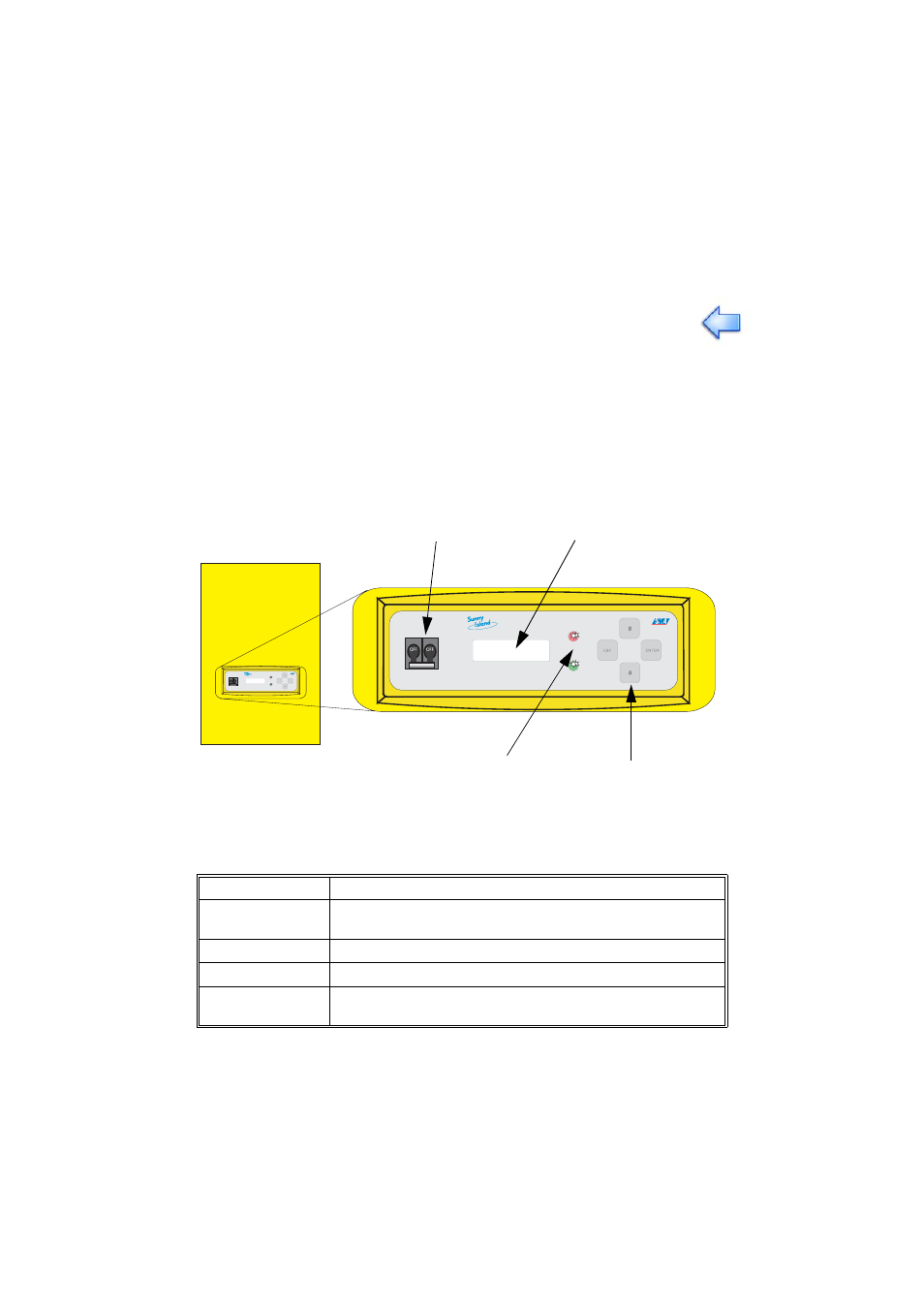
Functions, operating modes, parameters, data and fault messages are all displayed
in the two-line display of the Sunny Island 3324/4248. Use the arrow keys (↑ ↓), the
ESC key, and the ENTER key for navigation. The individual control elements can be
seen in the figure below.
The following table shows the key functions:
Before the first commissioning of the Sunny Island 3324/4248, read this
"Operation" section and become familiar with the inverter.
Key
Function
ESC
cancel, NO response, leave current menu, stop the inverter
(hold)
↑
navigate up one menu level, increase data value
↓
navigate down one menu level, decrease data value
ENTER
select a function, select a value, confirm changes, YES
response
ENTER
ESC
OFF
OFF
DC circuit breaker
Display
LEDs showing
inverter operation
Control keys