Scanning from smart devices – Epson Expression Home XP-342 User Manual
Page 86
7.
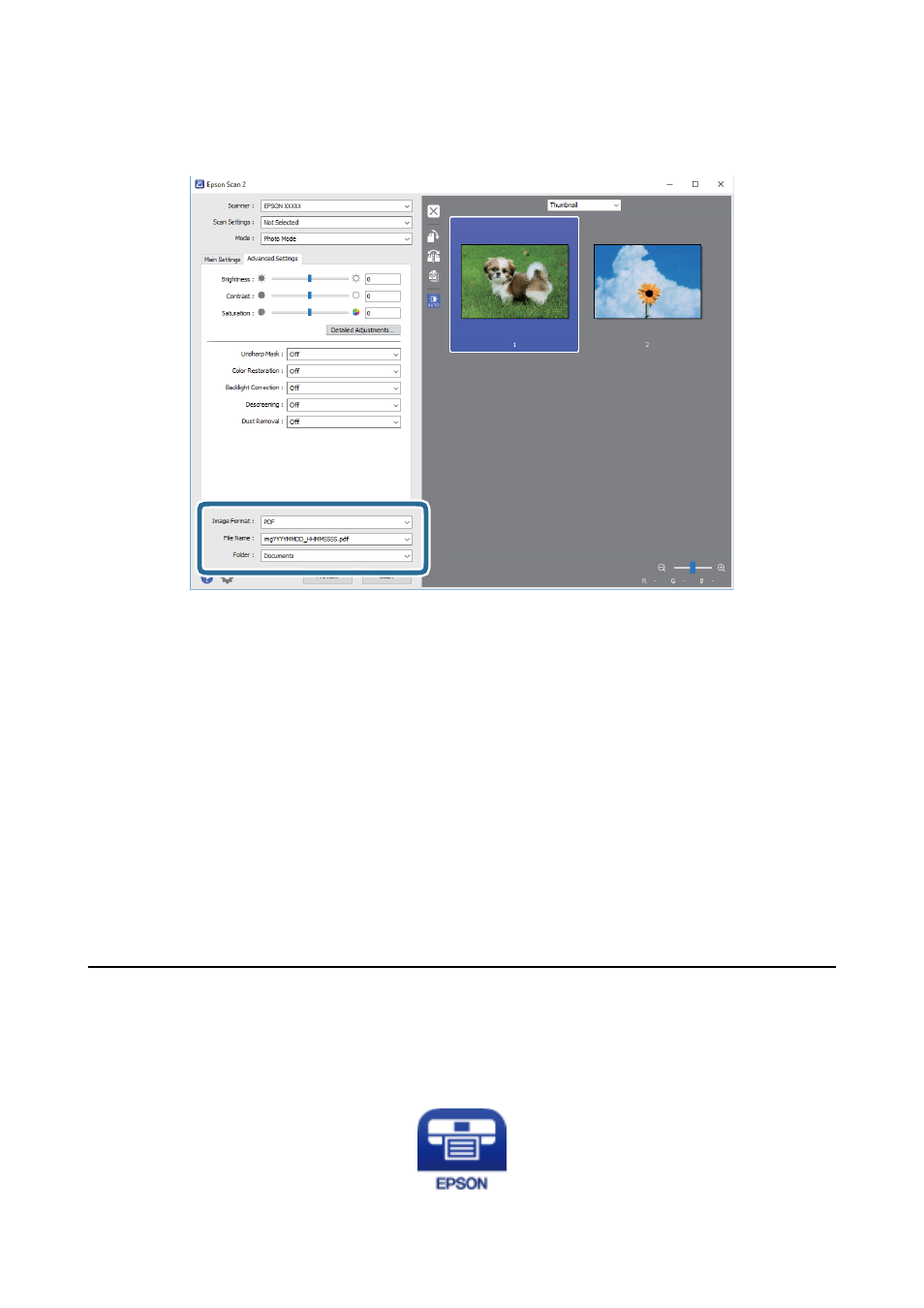
Set the file saving settings.
❏ Image Format: Select the save format from the list.
You can make detailed settings for each save format except BITMAP and PNG. Select Options from the list
after selecting the save format.
❏ File Name: Confirm the save file name displayed.
You can change settings for the file name by selecting Settings from the list.
❏ Folder: Select the save folder for the scanned image from the list.
You can select another folder or create a new folder by selecting Select from the list.
8.
Click Scan.
Related Information
&
“Placing Originals on the Scanner Glass” on page 40
&
“Placing Multiple Photos for Scanning” on page 41
Scanning from Smart Devices
Epson iPrint is an application that allows you to scan photos and documents from a smart device, such as a
smartphone or tablet, that is connected to the same wireless network as your printer. You can save the scanned
data on a smart device or to Cloud services, send it by email, or print it.
User's Guide
Scanning
86