Changing the input source, Source, Source 27 – Samsung VM55B-U 55" Video Wall Display User Manual
Page 27: Edit name
27
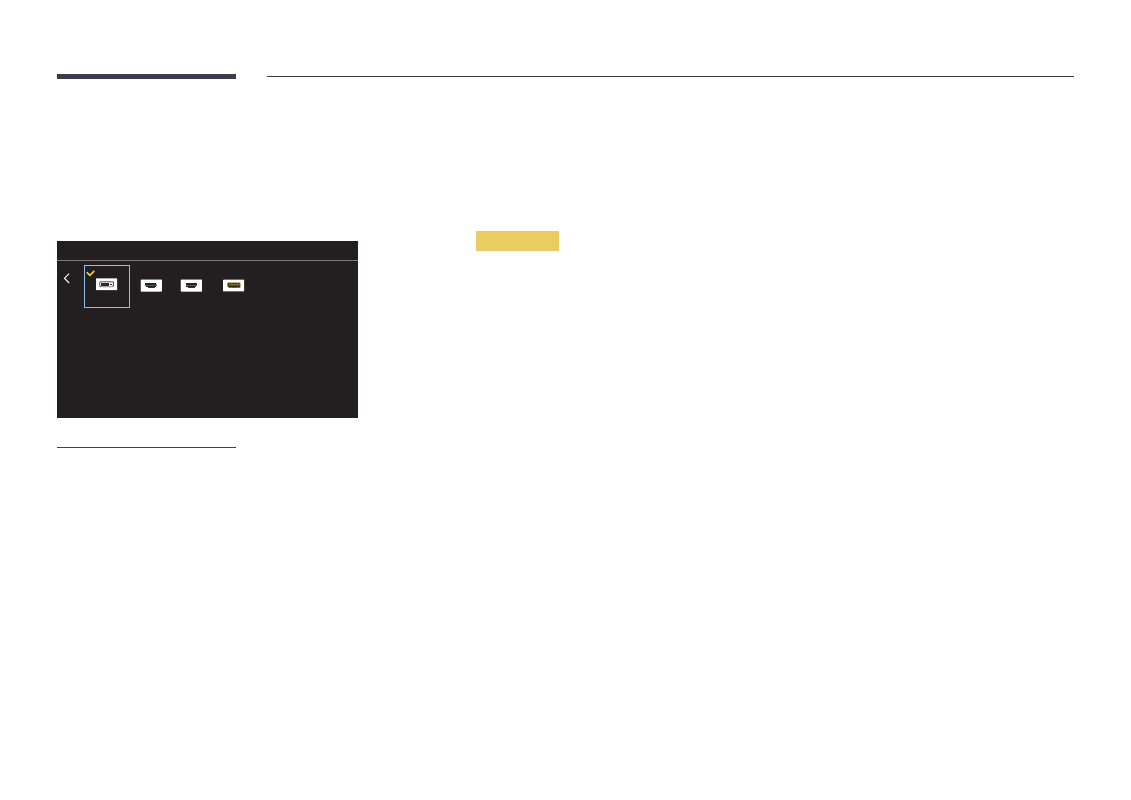
Changing the Input source
Source
SOURCE
→
Source
Source
HDMI1
DVI
DisplayPort
HDMI2
– The displayed image may differ depending on the model.
Source
allows you to select a variety of sources and change source device names.
You can display the screen of a source device connected to the product. Select a source from source list to display
the screen of the selected source.
―
The input source can also be changed by using the
SOURCE
button on the remote control.
―
The screen may not display correctly if an incorrect source is selected for the source device you want to convert
to.
Edit Name
SOURCE
→
Source
→
TOOLS
→
Edit Name
→
ENTER
E
Sometimes the screen will not display properly unless the name of a source device is specified in
Edit Name
.
In addition, it is best to rename the source device in
Edit Name
to obtain optimal picture quality.
―
The list can include the following source devices.
Source
devices on the list differ depending on the selected
source.
VCR
/
DVD
/
Cable STB
/
HD STB
/
Satellite STB
/
AV Receiver
/
DVD Receiver
/
Game
/
Camcorder
/
DVD Combo
/
DHR
/
PC
/
DVI PC
/
DVI Devices
―
Available settings in the
Picture
menu depend on the current source and settings made in
Edit Name
.
•
When connecting a PC to the
HDMI IN 1
,
HDMI IN 2
port, set
Edit Name
to
PC
. In other cases, set
Edit Name
to
AV devices.
•
When connecting a PC to the
HDMI IN 1
,
HDMI IN 2
port with HDMI to DVI cable, you should set the product to
DVI PC
mode under
Edit Name
.
•
When connecting an AV devices to the
HDMI IN 1
,
HDMI IN 2
port with HDMI to DVI cable, you should set the
product to
DVI Devices
mode under
Edit Name
.