Projector setup settings - eco menu – Epson PowerLite 2250U 5000-Lumen WUXGA 3LCD Projector User Manual
Page 173
Advertising
173
Setting
Options
Description
Net. Info - Wired LAN
Projector Name
DHCP
IP Address
Subnet Mask
Gateway Address
MAC Address
Displays wired network status
and details
Display the QR Code
—
Displays a QR code for
connecting with iOS or Android
devices using the Epson
iProjection app
Network Configuration
Accesses additional network
menus
Configures your network settings
Parent topic:
Projector Setup Settings - ECO Menu
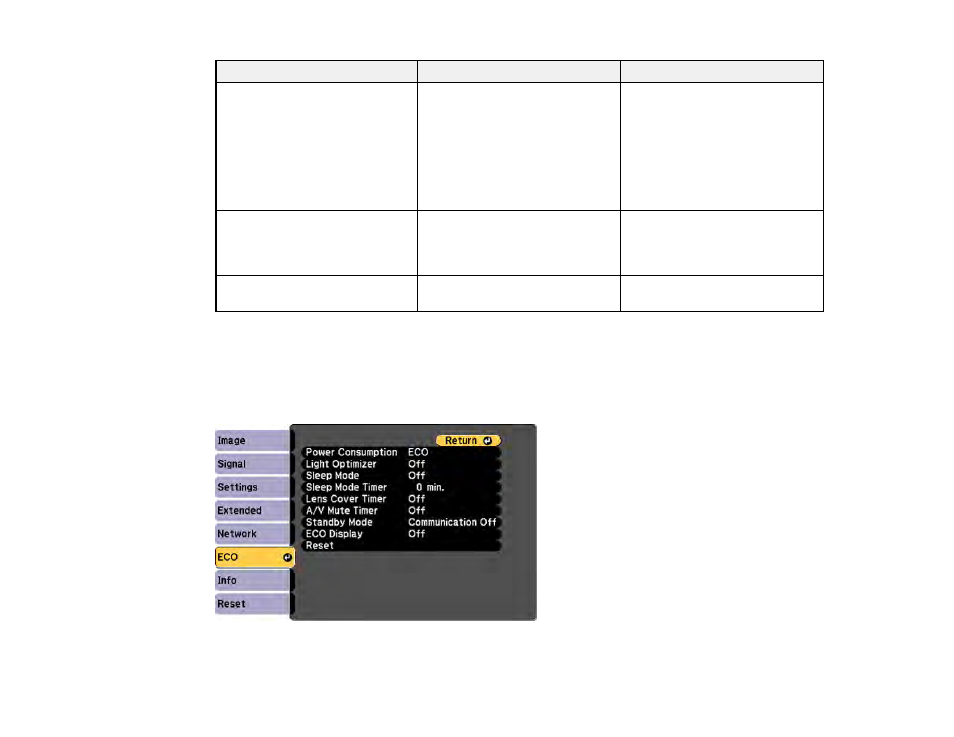
Settings on the ECO menu let you customize projector functions to save power. When you select a
power-saving setting, a leaf icon appears next to the menu item.
Advertising