11 note repeats, Rhythmic variation – Torso Electronics T-1 16-Track Algorithmic Desktop Sequencer User Manual
Page 100
100
The T-1 Notebook : Reference & Guide
NOTES
4.11 Note Repeats
The number of repeats, set by (REPEATS) ranges from 0 - 48 and finally to
an infinite number. Repeats generally follow the same characteristics as the
triggered pulse note. Illustration below indicates number of repeat and not
the total number of pulses
▌ CREATING REPEATS
1. Select the pattern and track.
2. To view the current repeat setting, Hold or double tap (REPEATS).
3. To change the number of repeats;
•
While viewing repeats page, Press [VB9] - [VB15] to select the
range of repeats to select from i.e. [VB9] sets the top row of buttons
as 0-7 repeats, [VB15] selects the top row of buttons as 43-48-
infinite repeats. The precise number selected with [VB1] - [VB7].
•
Turn (REPEATS) to select the number of repeats iteratively on each
rotary ‘click’.
•
Hold & Turn (REPEATS) to select the number of repeats iteratively
on each rotary ‘click’. Slowest method and also visualises values.
4. To select between repeat behaviour, Press [VB8] to select Choke mode
or Press [VB16] to select Tail mode. The brighter PINK
⬛
button will
indicate the active mode. Choke is default mode.
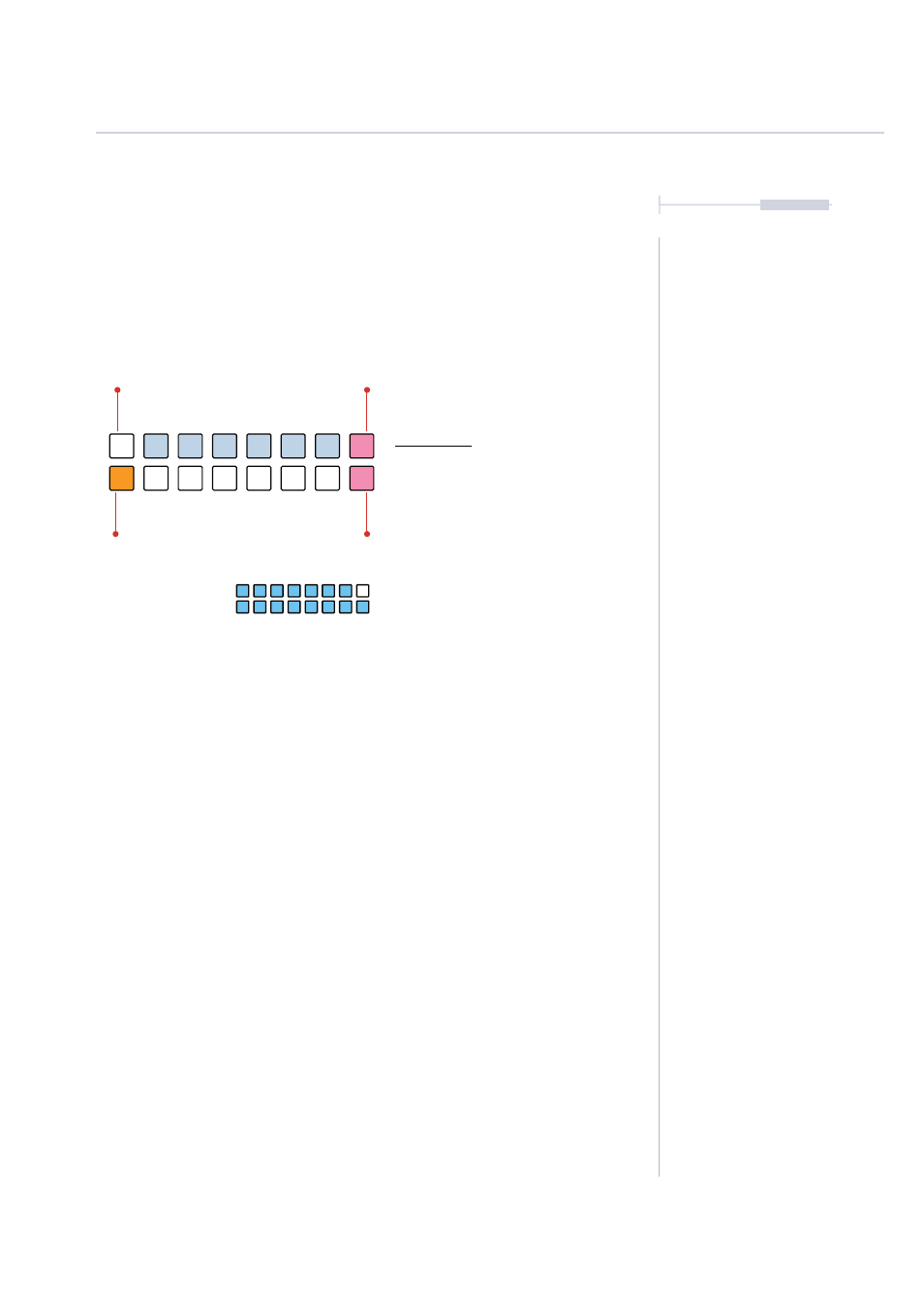
Repeats View Mode.
Repeats View
Hold (REPEATS) or Double tap (REPEATS)
to lock the value button view.
ORANGE
⬛
Selection Range
PINK
⬛
Tail Mode
The last / highest button selection or when the repeats knob is fully clockwise will set the
pulse repeats to infinite. This is displayed as blue on the value buttons.
WHITE
⬛
Selected Repeats - Default 0
PINK
⬛
Choke Mode
BRIGHT BLUE
⬛
Infinite Repeats
0-6
0
7-13
1
28-34
4
14-20
2
35-41
5
21-27
3
42-48
6
Rhythmic Variation
4