9 parameter randomisation, Cycles & random – Torso Electronics T-1 16-Track Algorithmic Desktop Sequencer User Manual
Page 152
152
The T-1 Notebook : Reference & Guide
NOTES
7.9 Parameter Randomisation
Multiple parameters can be randomised. The global amount of
randomisation can be adjusted as well as the time division rate. Random is
set up and applied in conjunction with one or more parameter controls.
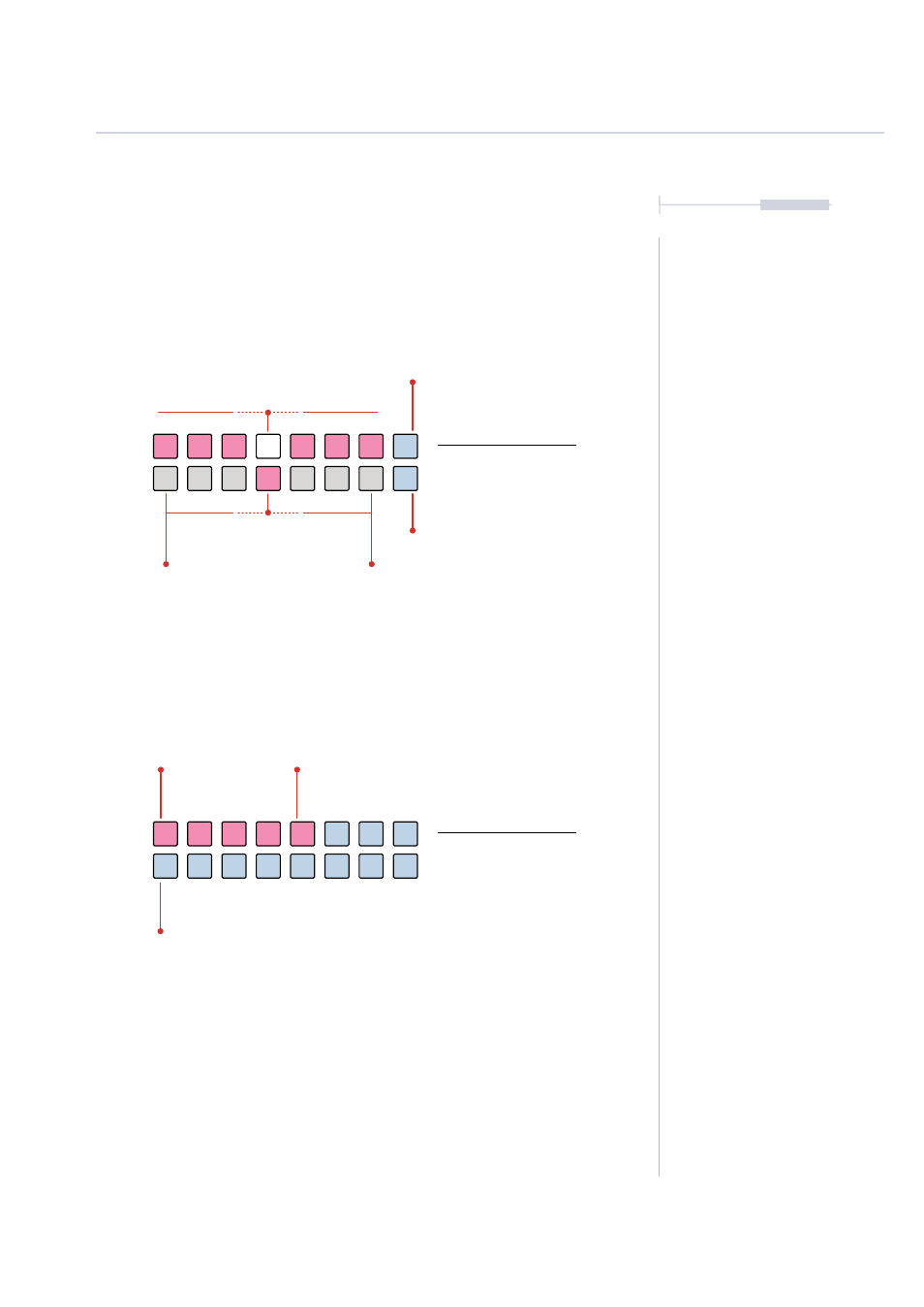
Random + Parameter View Mode.
Random Probability View Mode.
Random Parameter View
Hold (RANDOM) +
Press (Knob).
Random Probability View
Hold (RANDOM)
PINK
⬛
Coarse Values
PINK
⬛
Probability % Set
BLUE GREY
⬛
Off
-100%
+100%
Loops Sequence
WHITE
⬛
Fine Tune & Select
BLUE GREY
⬛
Phase Shift Modulation
BLUE GREY
⬛
Phase Shift Modulation
Cycles & Random
7
Holding (RANDOM) + Turn (Knob) will adjust the amount of modulation
that is applied to the selected parameter. The WHITE
⬛
button will flash
when slew is applied.
Turning (RANDOM) will adjust the probability of a random event happening.
100% means the random progression will always happen. A value in between
will apply % probability of a random event happening.
100%
50%
0%
25%
75%