Led indications – Kramer VM-4H2 1:4 HDMI Distribution Amplifier User Manual
Page 7
Kramer Electronics Ltd.
VM-4H2
– Defining the VM-4H2 4K HDMI 2.0 1:4 DA
5
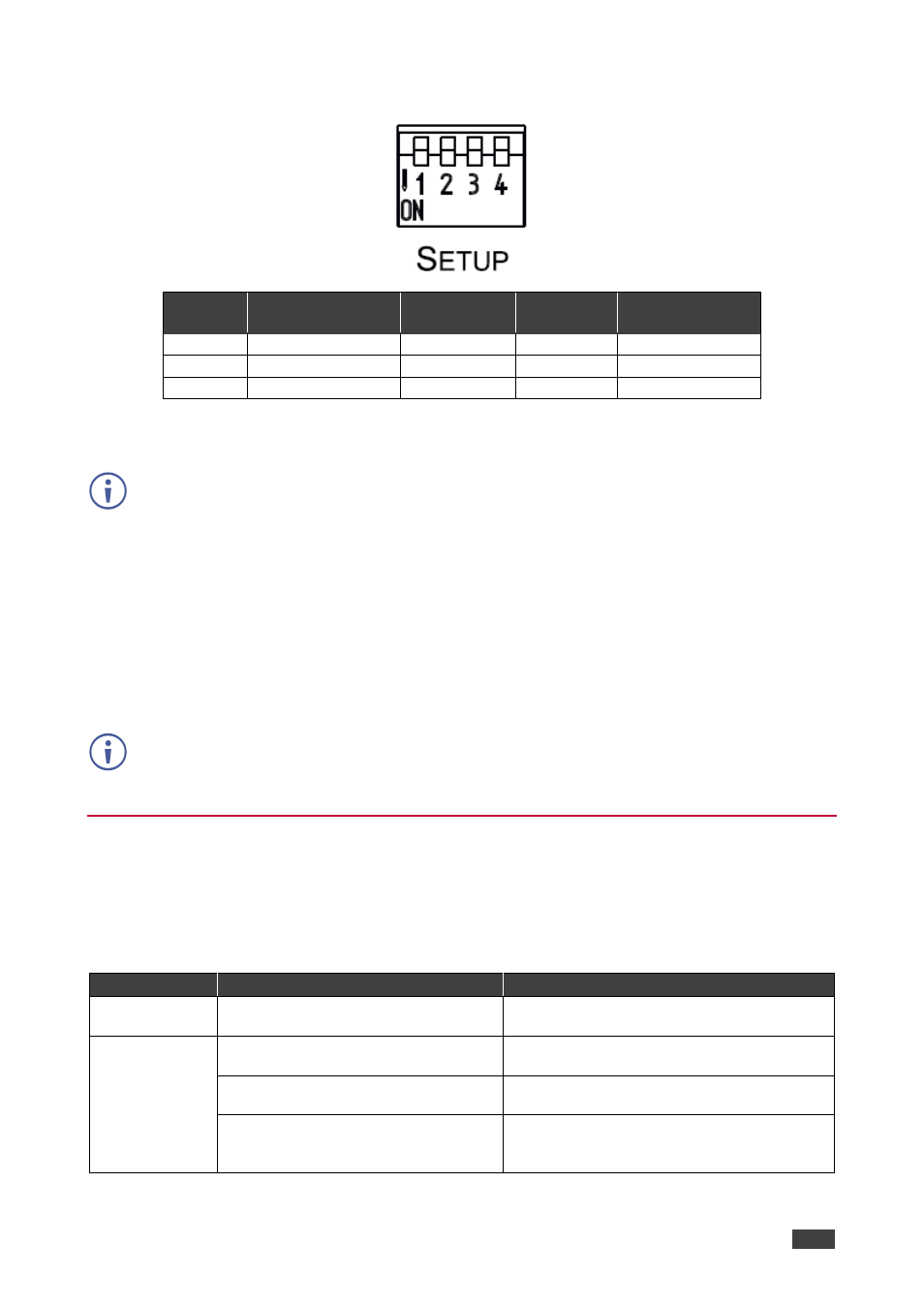
To select the operation mode, set the DIP-switches as follows:
Programming
mode
HDCP Input
(MAC mode)
Force RGB
Lock Default EDID
DIP
1
2
3
4
OFF (up)
Normal mode
HDCP enabled Force RGB
EDID not locked
ON (down) Enable programming HDCP disabled Normal mode EDID locked
The
VM-4H2
toggles between “Normal” and “Force RGB” modes.
In “Force RGB” mode, the read EDID is rewritten to identify only RGB support.
•
To force RGB, set DIP 3 OFF (up)
•
After setting Force RGB mode you must re-acquire the EDID to update the Force RGB
change
Powering on the device identifies the mode as follows:
•
In “Normal mode” (meaning no forcing RGB), the LEDs flash once.
•
In “Force RGB mode”, the LEDS flash four times.
Force RGB modifies the EDID saved on the input to not support YUV format.
In case of a pink display, use the Force RGB mode.
LED Indications
The input and output LEDs turn on only when there is an input signal and an active output
device connected.
Flashing LEDs indicate the following states:
LED
Indication
State
Input LED (per
input)
Flashes four times then stays on
HDCP lost on input while running
Output LED
Flashes twice quickly, repeatedly
HDCP signal on input.
Output device does not support HDCP
Flashes slowly, repeatedly
Input signal detected.
Output device has invalid EDID
Flashes twice quickly then twice slowly,
repeatedly
HDCP signal on input.
Output device does not support HDCP and
has invalid EDID