Using the parameter editor – Altera POS-PHY Level 4 IP Core User Manual
Page 12
2–2
Chapter 2: Getting Started
Using the Parameter Editor
POS-PHY Level 4 IP Core User Guide
December 2014
Altera Corporation
■
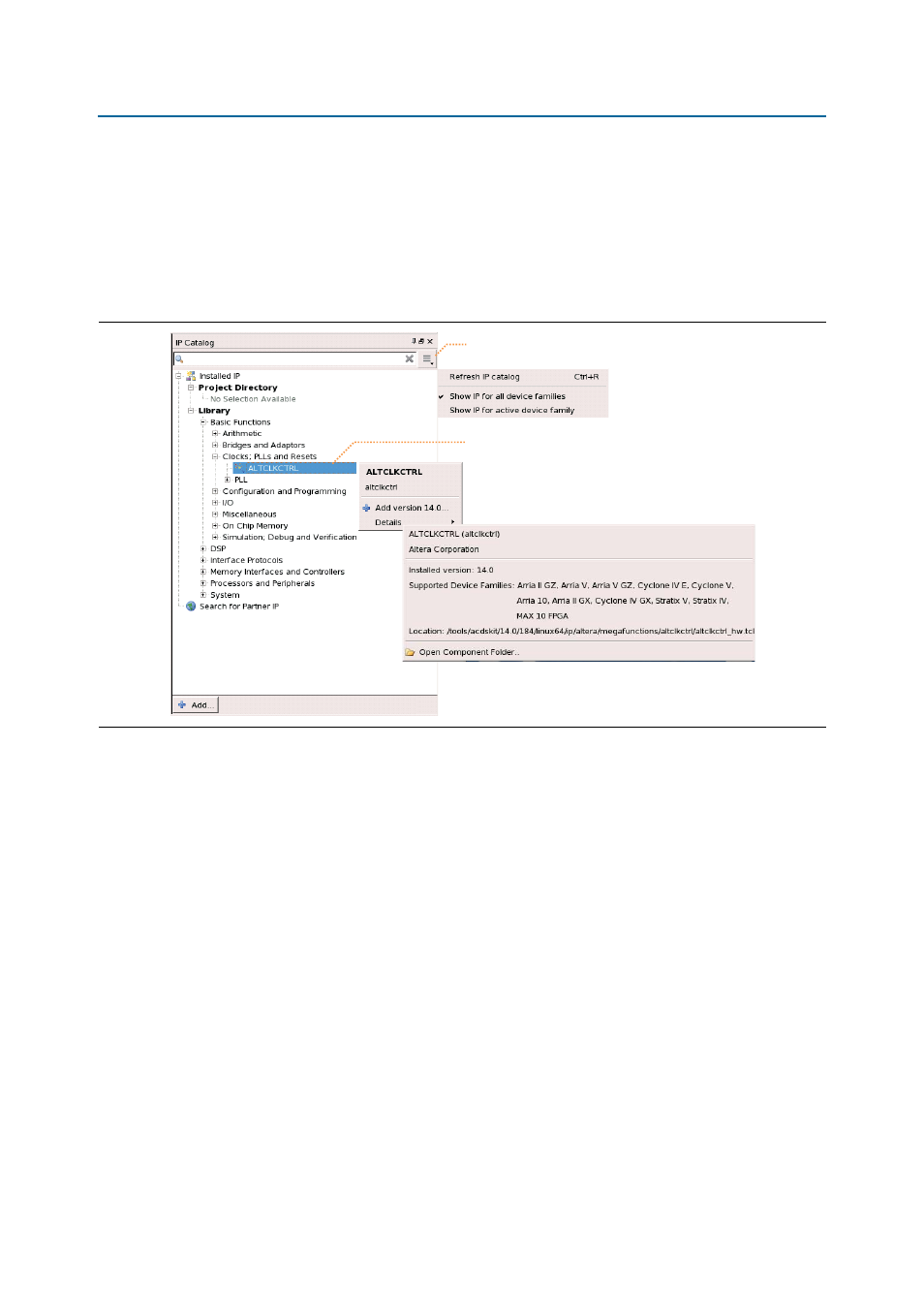
Filter IP Catalog to Show IP for active device family or Show IP for all device
families
.
■
Search to locate any full or partial IP core name in IP Catalog. Click Search for
Partner IP
, to access partner IP information on the Altera website.
■
Right-click an IP core name in IP Catalog to display details about supported
devices, installation location, and links to documentation.
1
The IP Catalog and parameter editor replace the MegaWizard
™
Plug-In Manager in
the Quartus II software. The Quartus II software may generate messages that refer to
the MegaWizard Plug-In Manager. Substitute “IP Catalog and parameter editor” for
“MegaWizard Plug-In Manager” in these messages.
Using the Parameter Editor
The parameter editor helps you to configure your IP variation ports, parameters,
architecture features, and output file generation options:
■
Use preset settings in the parameter editor (where provided) to instantly apply
preset parameter values for specific applications.
■
View port and parameter descriptions and links to detailed documentation.
Figure 2–2. Quartus II IP Catalog
Search and filter IP for your target device
Double-click to customize, right-click for information