TOYOTA 2010 Prius User Manual
Page 338
314
3-2. Using the audio system
■
Display
■
Canceling random, repeat and scan playback
■
Error messages
“ERROR”:
This indicates a trouble either in the CD or inside the player.
The CD may be dirty, damaged or inserted up-side down.
“WAIT”:
Operation has stopped due to a high temperature inside the
player. Wait for a while and then press
. Contact your
Toyota dealer if the CD still cannot be played.
“NO MUSIC”: This indicates that the MP3/WMA file is not included in the
CD.
■
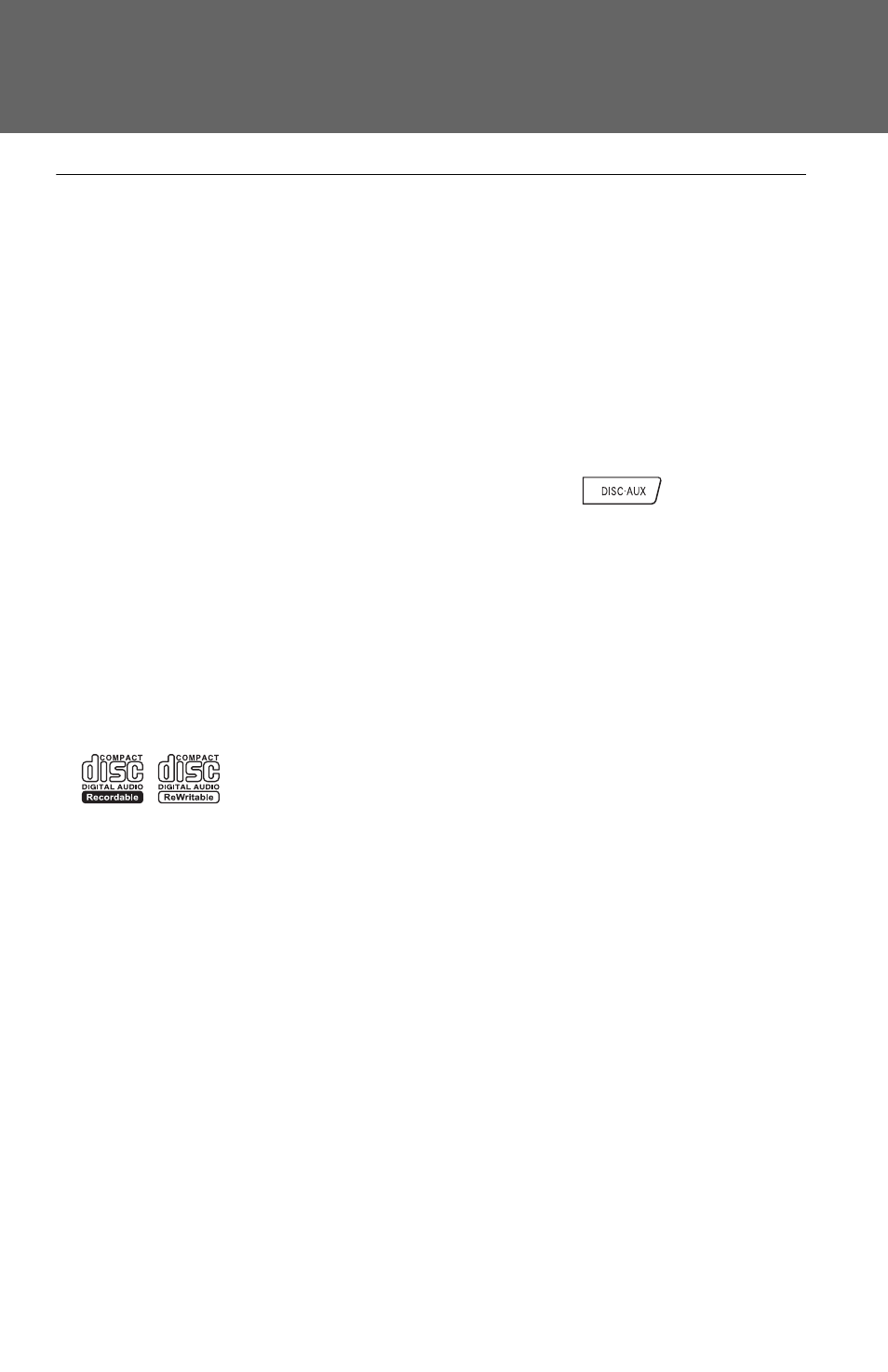
Discs that can be used
Discs with the marks shown below can be used.
Playback may not be possible depending on recording format or disc fea-
tures, or due to scratches, dirt or deterioration.
■
CD player protection feature
■
If CDs are left inside the CD player or in the ejected position for
extended periods