TOYOTA 2010 Highlander User Manual
Page 184
201
2-2. Instrument cluster
2
Wh
en drivin
g
■
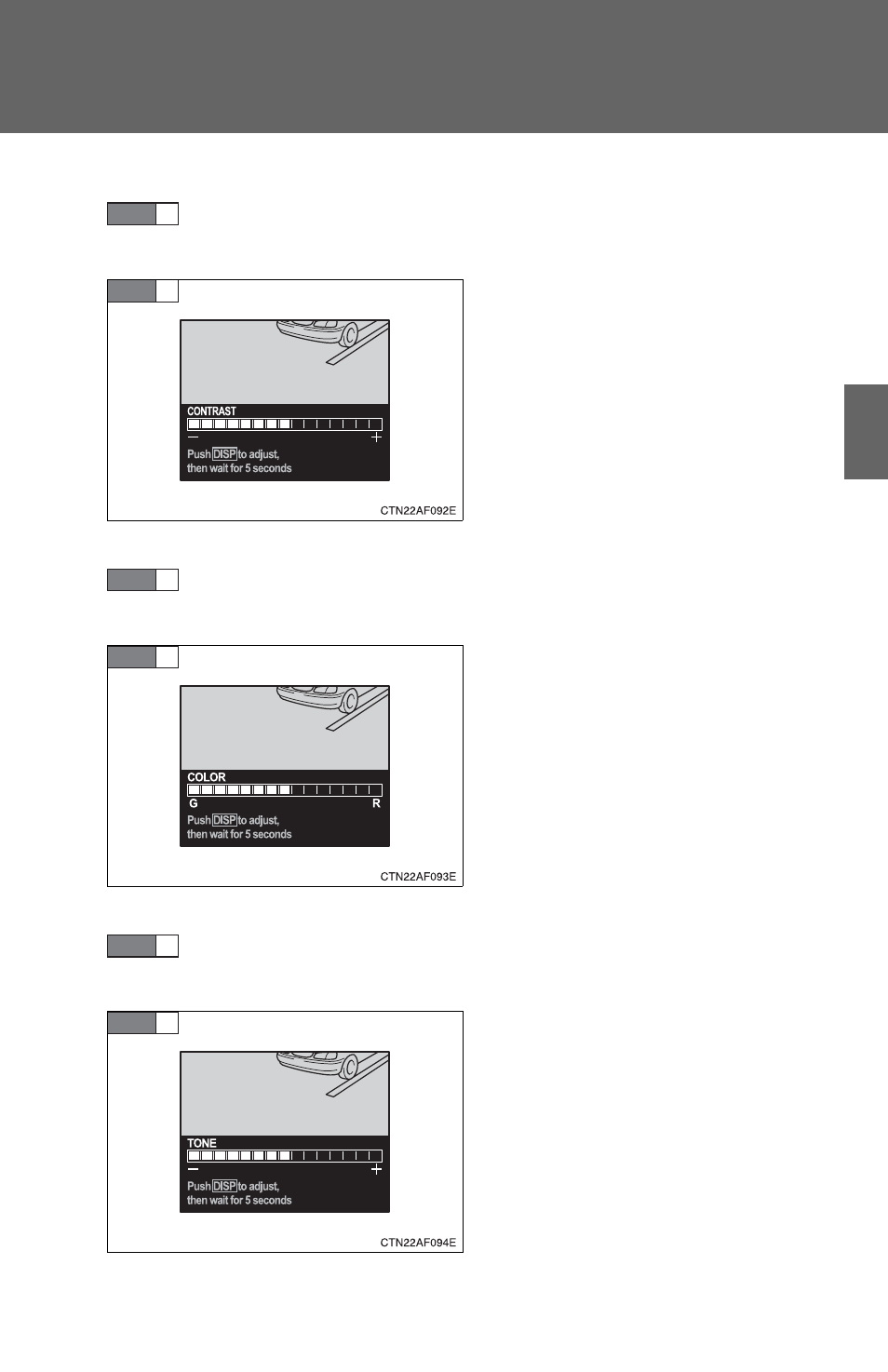
Setting the contrast
Select “CONTRAST” on the menu screen. Press and hold the
“DISP” button until the display changes.
Press the “DISP” button to adjust
the contrast.
+: Strengthen
-: Weaken
After adjusting the contrast, wait 5
seconds to allow the contrast to
be automatically input.
■
Setting the color
Select “COLOR” on the menu screen. Press and hold the
“DISP” button until the display changes.
Press the “DISP” button to adjust
the color.
G: Green
R: Red
After selecting a color, wait 5 sec-
onds to allow the color to be auto-
matically input.
■
Setting the tone
Select “TONE” on the menu screen. Press and hold the
“DISP” button until the display changes.
Press the “DISP” button to adjust
the tone.
+: Brighter
-: Darker
After adjusting the tone, wait 5
seconds to allow the tone to be
automatically input.
STEP
1
STEP
2
STEP
1
STEP
2
STEP
1
STEP
2